
Add Your Merchant SKU to Every Label - Find the Right Product, Every Time
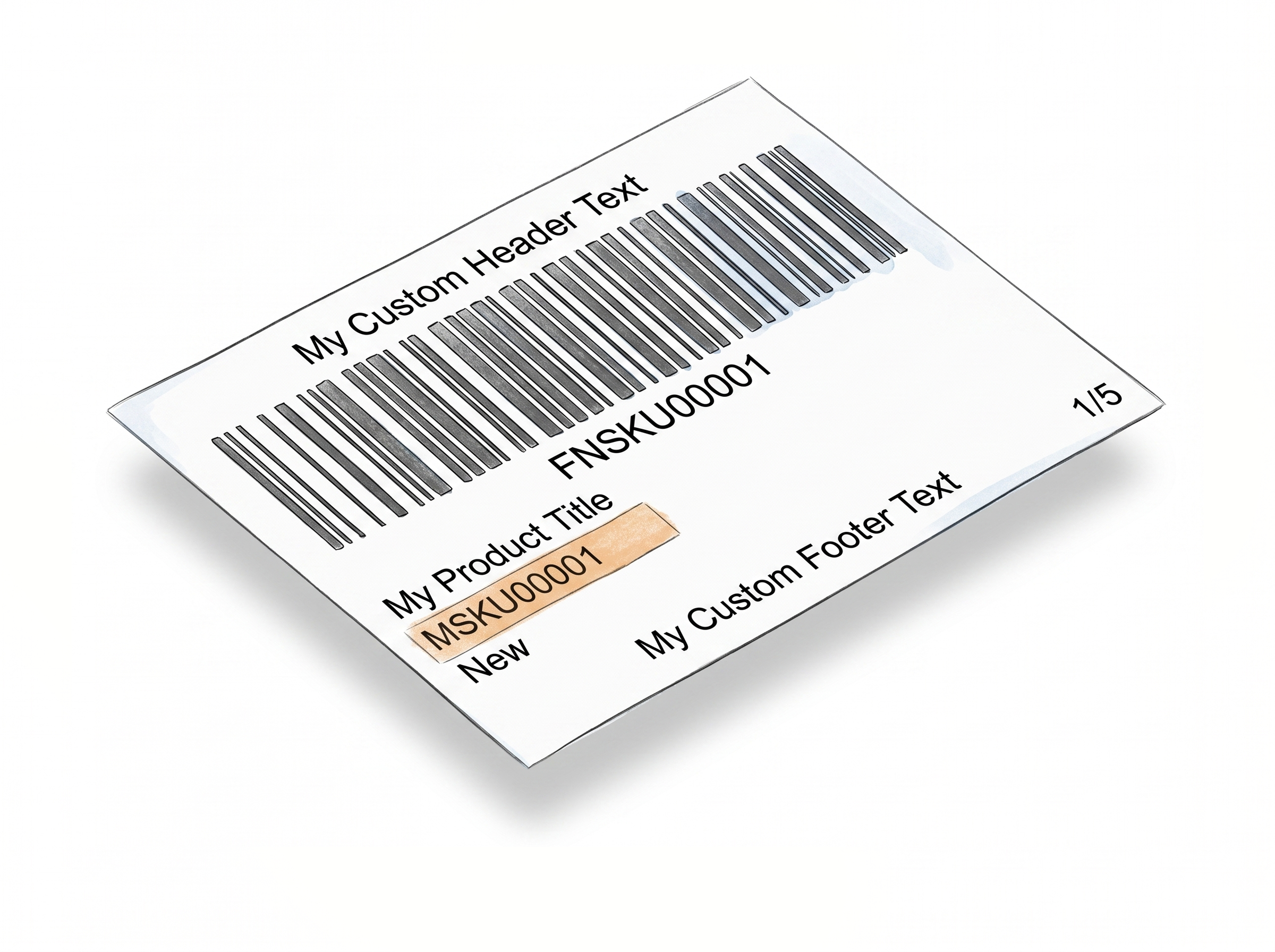
Label Resizer's Add SKU feature automatically prints your Merchant SKU (MSKU) directly on Amazon FBA and Walmart WFS product labels, right below the product title. If your warehouse uses SKUs to organize inventory or identify boxes, this puts that information exactly where it needs to be - on the label itself.
MSKU on the Label, Automatically
Your SKU, always visible, always accurate
The full Merchant SKU printed on every label - exactly as it appears in your system, no adjustments needed.Placed right after the product title
The MSKU appears on its own line immediately below the product title. It's always visible, always in context, and never mixed in with barcode or condition fields.
Full SKU, not truncated
The complete Merchant SKU is printed as-is. No shortening, no cutoff - your staff sees the exact SKU they're working with, matching what's in your system.
Enabled with one toggle
Turn on Add SKU in Product Label Settings. From that point, every label generated through the extension includes the MSKU automatically - no per-batch configuration needed.
Label Editor support for custom placement
If you're designing labels in the Label Editor, place the MSKU element wherever you want it and set your own font size and style. No need to touch Product Label Settings for editor-built labels.
Faster Box Identification, Fewer Picking Errors
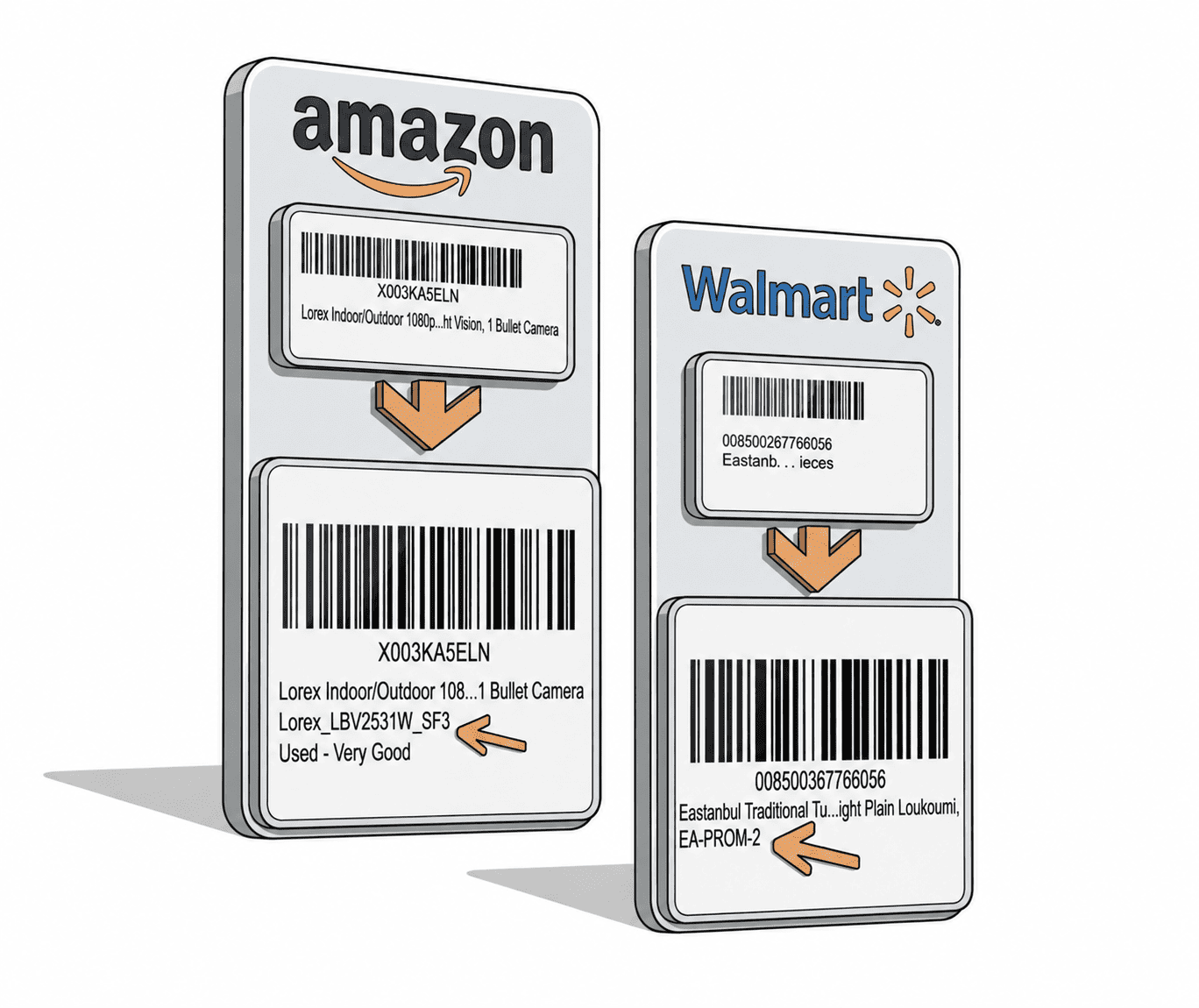
Less cross-referencing, fewer errors - your SKU on the label does the work for your team.
Know which box holds which product at a glance
When SKUs are visible on labels, staff can match boxes to products without scanning or looking up orders. The SKU on the label is the shortcut your team already uses - now it's printed for them.
Reduces mistakes during multi-SKU shipments
Multi-product batches are where labeling errors happen. When every label shows its SKU, the chance of applying the wrong label to the wrong product drops significantly.
Works across Amazon and Walmart in the same workflow
Enable once, works everywhere. Amazon FBA labels via Amazon Seller Central and Walmart WFS labels via Walmart Seller Center both get the MSKU added through the same extension setting.
MSKU also appears on Separator Labels
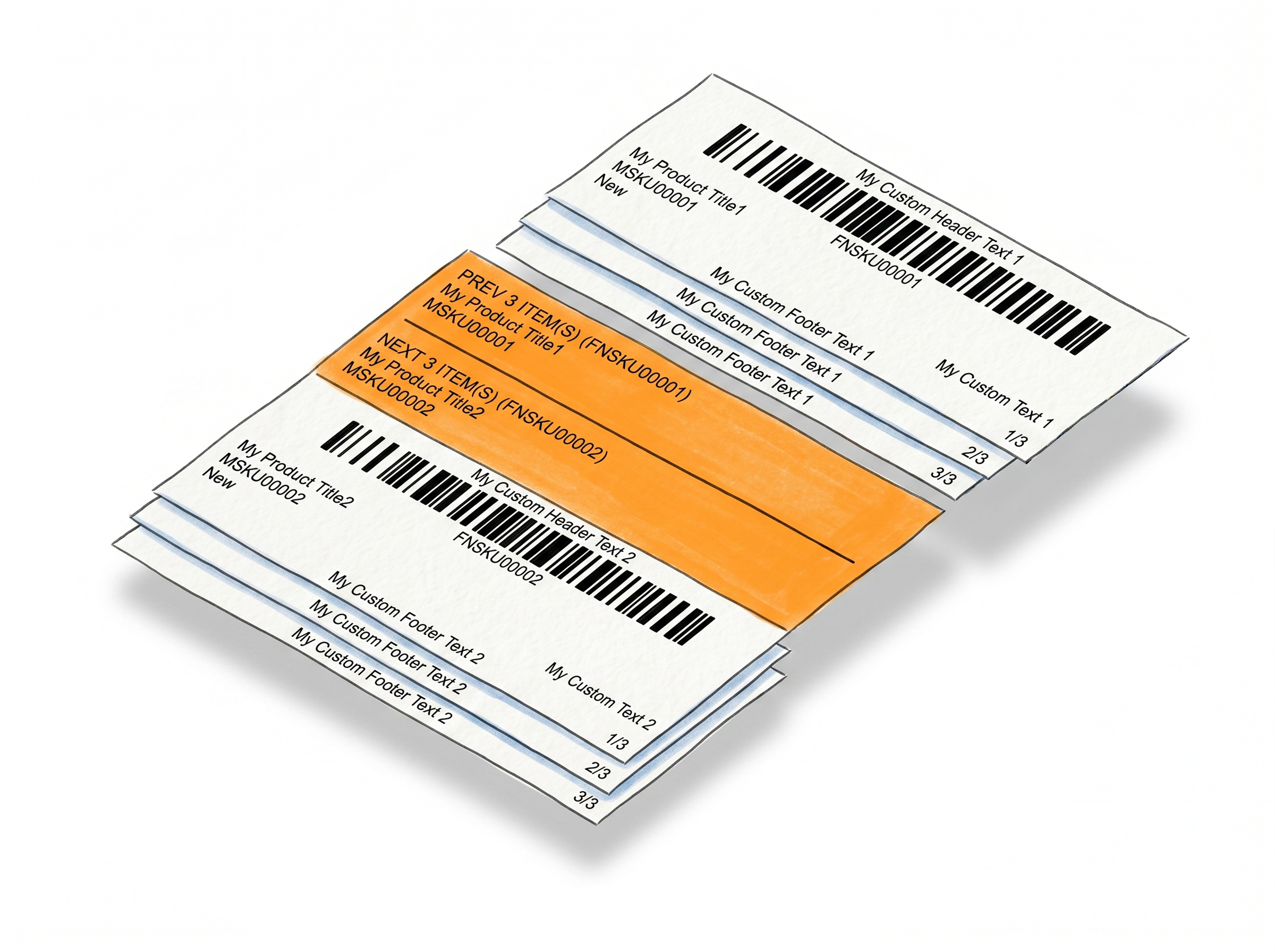
If you have the Separator feature enabled, your MSKUs are included on the separator labels as well - so the transition label between FNSKU groups also carries the SKU information for both products.
How It Works
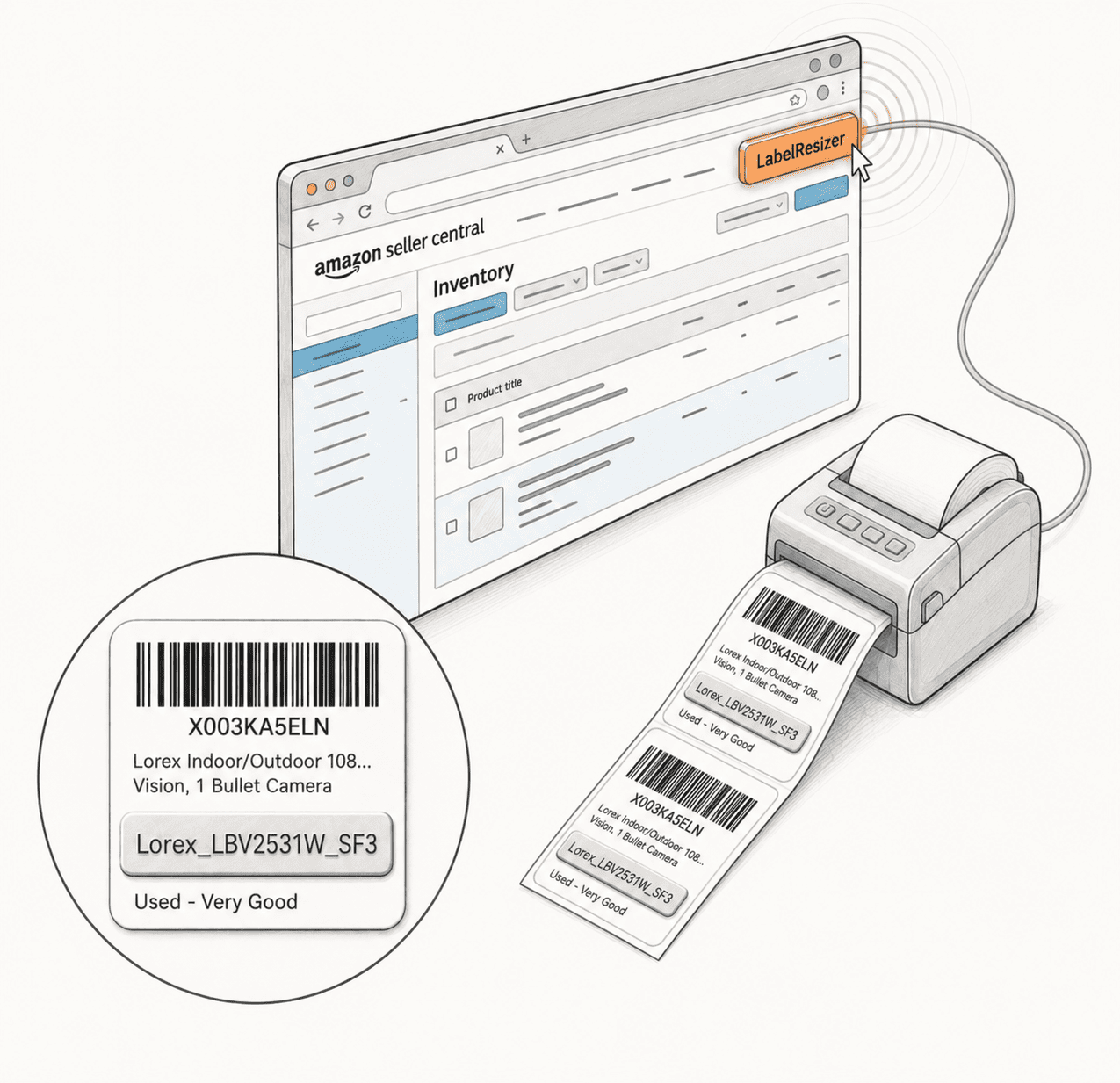
One setting, MSKU on every label from that point on.
Step 1: Enable Add SKU in Label Settings
Go to Product → Product Label Settings in your Label Resizer dashboard. Toggle on "Add SKU" and save.
Step 2: Resize Labels Through the Extension
Open Amazon Seller Central or Walmart Seller Center in your browser and click Resize Labels in the Label Resizer extension. The MSKU is pulled automatically and added to each label below the product title.
Step 3: Labels Ready with SKU Visible
Your resized labels download with the full Merchant SKU printed and ready. No manual entry, no post-processing - use them straight from the PDF.
Done!
How to Add Merchant SKU to Amazon Product Labels
Everything You Need for Smarter Product Labeling
Label Resizer gives you full control over how your product labels are created, organized, and printed.
Other Product Labeling Features
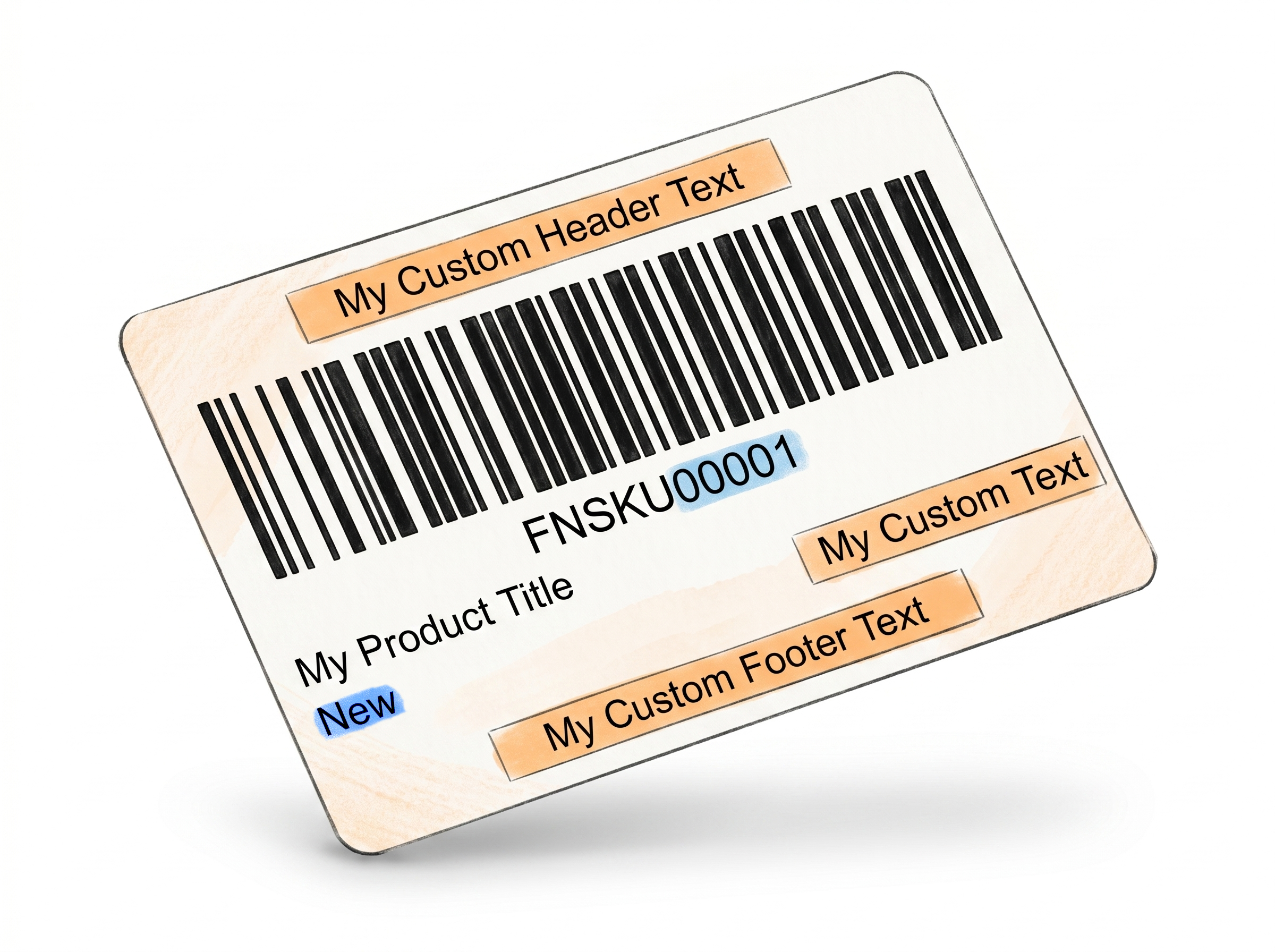


Flexible Ways to Generate Product Labels

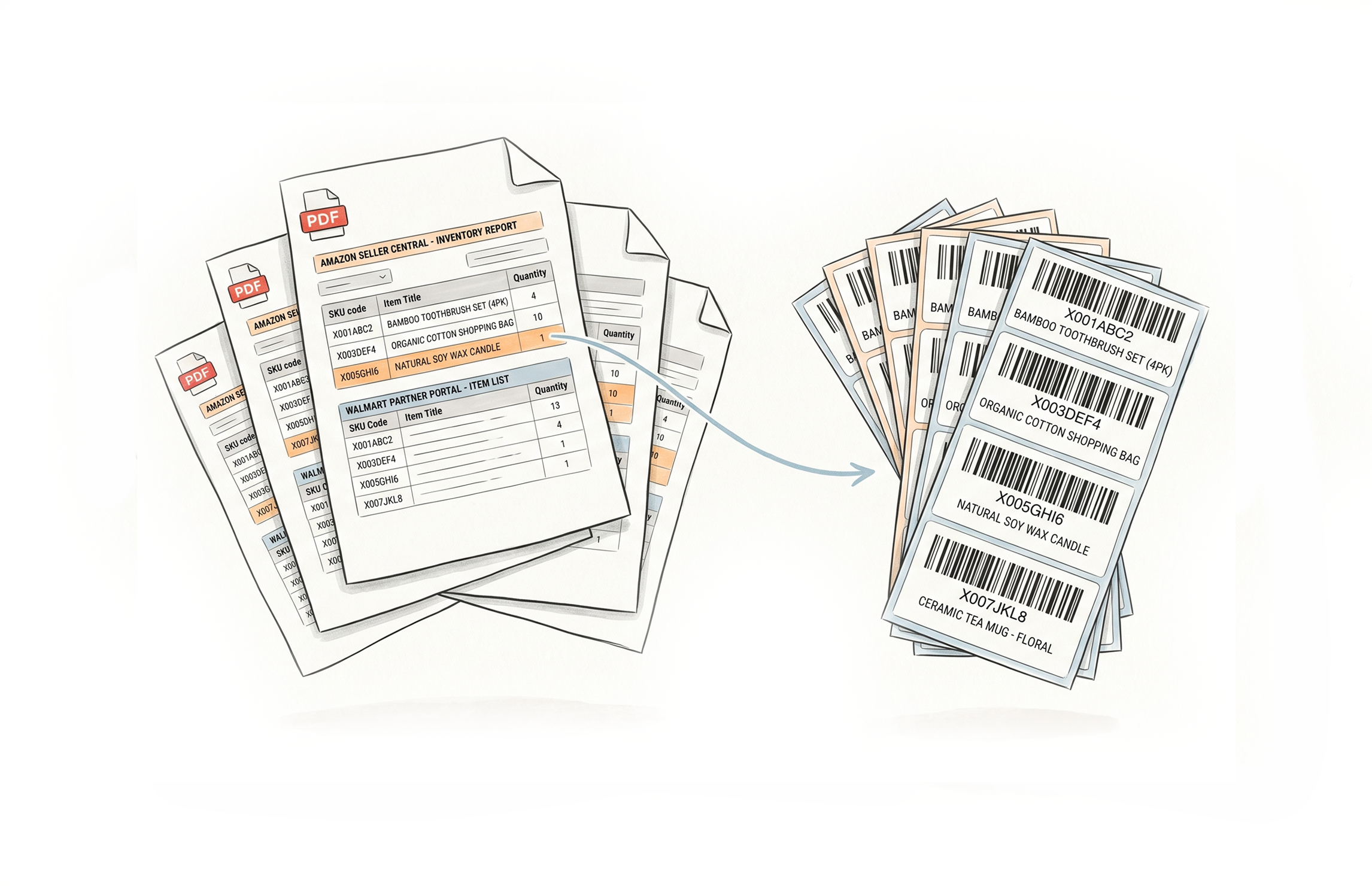
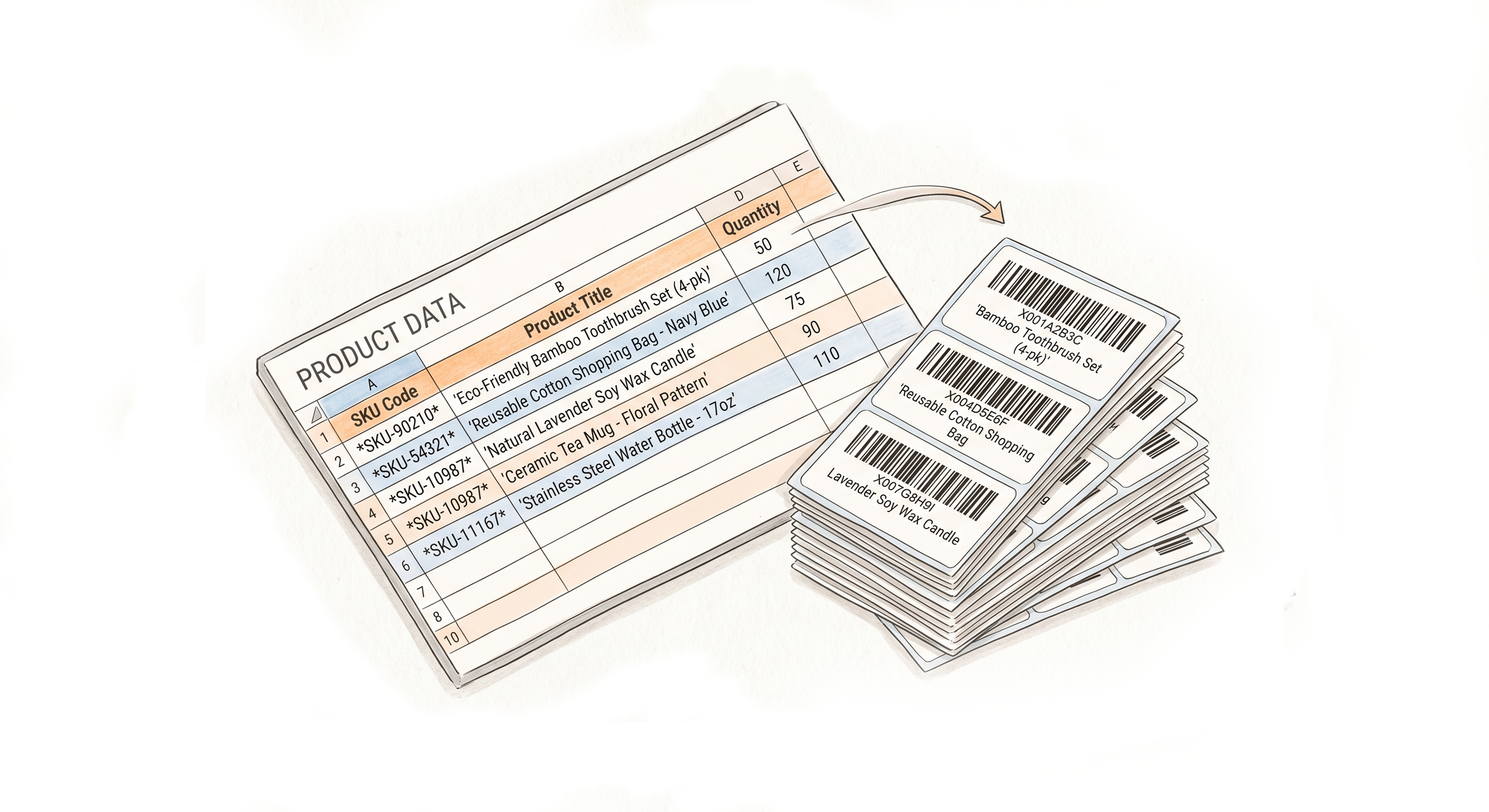
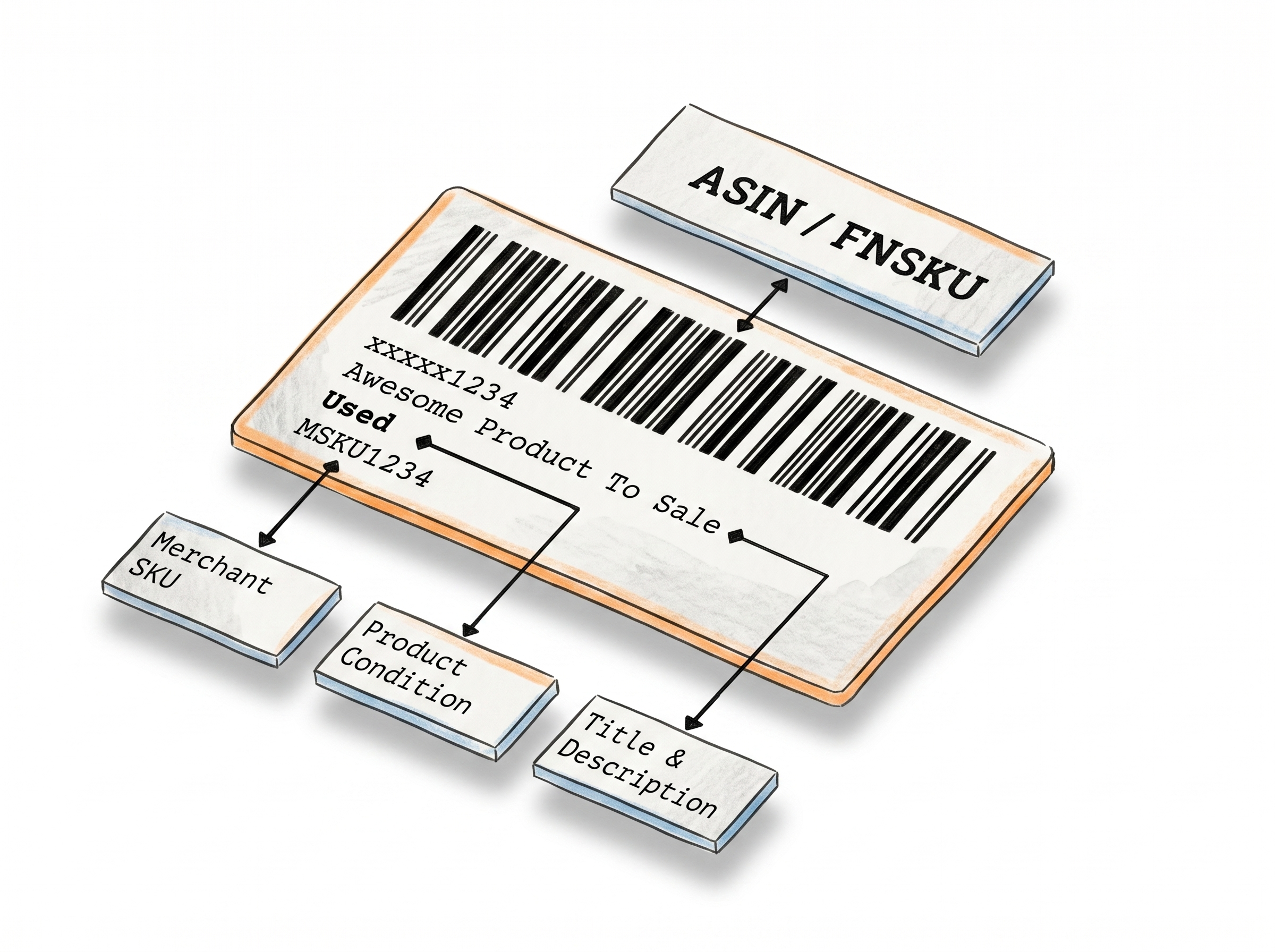


Choose A Plan
Get 100 Product Labels And 10 Shipping Labels Free Every Month - No Credit Card Needed
Monthly Yearly 2 months free
Frequently Asked Questions
Everything you need to know about adding your Merchant SKU to FBA and WFS labels.
Where exactly does the MSKU appear on the label?
It's placed on a separate line immediately after the product title. This keeps it clearly associated with the product name without overlapping other label elements like the barcode or condition field.
Is the MSKU ever shortened or truncated?
No. The full Merchant SKU is printed as-is. Unlike product titles - which can be long and may require scaling - MSKUs are typically short enough to display completely at standard font size.
Does Add SKU work with the web uploader or only the extension?
The Add SKU feature works via the browser extension, which pulls the MSKU directly from your Amazon or Walmart seller page during label generation.
Does MSKU appear on separator labels too?
Yes. If you have the Separator feature enabled alongside Add SKU, the MSKU is included on separator labels as well - giving you full product context at every transition point in the batch.
Can I customize where the MSKU appears on the label?
On the default label layout, the MSKU is placed below the product title. If you're using the Label Editor, you can place the MSKU element anywhere on the label and set your own font size and style - no additional settings required.
Does this work for both Amazon FBA and Walmart WFS?
Yes. The same setting applies to both platforms. Labels generated via Amazon Seller Central and Walmart Seller Center both receive the MSKU when the feature is enabled.