

Generate Product Labels From Your Own Data
Label Resizer's Spreadsheet method lets you create Amazon-standard product labels entirely from your own data. Download the template, fill in your product details, upload the file - and your labels are generated automatically. No platform PDF required.
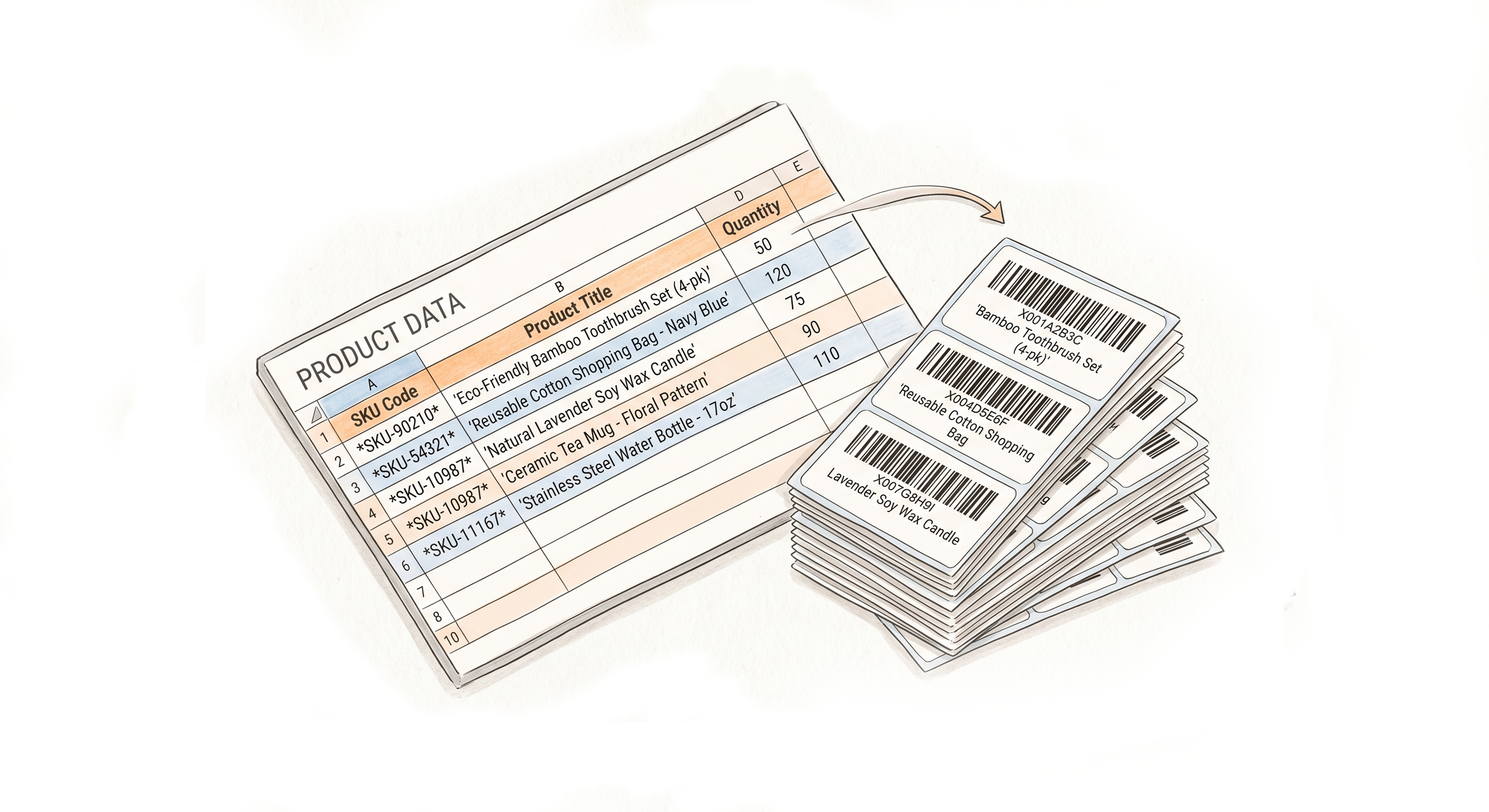
Your Data, Your Labels - Built From Scratch
Start from the Label Resizer template
Download the spreadsheet template from your dashboard. It includes all required fields for a standard product label - FNSKU, product title, condition, quantity - plus Label Resizer's additional data fields for enrichment.
Works without a platform PDF
This method is for sellers who prefer working directly with data rather than downloading label files from Amazon or Walmart. You own the source - your spreadsheet is the input.
Standard layout or fully custom design
Generate labels using Amazon's standard product label layout, or design your own template in the Label Editor and use it as the output format for your spreadsheet data.
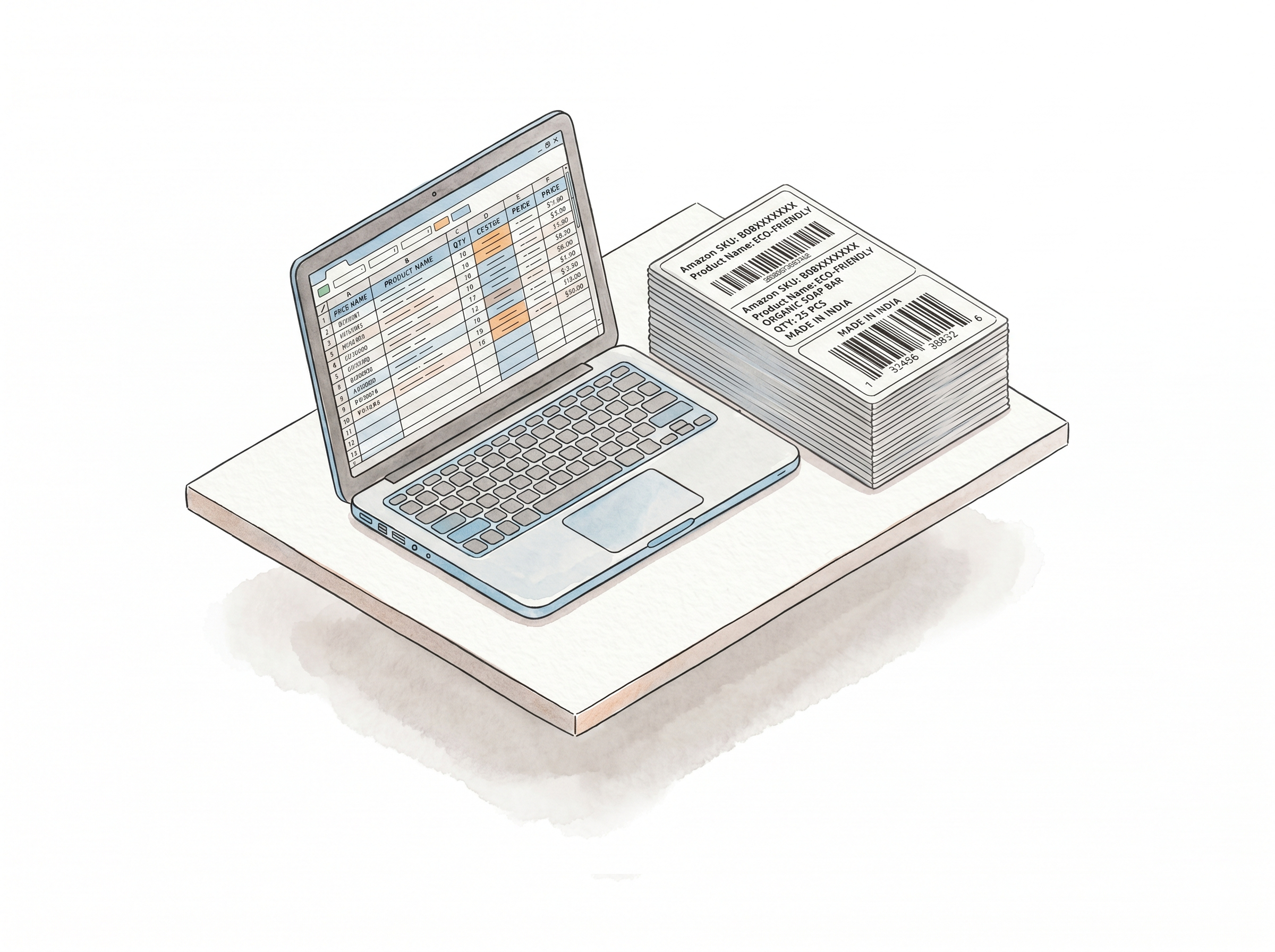
Data Accuracy is your responsibility - Label Resizer handles the rest
The system generates labels from exactly the data you provide. Marketplace compliance and data accuracy sit with you - Label Resizer's job is to produce a clean, correctly formatted label from your input.
Drag and drop the file into the web uploader
Once your spreadsheet is ready, drag it into the Label Resizer web uploader. The system reads your data, applies your label settings, and generates all labels in one batch.
Quantity per FNSKU, controlled from the file
Set the number of labels per item directly in the spreadsheet. Upload once, and the system generates the exact quantity for each product without any additional input.
All standard enrichment features available
Free text, item numbering, and separators work with spreadsheet-generated labels the same way they do with PDF-based labels. Your settings apply automatically.
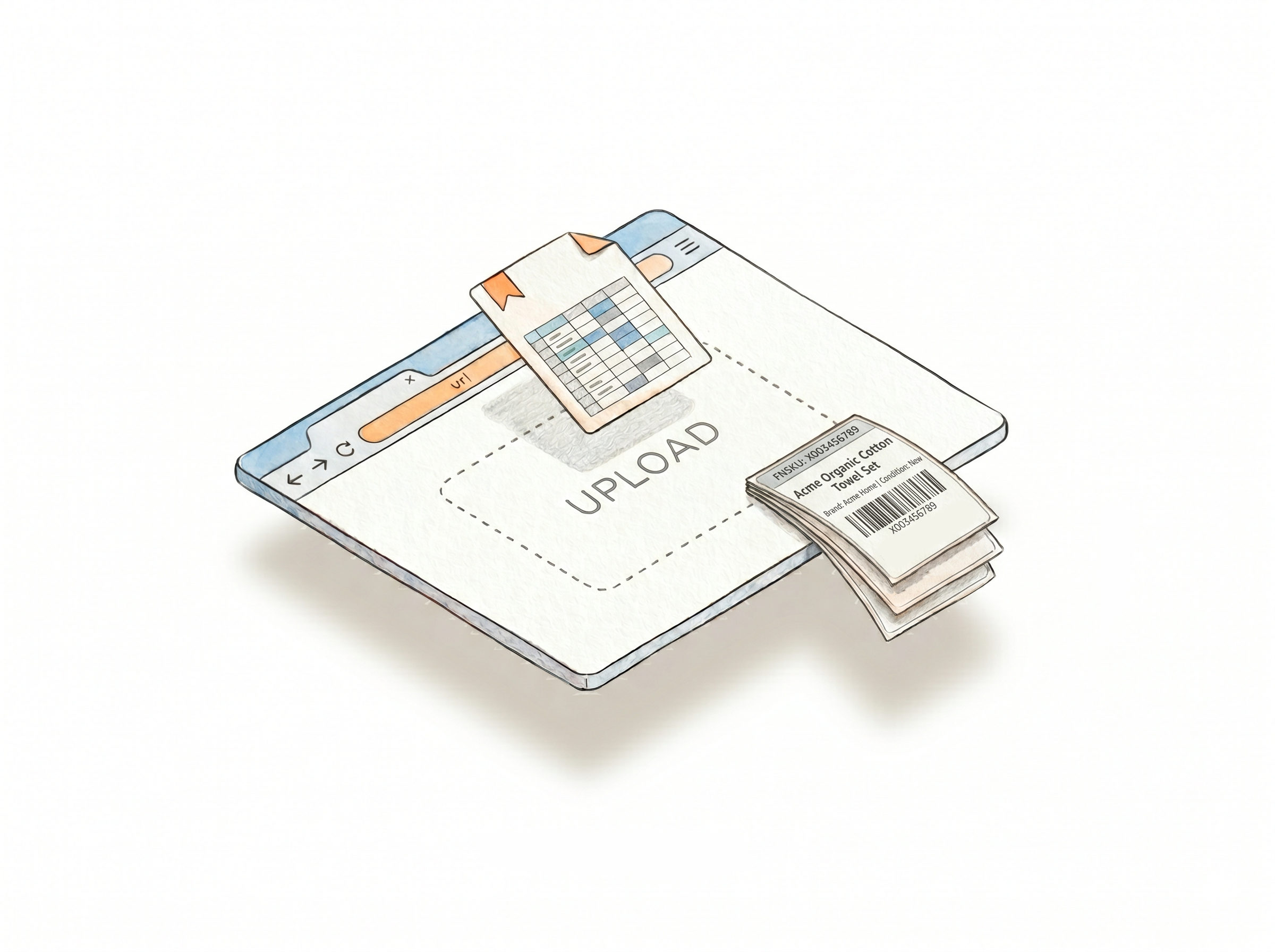
How It Works
Download the template, fill it in, upload - labels ready.
Step 1: Download the Spreadsheet Template
Log in to Label Resizer and download the template from your dashboard. Open it in Excel or any spreadsheet editor.
Step 2: Fill In Your Product Data
Enter your FNSKU, product title, condition, quantity, and any additional fields - including free text values if needed. Save the file to your computer.
Step 3: Upload and Generate
Drag and drop the spreadsheet file into the Label Resizer web uploader. Your labels are generated immediately based on your data and saved settings - download and print.
Done!
More Ways to Generate Labels
Pick the method that fits your workflow

Choose A Plan
Get 100 Product Labels And 10 Shipping Labels Free Every Month - No Credit Card Needed
Monthly Yearly 2 months free
Frequently Asked Questions
Everything you need to know about generating labels from your own spreadsheet data.
Do I need to download labels from Amazon first to use the spreadsheet method?
No. The spreadsheet method generates labels entirely from your own data. You don't need a PDF from Amazon or any other platform - your file is the only input required.
Where do I get the spreadsheet template?
Log in to Label Resizer and download the template from your dashboard. It contains all required and optional fields with column headers already set up.
Can I use a custom label design instead of the standard Amazon layout?
Yes. If you've built a template in the Label Editor, you can use it as the output format for spreadsheet-generated labels. Select your custom design before generating.
Can I set different quantities for different FNSKUs in the same file?
Yes. Each row in the spreadsheet represents a product, and quantity is set per row. One upload generates all labels for all products at the quantities you specified.
Can I include free text like expiration dates directly in the spreadsheet?
Yes. The spreadsheet supports dynamic free text fields per FNSKU. Enter the value in the relevant column and it's applied to that product's labels automatically at generation.