
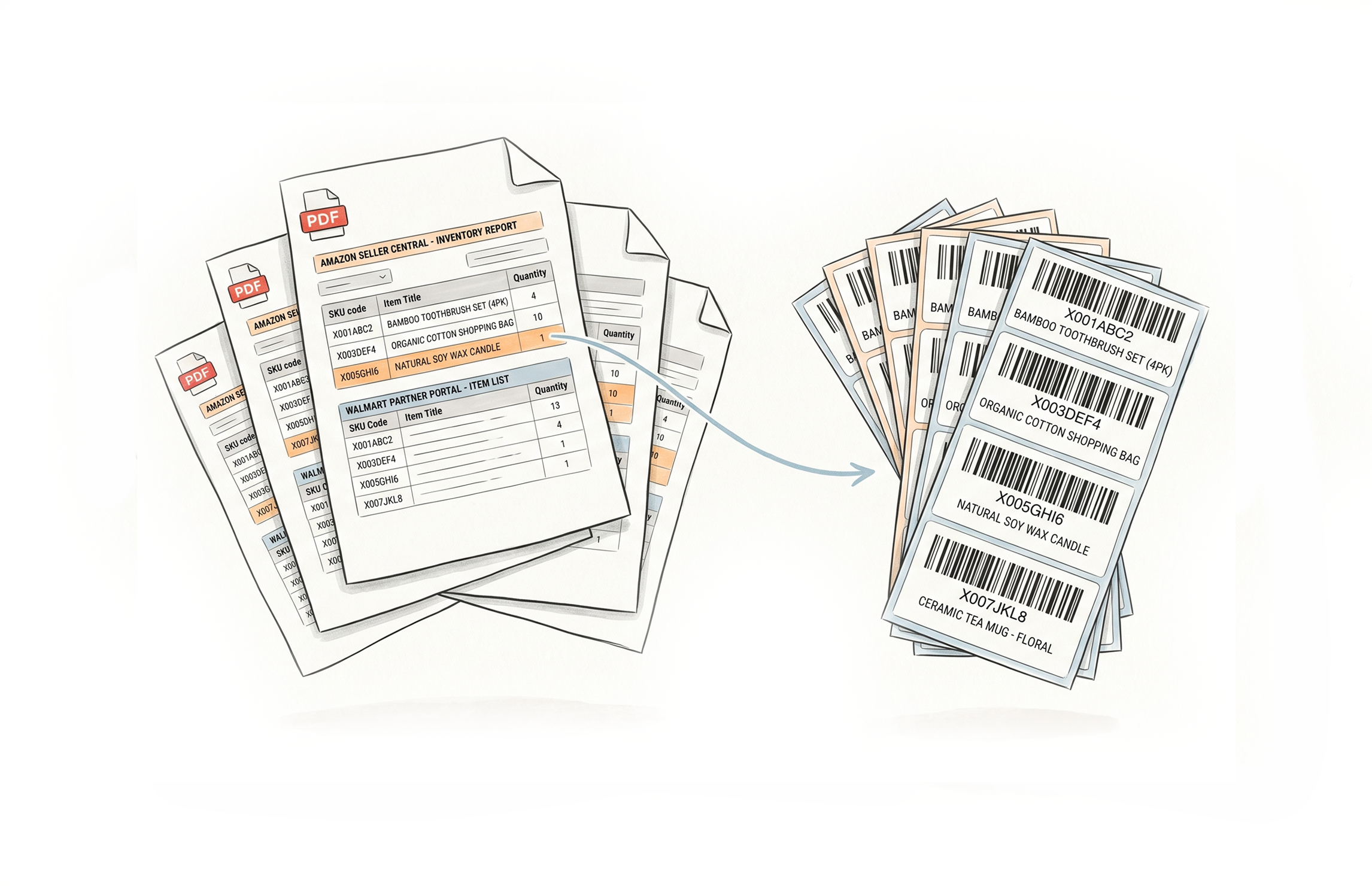
Resize and Print Labels Directly on Amazon, Walmart, UPS and Fedex
The Label Resizer Chrome and Firefox extension adds a single button to the label pages of the platforms you already work in. Click it, and your labels are generated - resized, customized, and ready to print - without downloading files, switching tabs, or touching a separate tool.
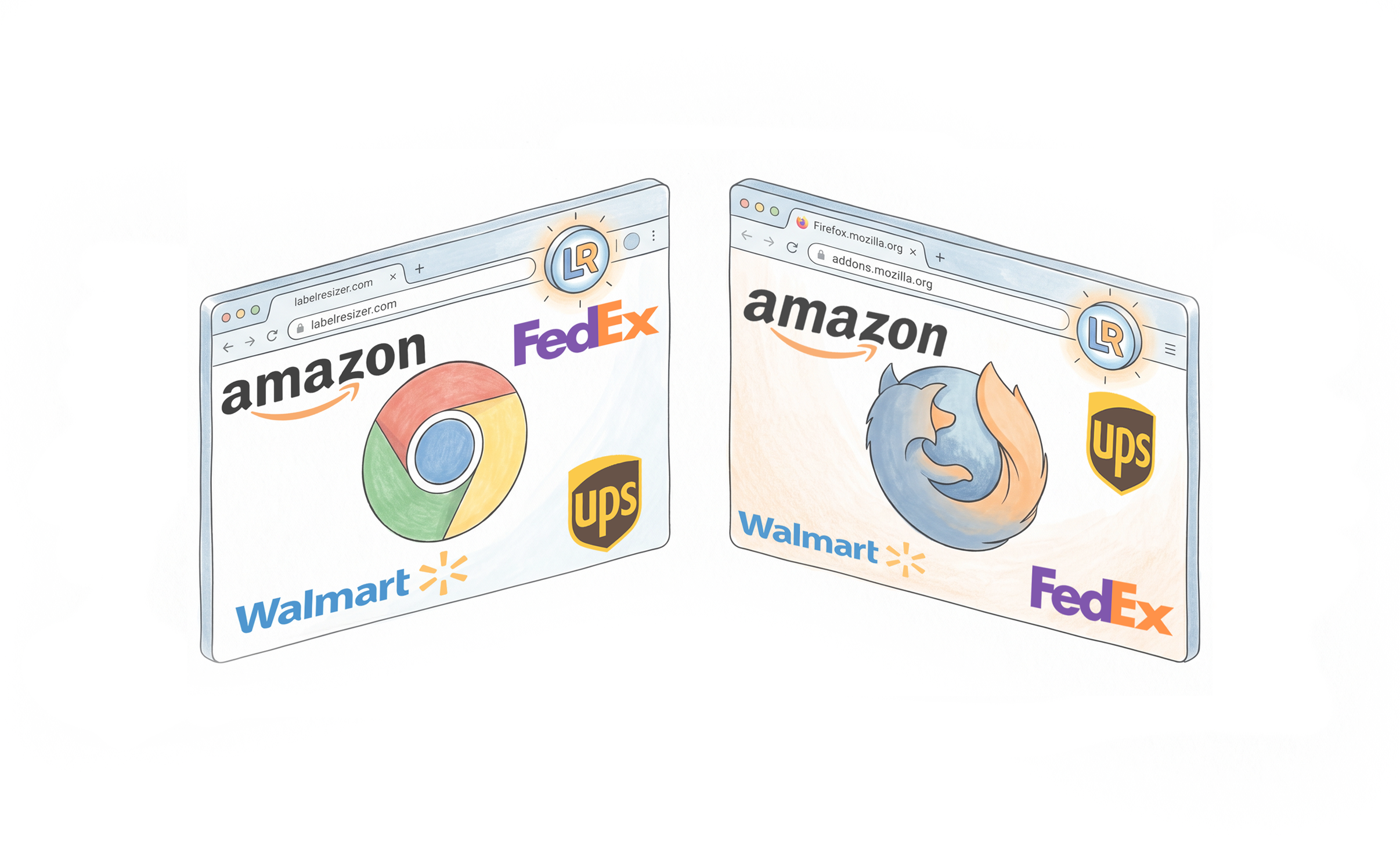
Works Inside the Platforms You're Already Using
Amazon Seller Central - product, box, and shipping labels
The extension button appears automatically on FBA Inventory print pages, Send to Amazon workflow steps, and shipping label pages. Product labels, box labels, and shipping labels - all covered from within Seller Central.
Walmart Seller Center - product and shipping labels
The Resize Label button appears on Manage Inventory and Inbound Shipments pages in Walmart Seller Center. Generate WFS product labels and shipping labels with your saved settings, without leaving the platform.
FedEx, UPS, and Mercari - shipping labels
The extension button appears on FedEx Ship Manager, UPS Shipping Manager, and Mercari's Create Shipping Label and Manage Orders pages. Resize shipping labels to your preferred format directly inside each platform.
One installation, all platforms
Install once from the Chrome Web Store or Firefox Add-ons. The extension activates automatically on every supported platform - no configuration per site, no manual toggling.
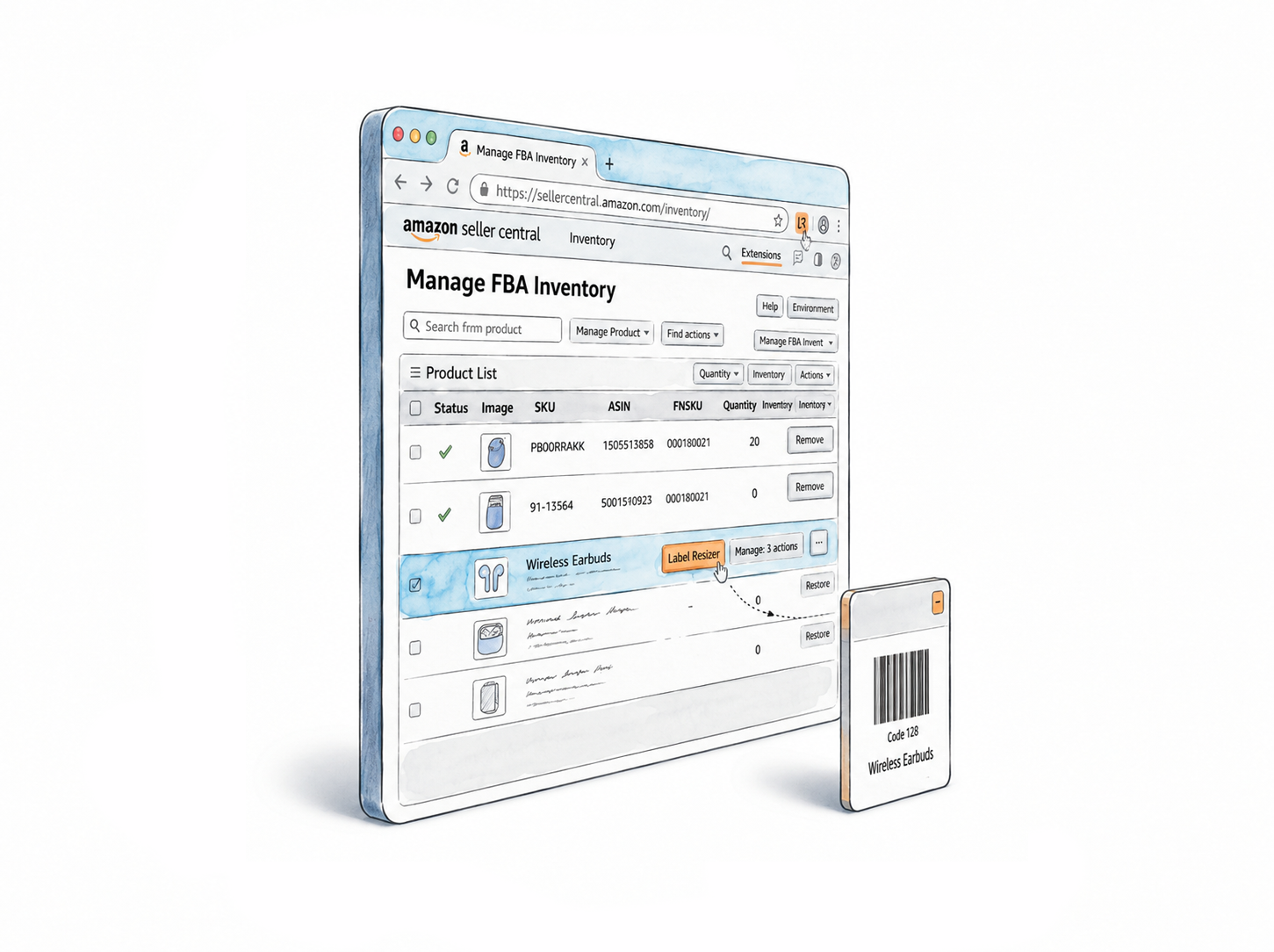
Full label customization at the point of generation
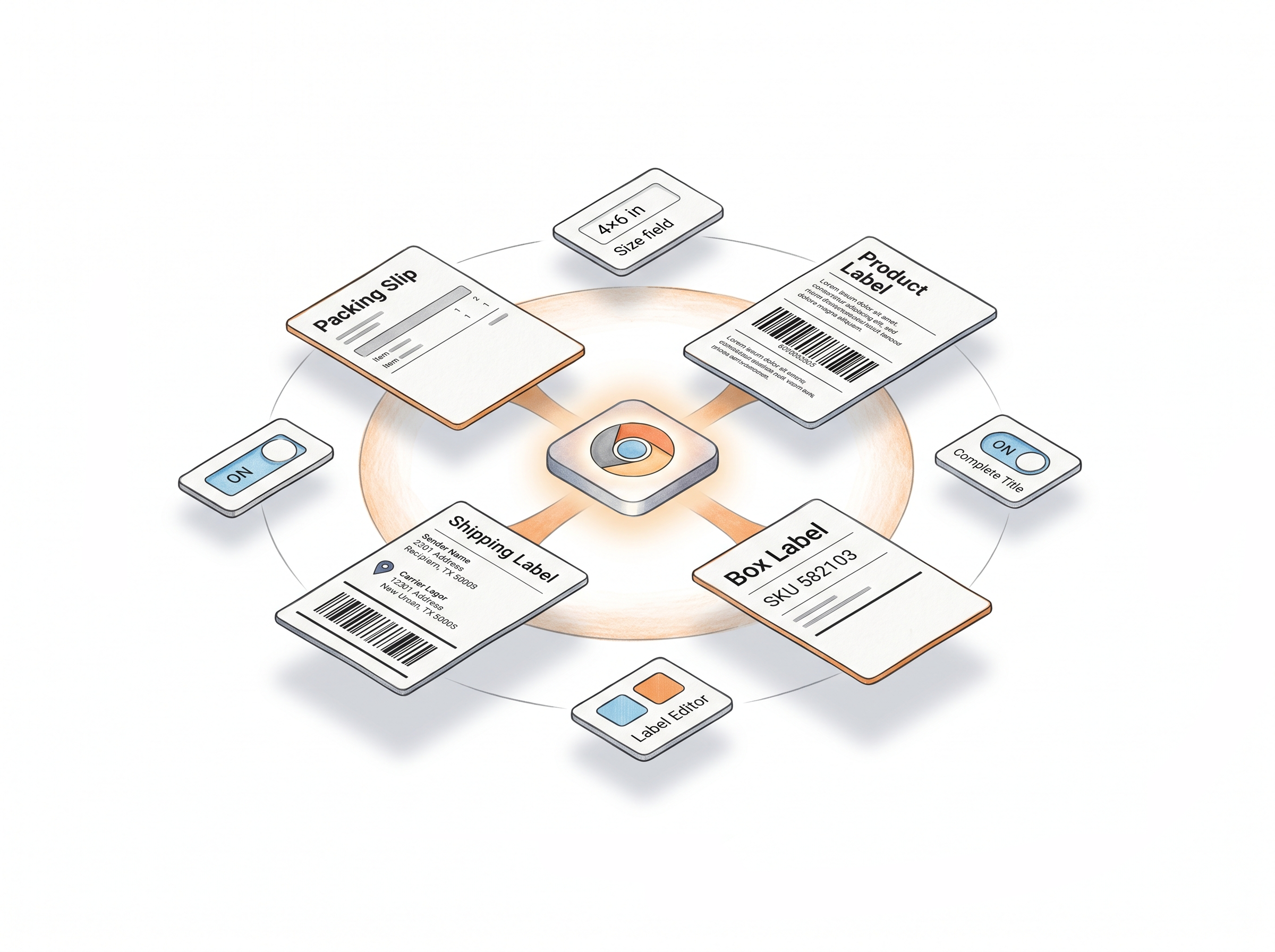
Complete Title, Add SKU, Free Text, Item Numbering, and Separator - all available through the extension. The labels that come out are already enriched with whatever additional information your workflow requires.
Any size, any format
Resize to any custom dimensions in metric or inch, or select from standard Avery sheet layouts for A4 or letter printing. Your size settings are saved and applied automatically every time.
Custom label designs via Label Editor
Design your own label templates in the Label Editor and use them directly through the extension. Your custom design prints on Amazon or Walmart label pages - no need to export or upload separately.
Packing slip generation included
On Amazon shipment pages, the extension also adds a Generate Packing Slip button. One click produces a PDF packing slip from your shipment details - useful for FBA inbound discrepancy and reimbursement cases. Available on Professional and Unlimited plans.
How It Works
Install once, click once, labels ready.
Step 1: Install the Extension
Add Label Resizer to Chrome or Firefox from the respective extension store. The extension icon appears in your toolbar and activates automatically on supported platforms.
Step 2: Open the Label Page on Your Platform
Navigate to any label generation page on Amazon Seller Central, Walmart Seller Center, FedEx, UPS, or Mercari. Sign in to your Label Resizer account once - the button appears automatically on every visit.
Step 3: Click and Download
Click the Label Resizer button. Your labels are generated based on your saved settings and downloaded immediately. Ready to print.
Done!
More Ways to Generate Labels
Pick the method that fits your workflow

Choose A Plan
Get 100 Product Labels And 10 Shipping Labels Free Every Month - No Credit Card Needed
Monthly Yearly 2 months free
Frequently Asked Questions
Everything you need to know about the Label Resizer browser extension.
Which platforms does the extension support?
Amazon Seller Central (product, box, and shipping labels), Walmart Seller Center (product and shipping labels), FedEx Ship Manager, UPS Shipping Manager, and Mercari (Create Shipping Label and Manage Orders pages).
Do I need to configure the extension separately for each platform?
No. Your label settings are saved in your Label Resizer account and applied automatically across all supported platforms whenever you use the extension button.
Can I use custom label designs made in the Label Editor through the extension?
Yes. Templates created in the Label Editor are available through the extension. You can apply your custom design directly on Amazon or Walmart label pages.
Does the extension work on Firefox as well as Chrome?
Yes. Label Resizer is available as both a Chrome extension and a Firefox add-on, with the same functionality on both.
What label types can I generate through the extension?
Product labels, box labels, shipping labels, and packing slips - depending on which platform page you're on and which features your membership plan includes.