

Generate Labels Programmatically with the Label Resizer API
Label Resizer's API lets developers and operations teams generate product and shipping labels without touching the dashboard or extension. Connect your warehouse management system, order processor, or custom tool - and produce labels on demand, at scale, with your existing account settings applied automatically.
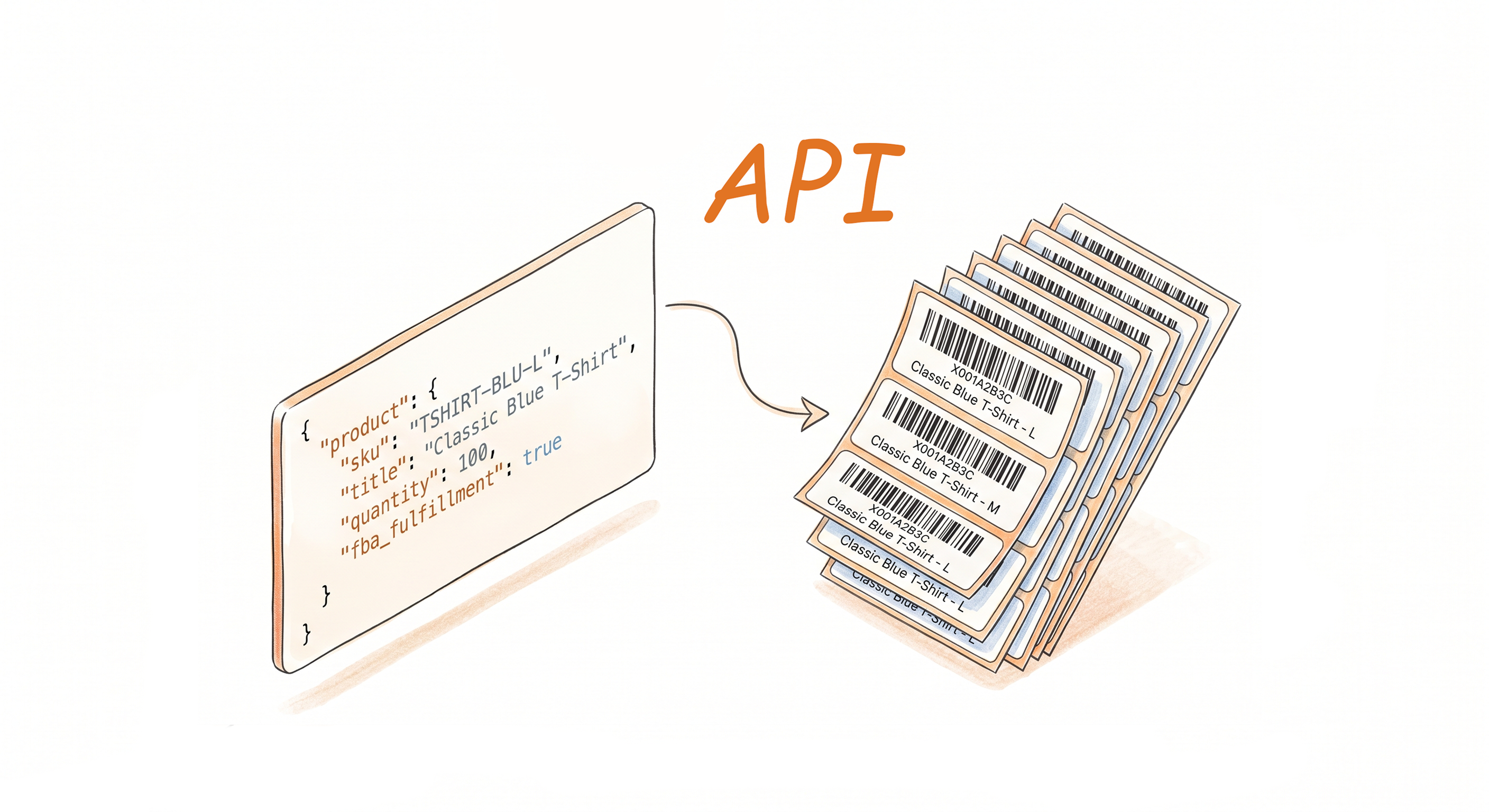
Label Generation Built Into Your Workflow
REST API, no manual steps
Send a request with your product or shipment data and receive labels in return. The API handles generation the same way the extension and web uploader do - your product label settings and shipping label settings in Label Resizer apply automatically to every call.
Product labels and shipping labels both supported
The Product Label API generates Amazon-standard product labels with support for headers, footers, separator texts, and other enrichment fields. The Shipment Label API generates shipping labels with product title, MSKU, and free text customization.
Scales with your order volume
Whether you're generating 10 labels a day or thousands, the API integrates into your existing infrastructure without changing your operational flow. Labels come out exactly as configured - no batch management on your end.
Detailed API Documentation Included
Every endpoint, parameter, request format, and response schema is fully documented - with code examples and a live test console so you can make your first call in minutes.See Docs
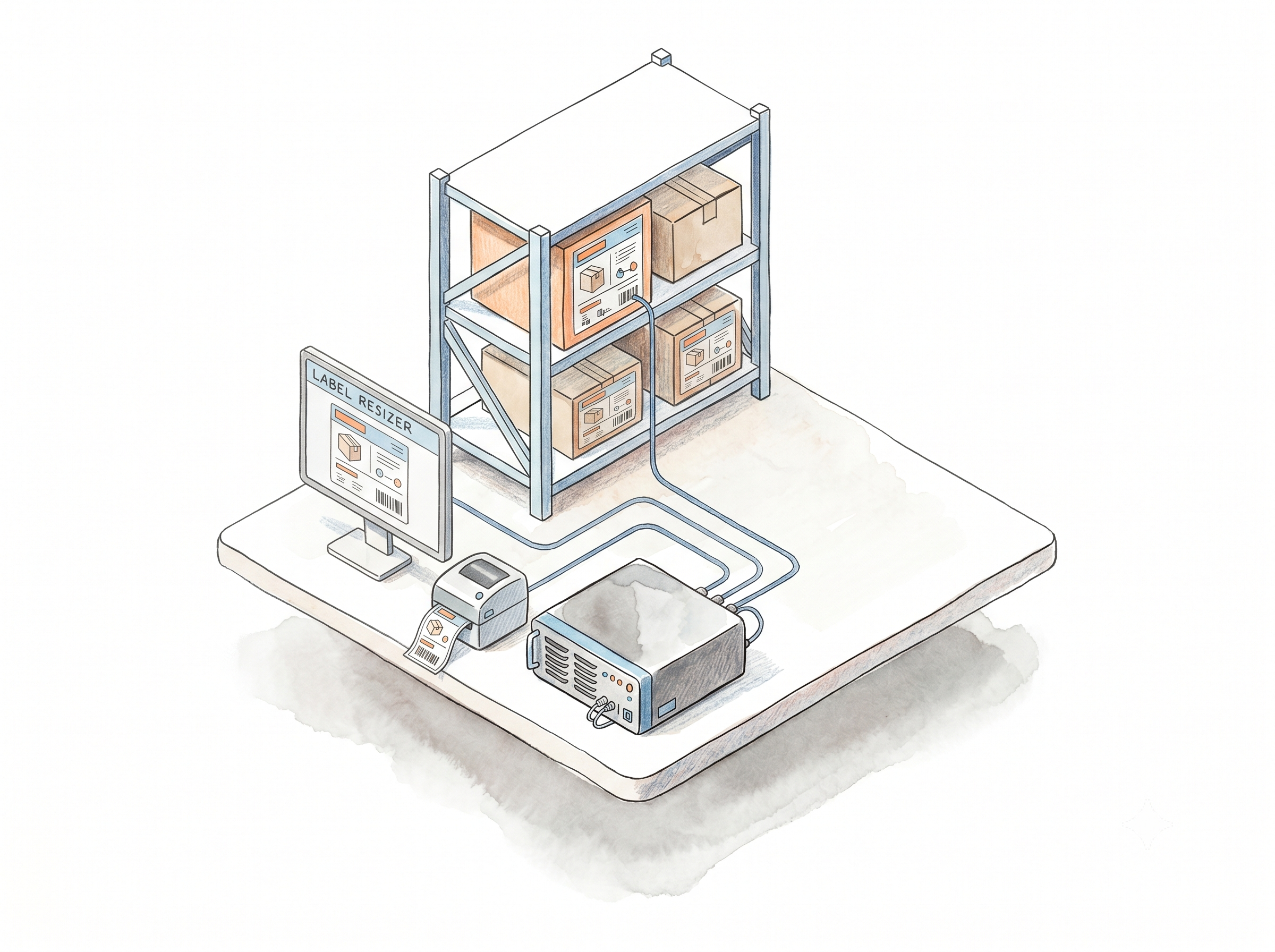
How It Works
Get your credentials, configure your settings, make your first call.
Step 1: Get Your API Credentials
Log in to Label Resizer and go to Account → Api Service. Your API credentials are available there - copy them into your application or environment configuration.
Step 2: Configure Your Label Settings
Set your product label settings and shipping label settings in the Label Resizer dashboard. These settings are applied automatically to every API call without needing to pass them as parameters each time.
Step 3: Make Your First API Call
Send a request to the Label Resizer API endpoint with your product or shipment data. Labels are generated and returned - ready to route to your printer, storage system, or downstream process.
Done!
More Ways to Generate Labels
Pick the method that fits your workflow
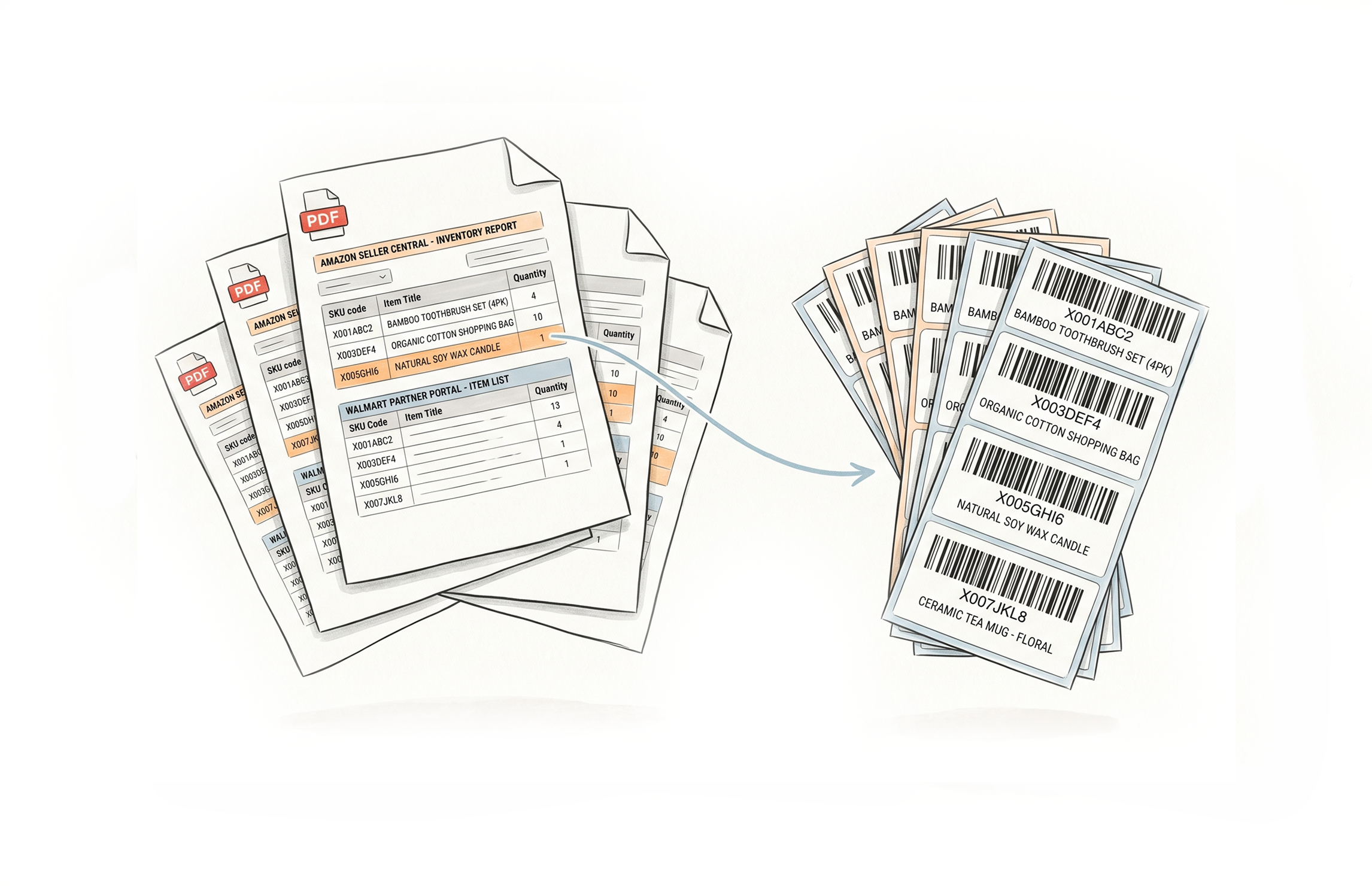
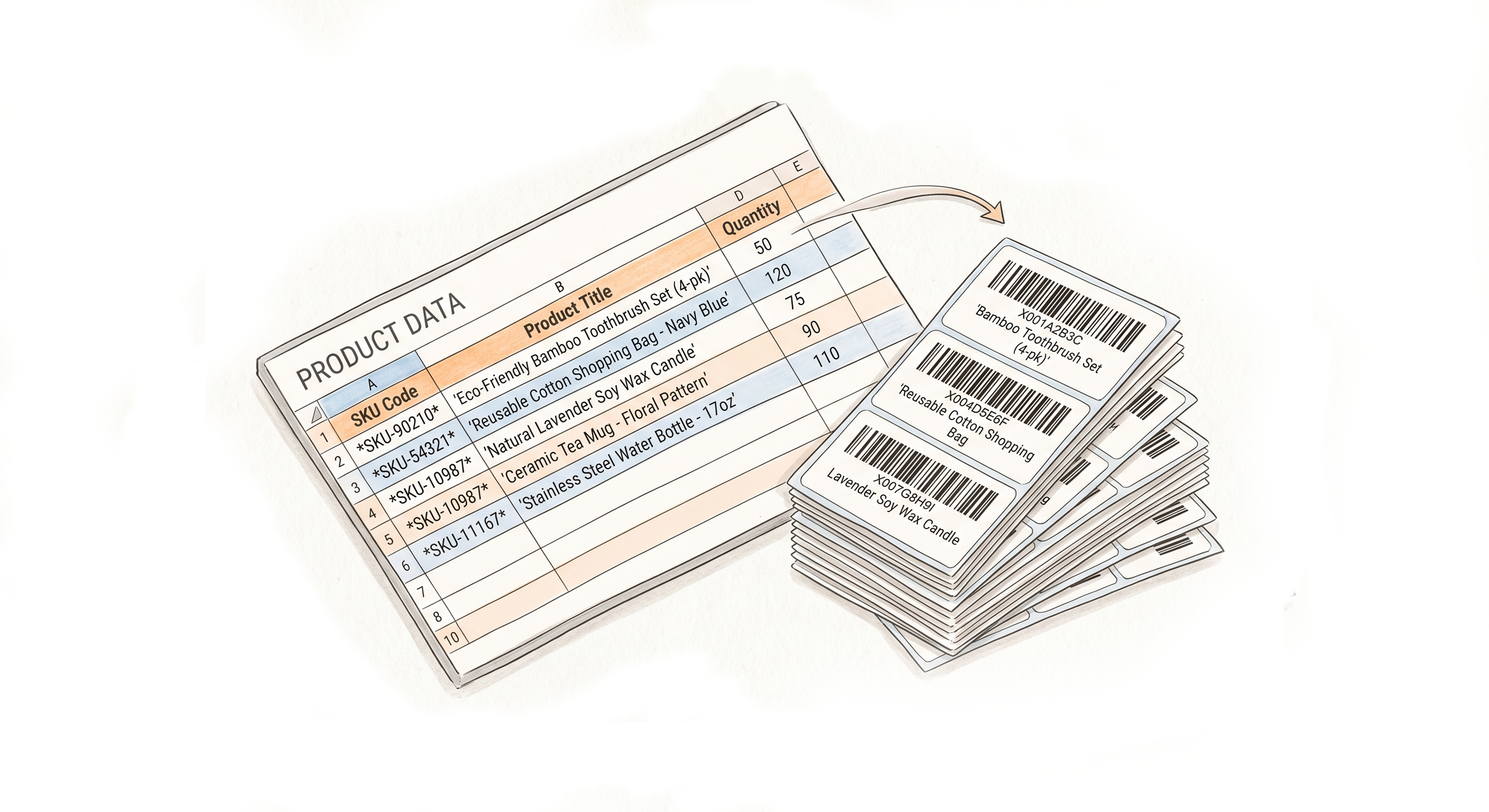
Choose A Plan
Get 100 Product Labels And 10 Shipping Labels Free Every Month - No Credit Card Needed
Monthly Yearly 2 months free
Frequently Asked Questions
Everything you need to know about integrating label generation via the Label Resizer API.
Is the API available on the free plan?
No. API access requires a paid membership - Professional or Unlimited. Free plan users can use the web uploader and browser extension instead.
Where do I get my API credentials?
Log in to your Label Resizer account, go to Account in the left menu, and select Api Service from the submenu. Your credentials are generated there.
Do API-generated labels use the same settings as the dashboard and extension?
Yes. The product label settings and shipping label settings configured in your account apply automatically to API calls. You don't need to pass those settings as parameters every time.
How does label usage work with the API?
Each label generated via API deducts from your membership's label limit - the same way web uploader and extension usage is counted. Product labels count against the product limit; shipping labels against the shipping limit.
Can I pass customization options through the API parameters?
Yes. Enrichment options like headers, footers, and separator texts can be passed as API parameters, giving you per-call control over label output beyond your default account settings.
What label types can I generate via API?
The Product Label API supports Amazon-standard product labels. The Shipment Label API supports shipping labels. Both support enrichment fields specific to their label type.