

Upload Shipping or Product Label PDF - Get Resized and Customized Labels
Label Resizer's Web Uploader takes the label PDFs you already download from Amazon, Walmart, UPS, FedEx, and 10+ other platforms, regenerates and customize them at your preferred size, format, and with any additional information you need.
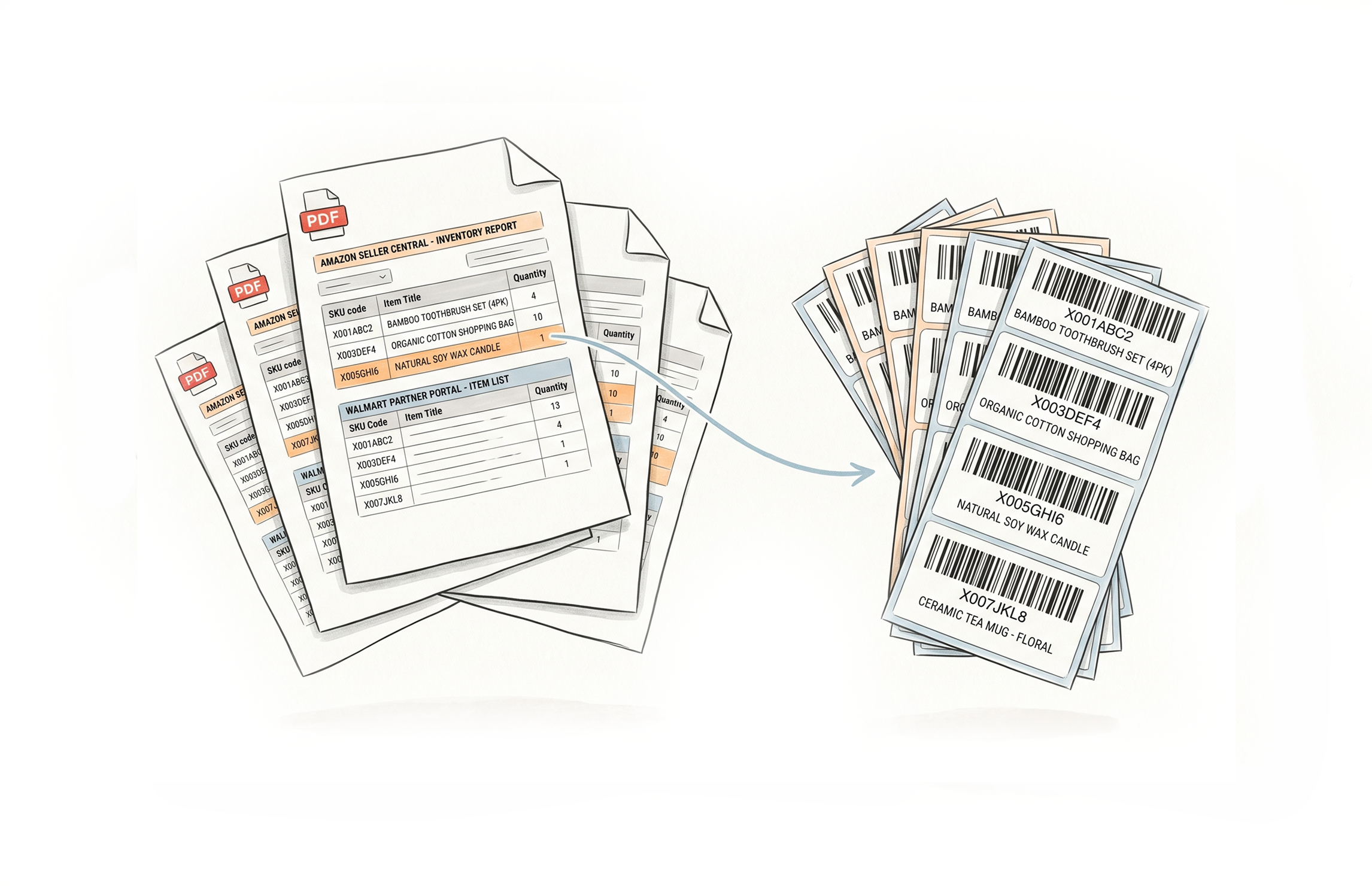
100+ Label Types From 15+ Platforms, All in One Place
Every major platform's labels supported
Resize product and shipping labels from Amazon FBA, Walmart WFS, UPS, FedEx, USPS, DHL, DPD, eBay, Etsy, Mercari, Flipkart, Shopify, ShipBob, and Mercado Libre. Over 100 label types recognized and processed automatically.
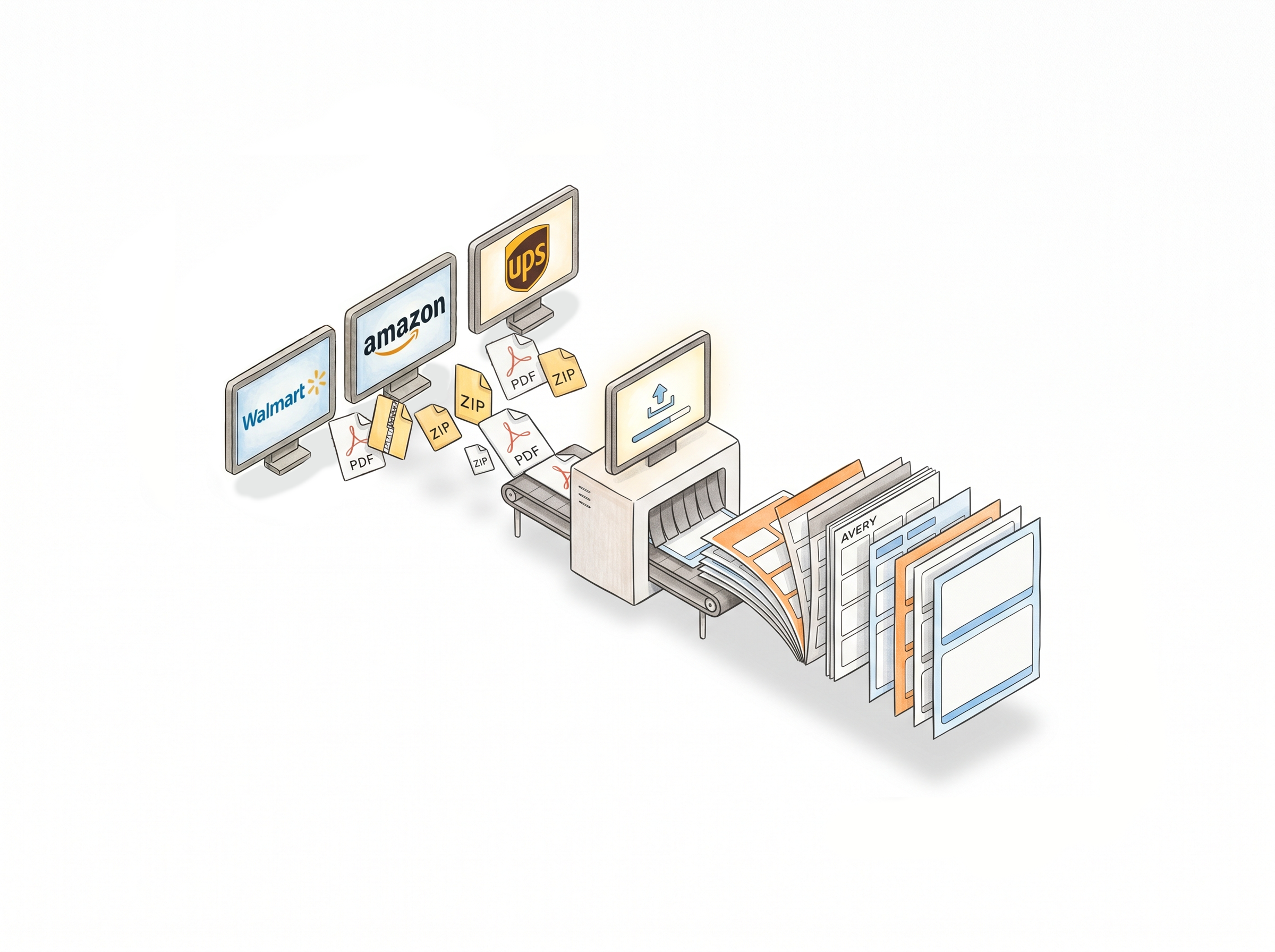
Upload PDF or ZIP - the system handles the rest
Drop your downloaded label file into the uploader. Label Resizer identifies the label type, applies your saved settings, and generates the resized output. No manual label type selection needed in most cases.
Any size, any Avery format
Output labels in any custom dimension - metric or inch - or choose from standard Avery sheet layouts for A4 and letter printing. Size settings are saved and reused automatically.
Product labels, shipping labels, and box labels
The web uploader handles all three label categories. Amazon box labels resized via the uploader can also be enhanced with product title, free text, and separator information.
Add information the original label doesn't include
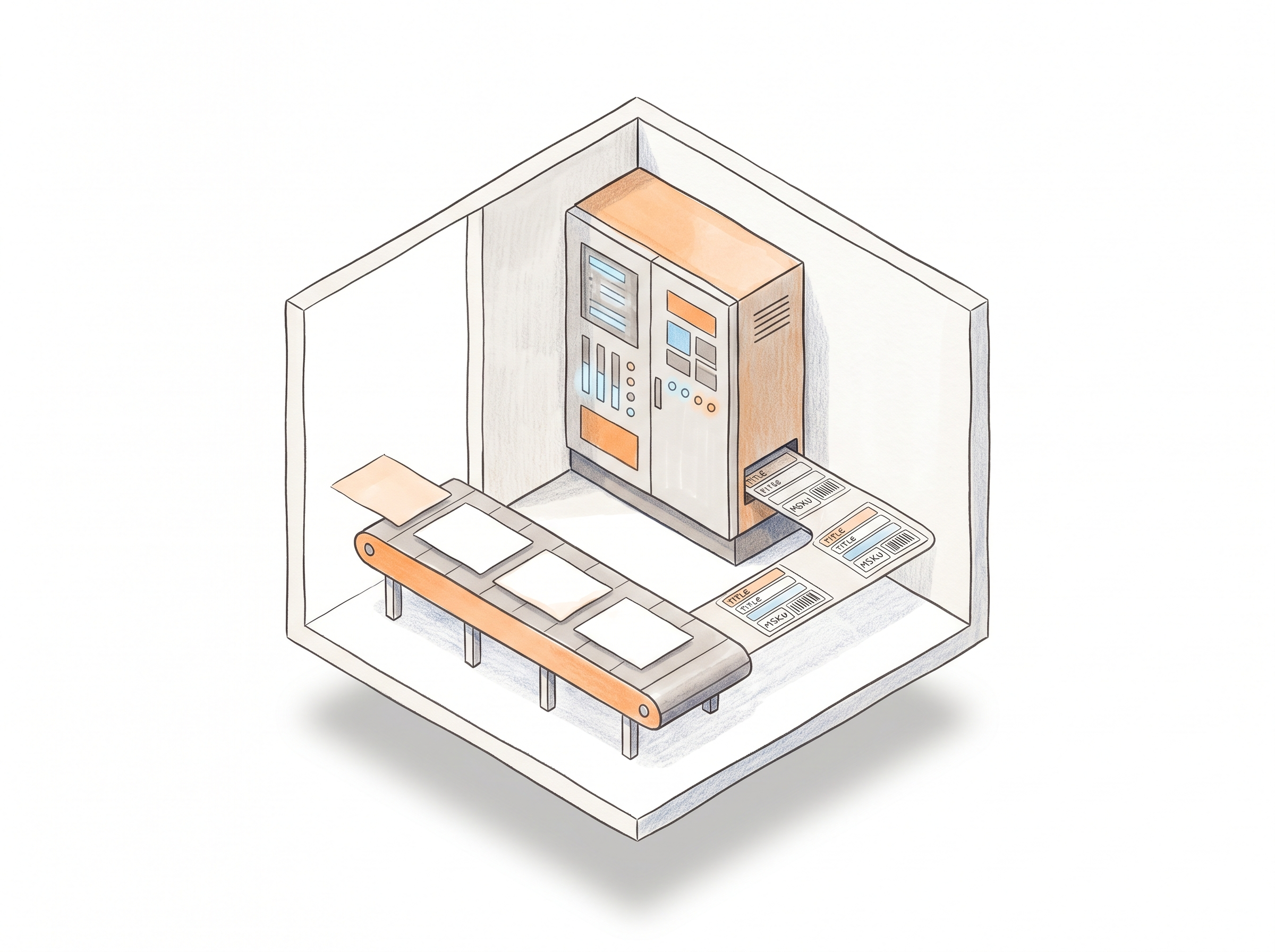
Free text (header, footer, side), item numbering, separator labels, complete product title, and MSKU - all available when resizing via the web uploader, exactly as they are through the extension.
Your settings, pre-applied
Product label settings and shipping label settings configured in your account apply automatically to every upload. Change them once, and every subsequent upload follows the new configuration.
How It Works
Download from the platform, upload here, done.
Step 1: Download Your Labels from the Source Platform
Get your label PDF or ZIP from Amazon, Walmart, UPS, FedEx, or whichever platform you're working with. Save it to your computer as usual.
Step 2: Upload to Label Resizer Web Uploader
Drag and drop the file into the web uploader on your Label Resizer dashboard. The system identifies the label type and applies your saved settings automatically.
Step 3: Download Your Labels
Your resized and enriched labels are generated in seconds and ready to download. Print directly or save for your prep workflow.
Done!
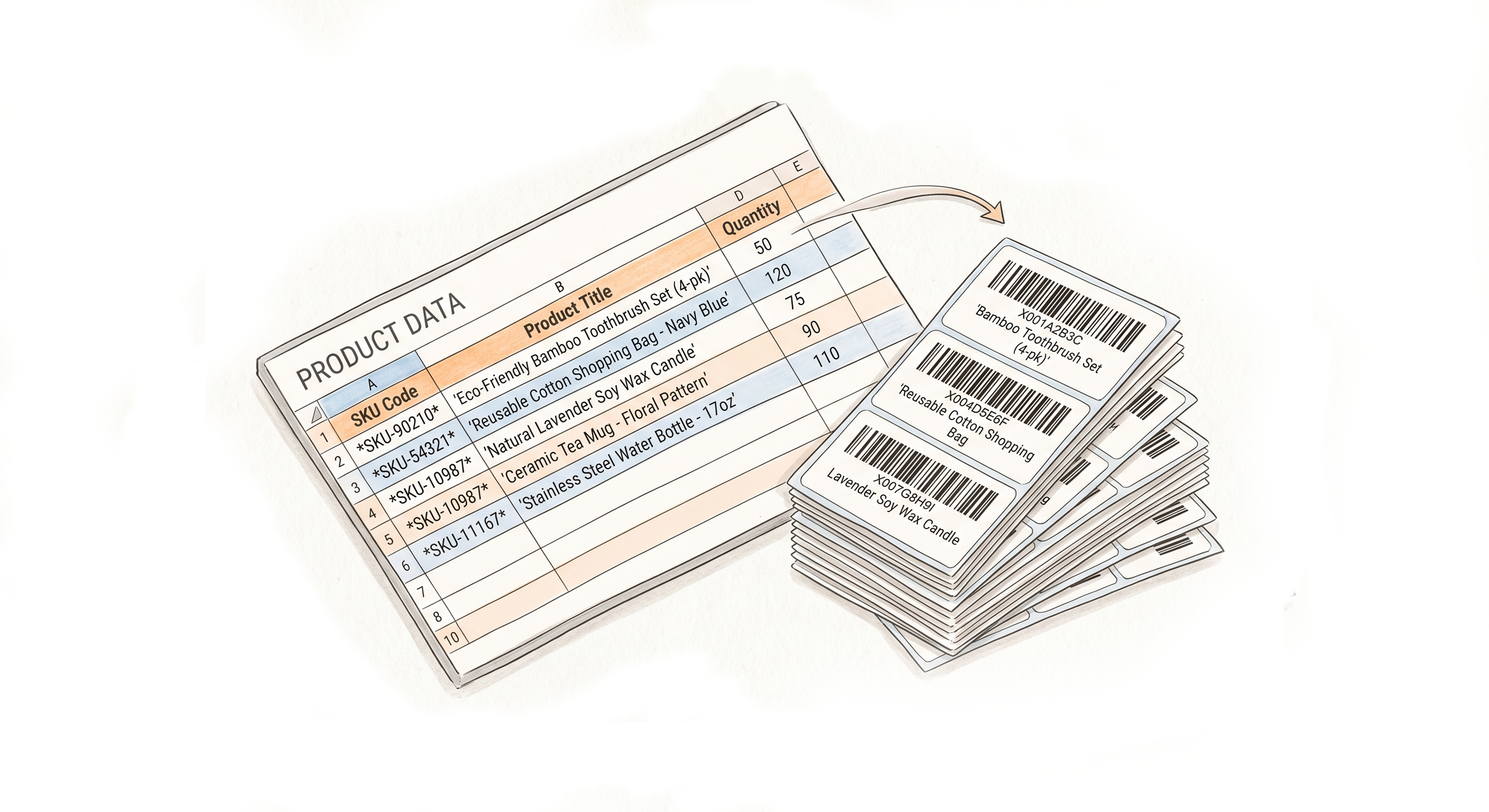
More Ways to Generate Labels
Pick the method that fits your workflow

Choose A Plan
Get 100 Product Labels And 10 Shipping Labels Free Every Month - No Credit Card Needed
Monthly Yearly 2 months free
Frequently Asked Questions
Everything you need to know about uploading and resizing label PDFs with Label Resizer.
Which platforms' labels can I upload and resize?
Amazon FBA, Walmart WFS, UPS, FedEx, USPS, DHL, DPD, eBay, Etsy, Mercari, Flipkart, Shopify, ShipBob, and Mercado Libre - over 100 label types across these platforms are supported.
Do I need the browser extension to use the web uploader?
No. The web uploader works independently through the Label Resizer website. The extension is a separate method - both produce the same output but suit different workflows.
Can I upload ZIP files or only PDFs?
Both are supported. You can upload individual PDF files or ZIP archives containing multiple label PDFs, and the system processes them together.
Does using the web uploader count against my monthly usage limit?
One product label counts against your product label limit; one shipping or box label counts against your shipping label limit. Usage is tracked per label generated, not per upload.