
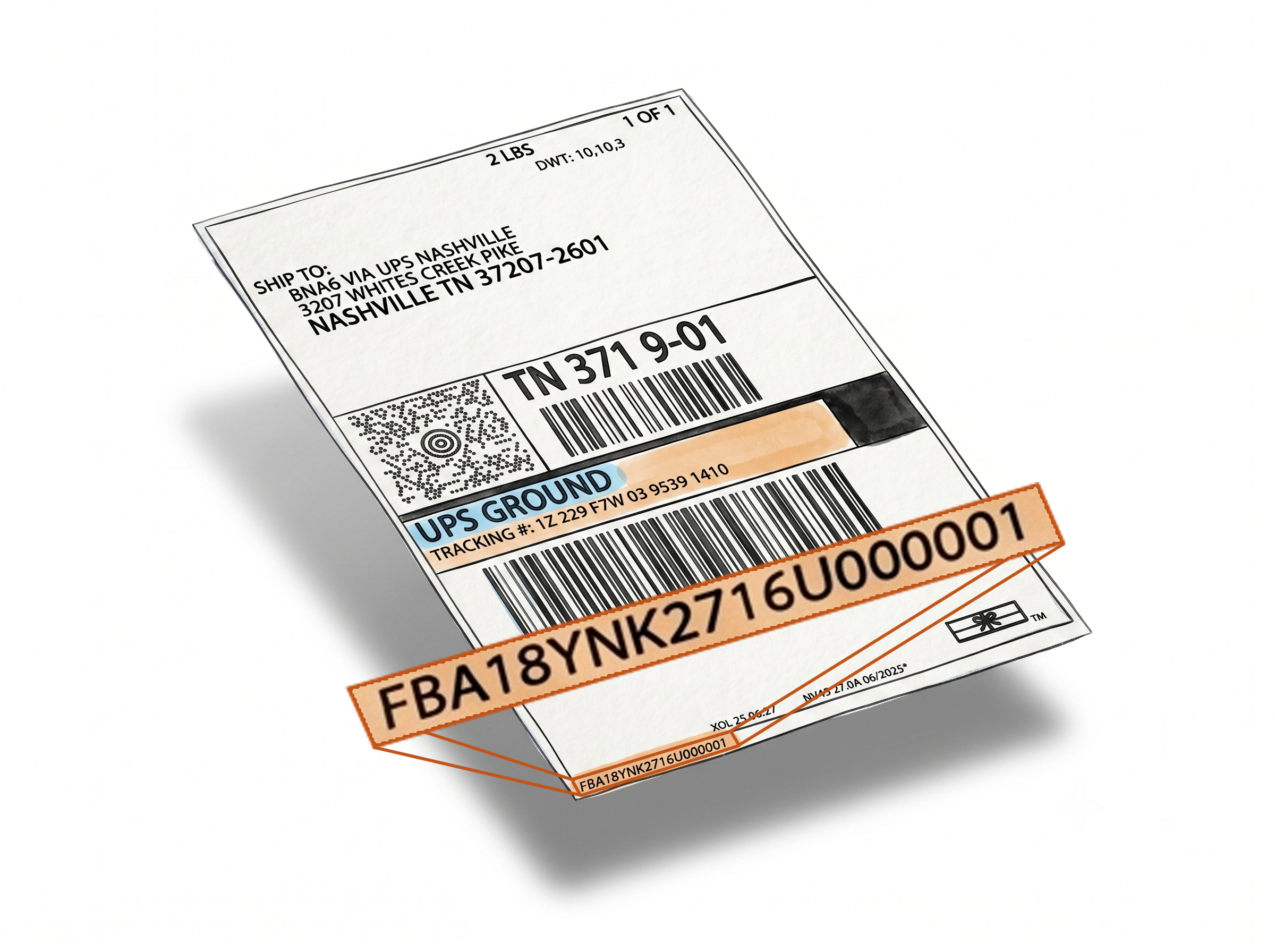
Generate Amazon Packing Slips in One Click - Straight from Seller Central
Label Resizer's Packing Slip Generator lets you create a professional PDF packing slip directly from any shipment in Amazon Seller Central - no manual data entry, no spreadsheets. If Amazon's received quantity doesn't match what you sent, you'll have the documentation ready to open a reimbursement case in seconds.
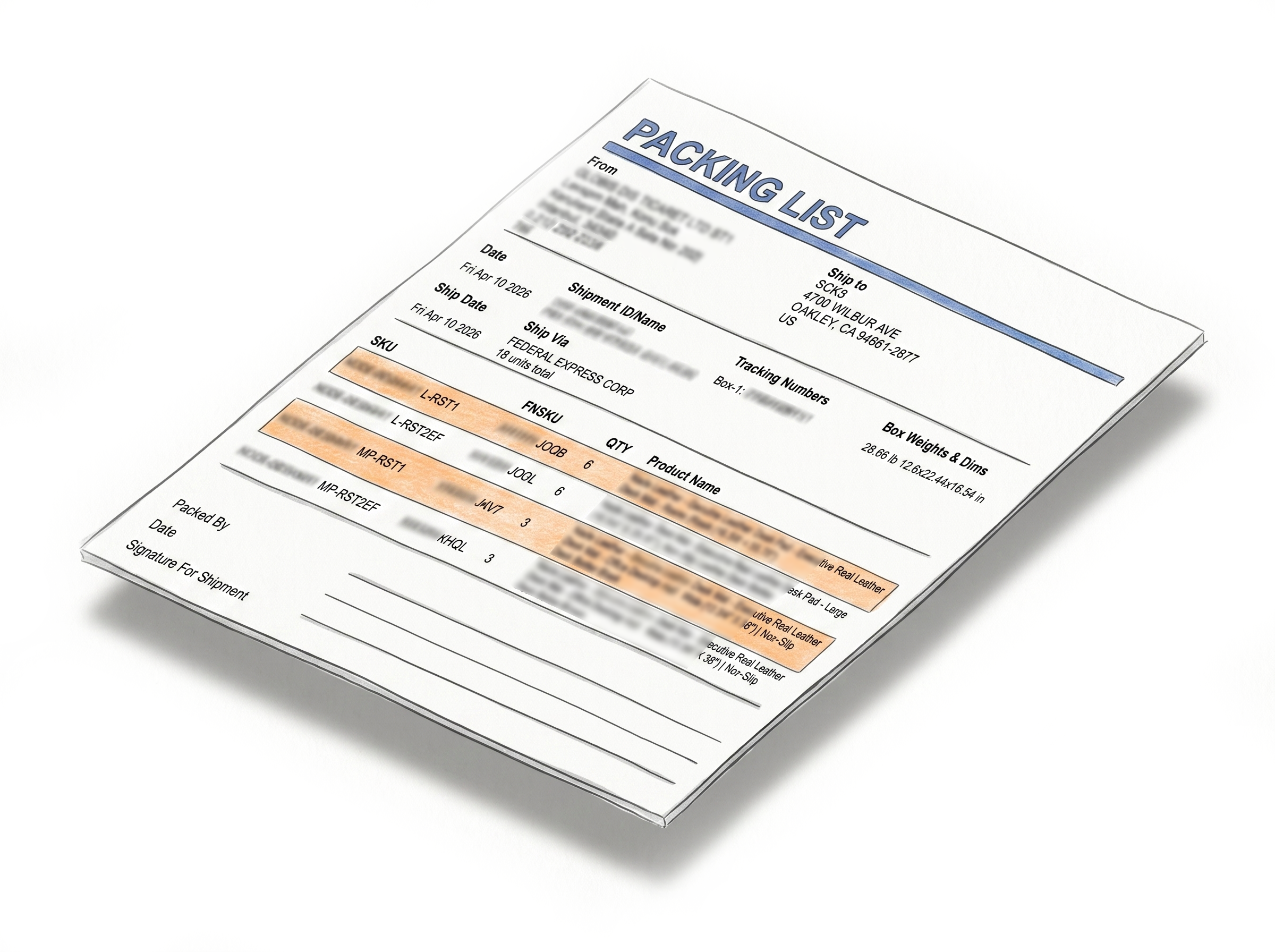
The Fastest Way to Support FBA Reimbursement Claims
Reimbursement documentation, ready in one click
No manual entry, no template to fill - just your shipment data, formatted and downloaded the moment you need it.Built for inbound discrepancy cases
When Amazon receives fewer units than you shipped, you need documentation fast. The packing slip generated here shows exactly what was in your shipment - quantities, items, tracking - making it the right document to attach to a reimbursement case from the start.
One button, one click, PDF downloaded
Open your shipment in Amazon Seller Central, click Generate Packing Slip - that's it. The PDF downloads to your computer and opens in a new browser tab simultaneously. No forms to fill, no data to enter.
Data pulled directly from your shipment
The packing slip is built from your actual shipment details - order items, quantities, tracking numbers, and other relevant information - without requiring any manual input or access to your Amazon account beyond what the extension already sees.
Available for Professional and Unlimited members
This feature is available on paid membership plans. Each packing slip generation reduces your label limit by the number of pages in the packing slip.

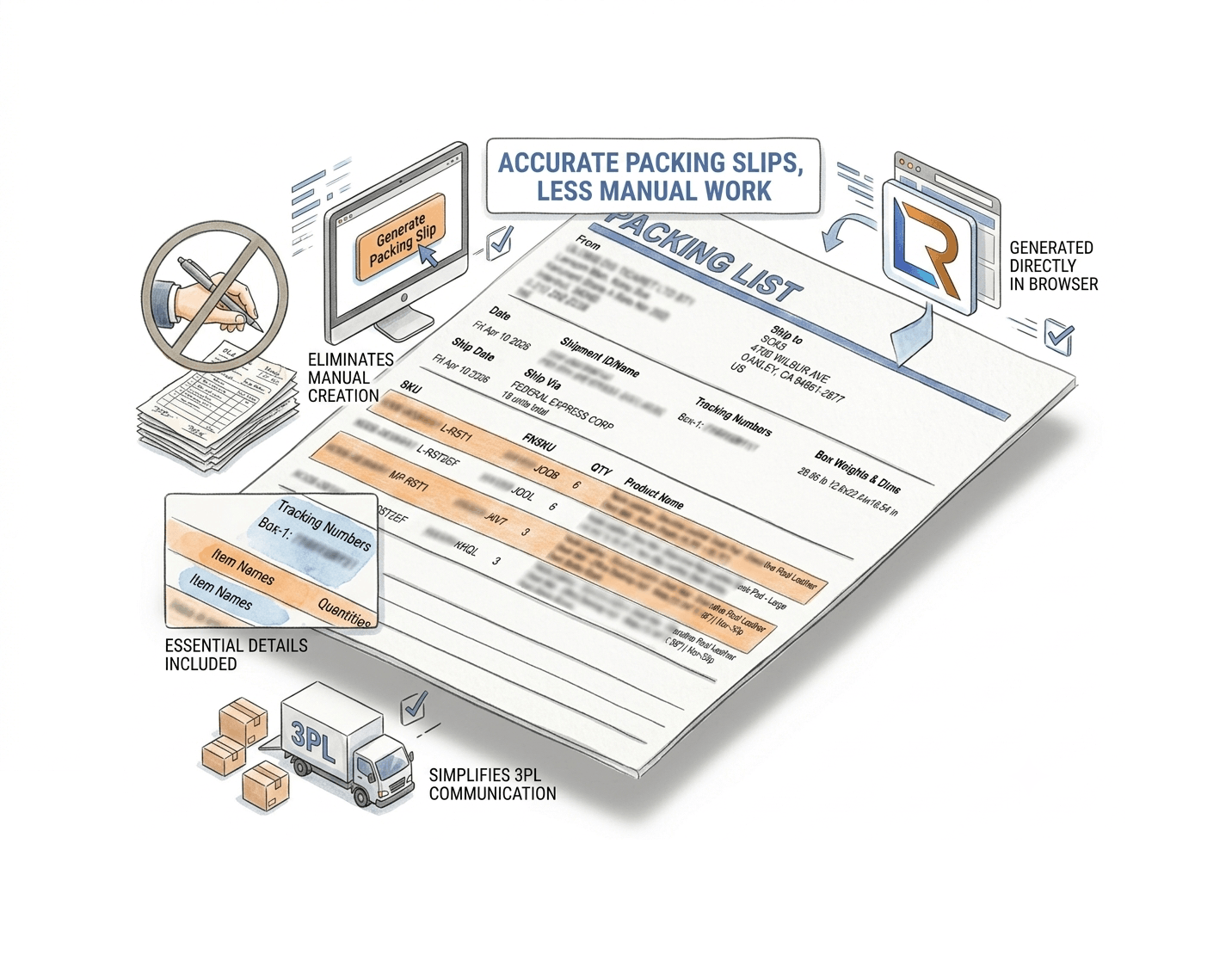
Accurate Packing Slips, Less Manual Work
Formatted, accurate, professional - generated automatically so you can focus on the claim, not the paperwork.
Eliminates manual packing slip creation entirely
Writing out shipment contents by hand or copying data into a template is slow and error-prone. The generator automates the whole process - pulling the shipment data, formatting it correctly, and producing a professional document.
Essential details included on every slip
Each packing slip contains tracking numbers, item names, quantities, and other shipment-relevant information - everything needed to verify contents or communicate with Amazon support.
Simplifies 3PL communication
If you use a third-party logistics provider to handle fulfillment, a clear and accurate packing slip reduces back-and-forth and ensures your 3PL has what they need to process orders correctly.
Works directly in your browser - no software needed
The generator runs through the Label Resizer Chrome or Firefox extension. No separate application to install, no exports from Amazon required - it works wherever you work in Seller Central.
How It Works
Install once, generate packing slips in one click from any shipment.
Step 1: Install the Label Resizer Extension
Add Label Resizer to Chrome or Firefox from the respective extension store. Once installed, the extension icon activates automatically whenever you're on Amazon Seller Central.
Step 2: Open the Shipment in Seller Central
Go to Inventory → Shipments in your Amazon Seller Central account. Click on the shipment for which you need a packing slip.
Step 3: Click Generate Packing Slip
Click the Generate Packing Slip button on the shipment page. Your packing slip downloads as a PDF and opens in a new browser tab - ready to submit, share, or file.
Done!
How to Generate Amazon FBA Packing Slips
Everything You Need for Smarter Shipments
Every tool you need to label, pack, and ship your FBA inventory with confidence.
Shipping, Box Label AndPacking Slip Customization
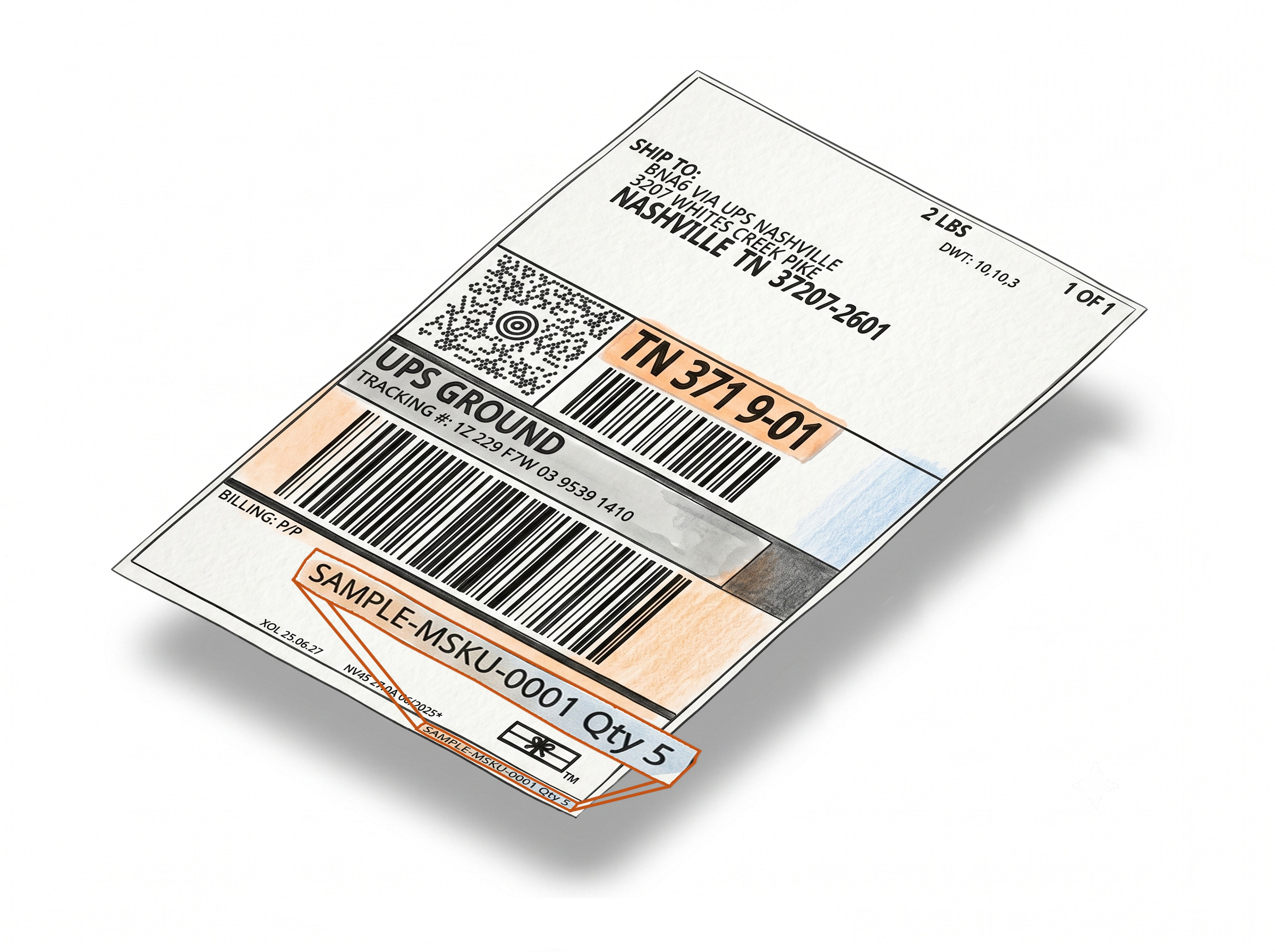
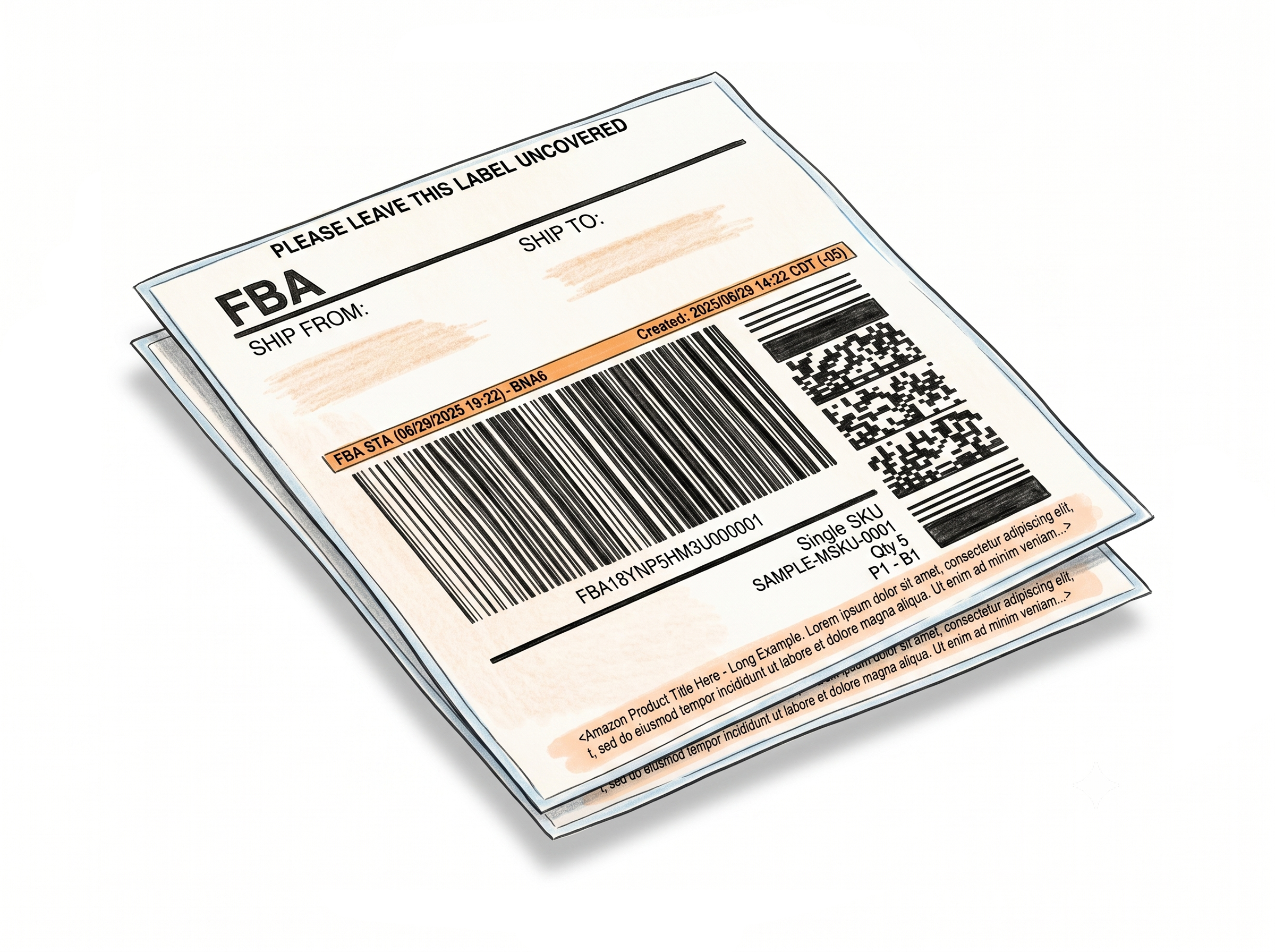

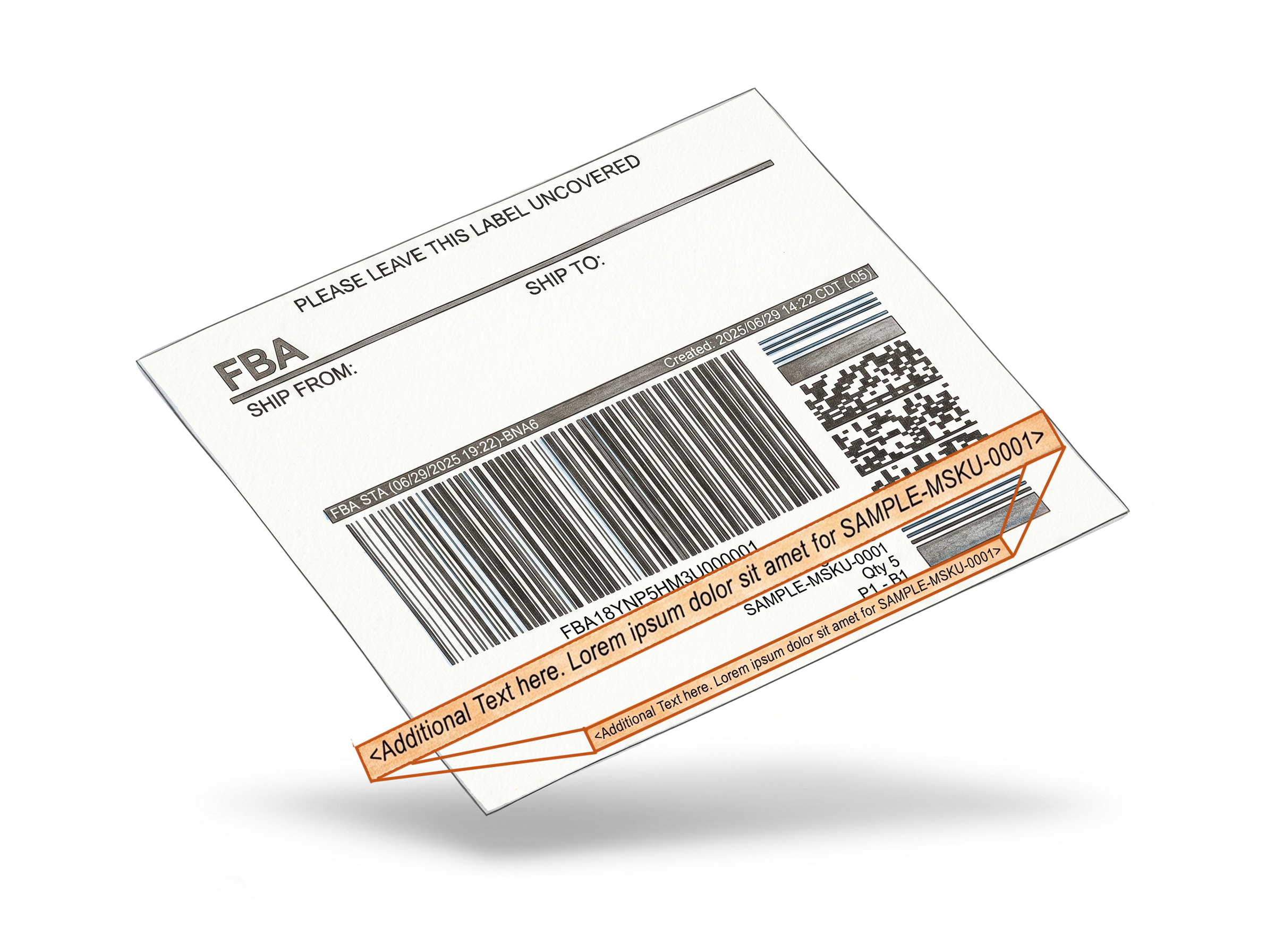
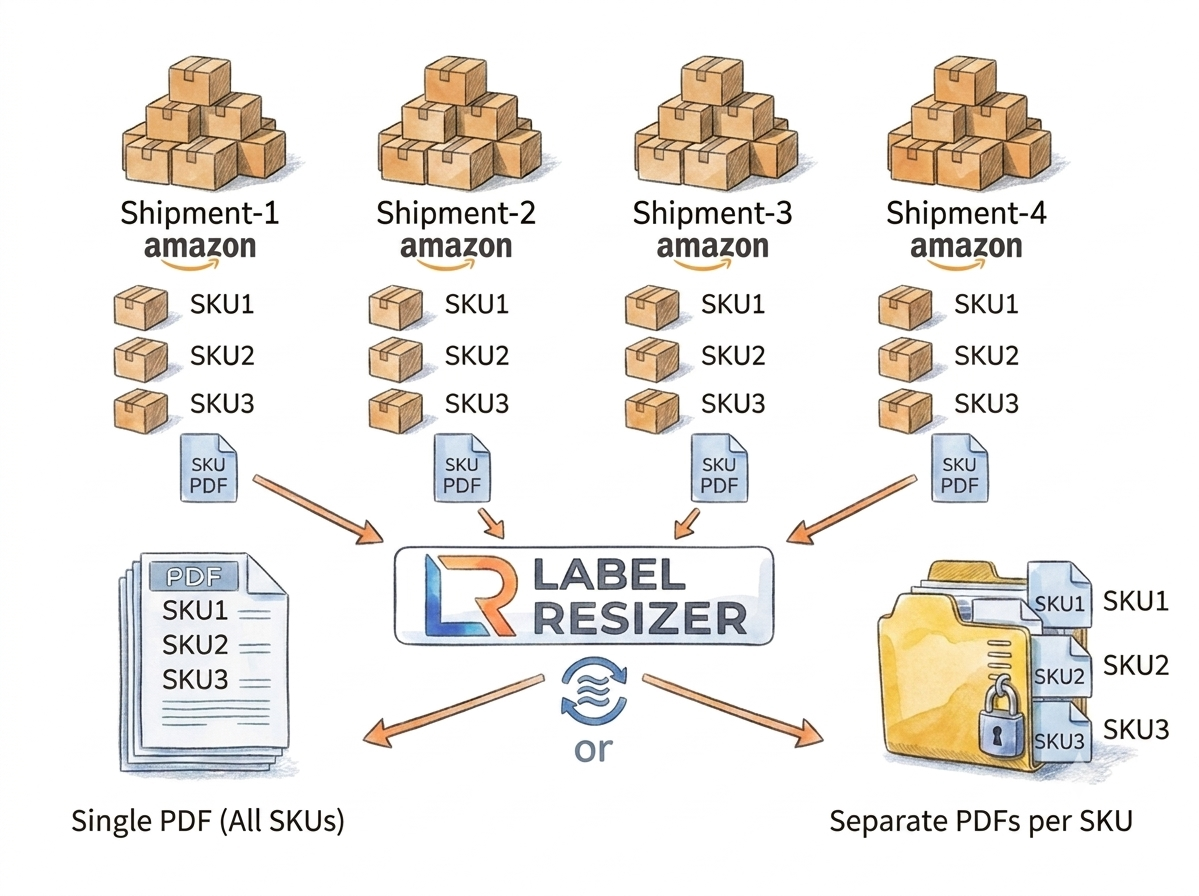
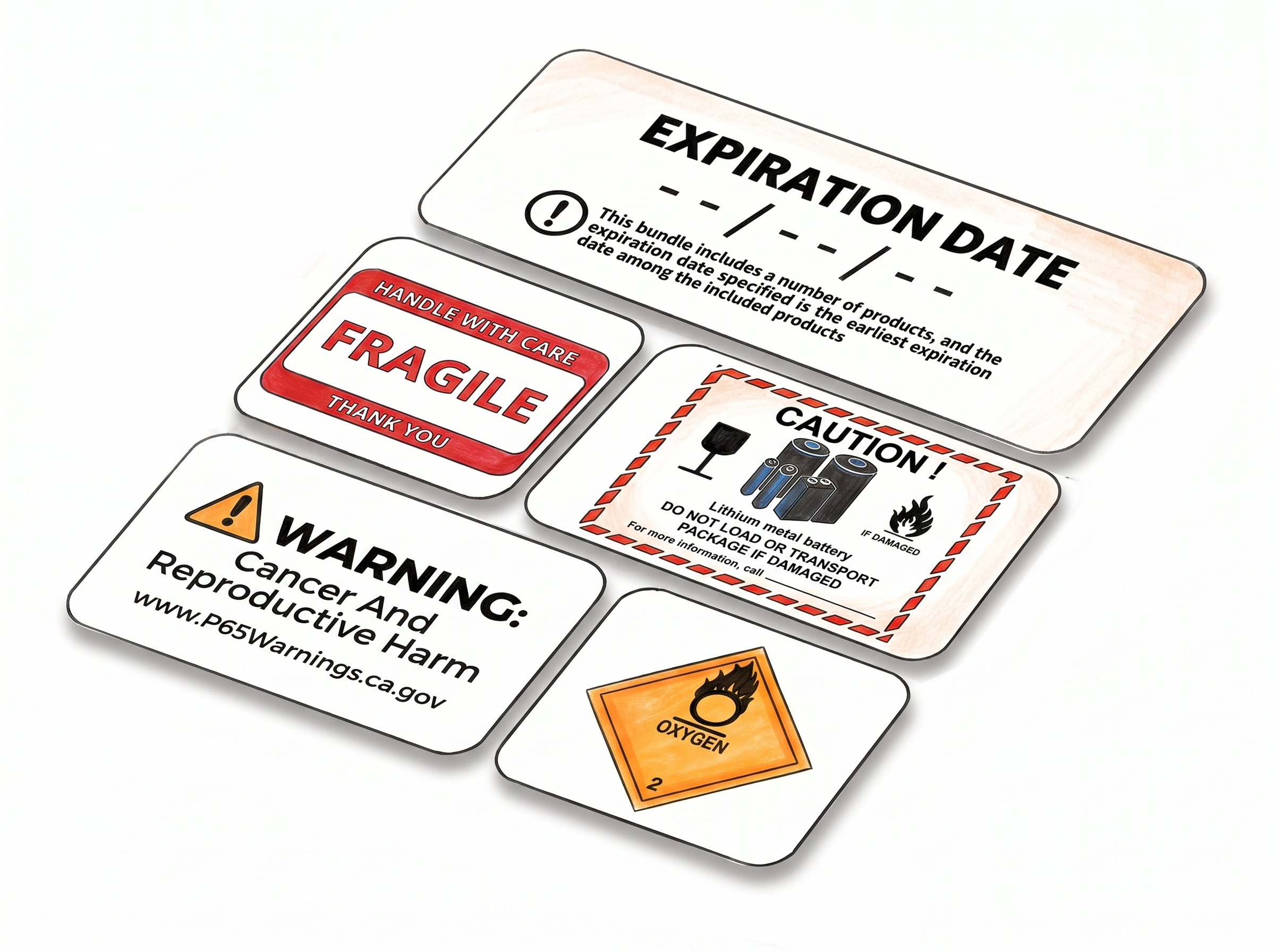
Multiple Ways to Generate


Choose A Plan
Get 100 Product Labels And 10 Shipping Labels Free Every Month - No Credit Card Needed
Monthly Yearly 2 months free
Frequently Asked Questions
Everything you need to know about generating Amazon packing slips with Label Resizer.
What is an Amazon packing slip and why do I need one?
A packing slip is a document that lists the contents of a shipment - items, quantities, and tracking information. For Amazon FBA sellers, it's most useful when opening reimbursement cases for missing or damaged inbound items, as it serves as evidence of what was actually sent.
Do I need to enter any data manually?
No. The generator pulls all shipment information directly from your Amazon Seller Central account through the extension. You just click the button - everything else is handled automatically.
Does this feature require access to my Amazon account credentials?
No. The extension reads shipment data from the page you're already viewing in Seller Central. It doesn't require you to enter or share your account credentials separately.
Which membership plans include the Packing Slip Generator?
The feature is available on Professional and Unlimited membership plans. Each generation uses a portion of your label limit - specifically, the number of pages in the generated packing slip.
What does the packing slip include?
Each packing slip contains the shipment's tracking number, ordered items, quantities, and other relevant shipment details pulled directly from your Amazon account.
Can I use this with the Firefox extension as well?
Yes. The Packing Slip Generator works with both the Label Resizer Chrome extension and the Firefox extension.