
WFS Label Resizing & Customization with Label Resizer
Label Resizer works directly inside Walmart Seller Center with our Chrome and Firefox extension. Instantly resize and enrich product or shipping labels right from your inventory and shipment pages, or simply upload your PDFs.
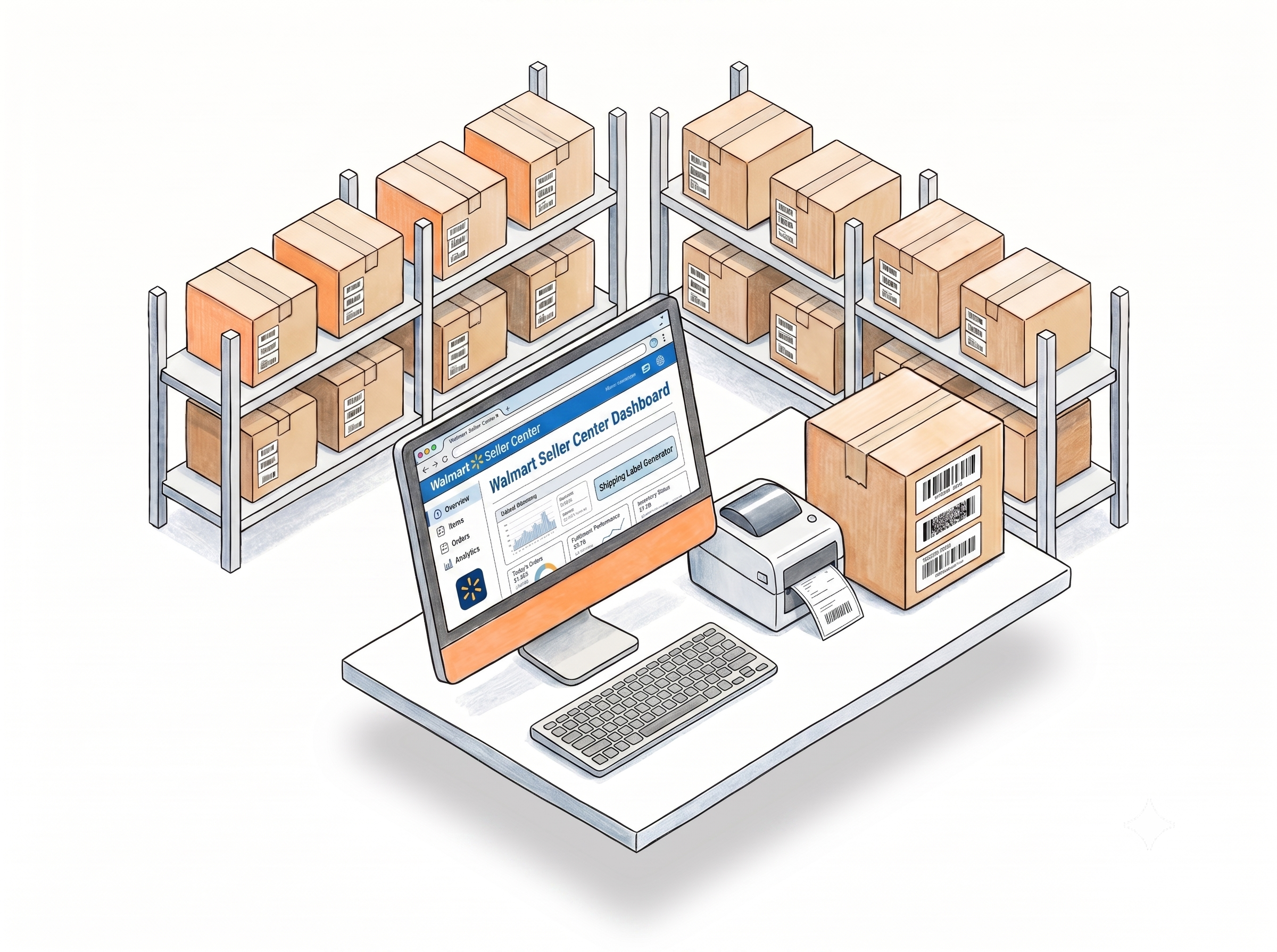
Generate Walmart WFS Labels Without Leaving Seller Center
Extension button inside Walmart Seller Center
The Label Resizer extension adds a Resize Labels button directly to Manage Inventory and Inbound Shipments pages in Walmart Seller Center. Click it and your WFS product and shipping labels are generated with your saved settings - no file downloads, no tab switching. Learn more
Support Walmart Generated PDF Labels
Drop your Walmart product or shipping label PDF into the related uploader. Label Resizer applies your saved settings and outputs a resized, customized label - ready to print. Learn more
Thermal and Avery label support
Generate WFS labels for thermal printers or Avery sheet labels. Use predefined size presets or enter your own dimensions in inches or millimeters - whatever your label stock requires. Learn more

Customize WFS Labels to Enhance Your Workflow
Custom text in three positions
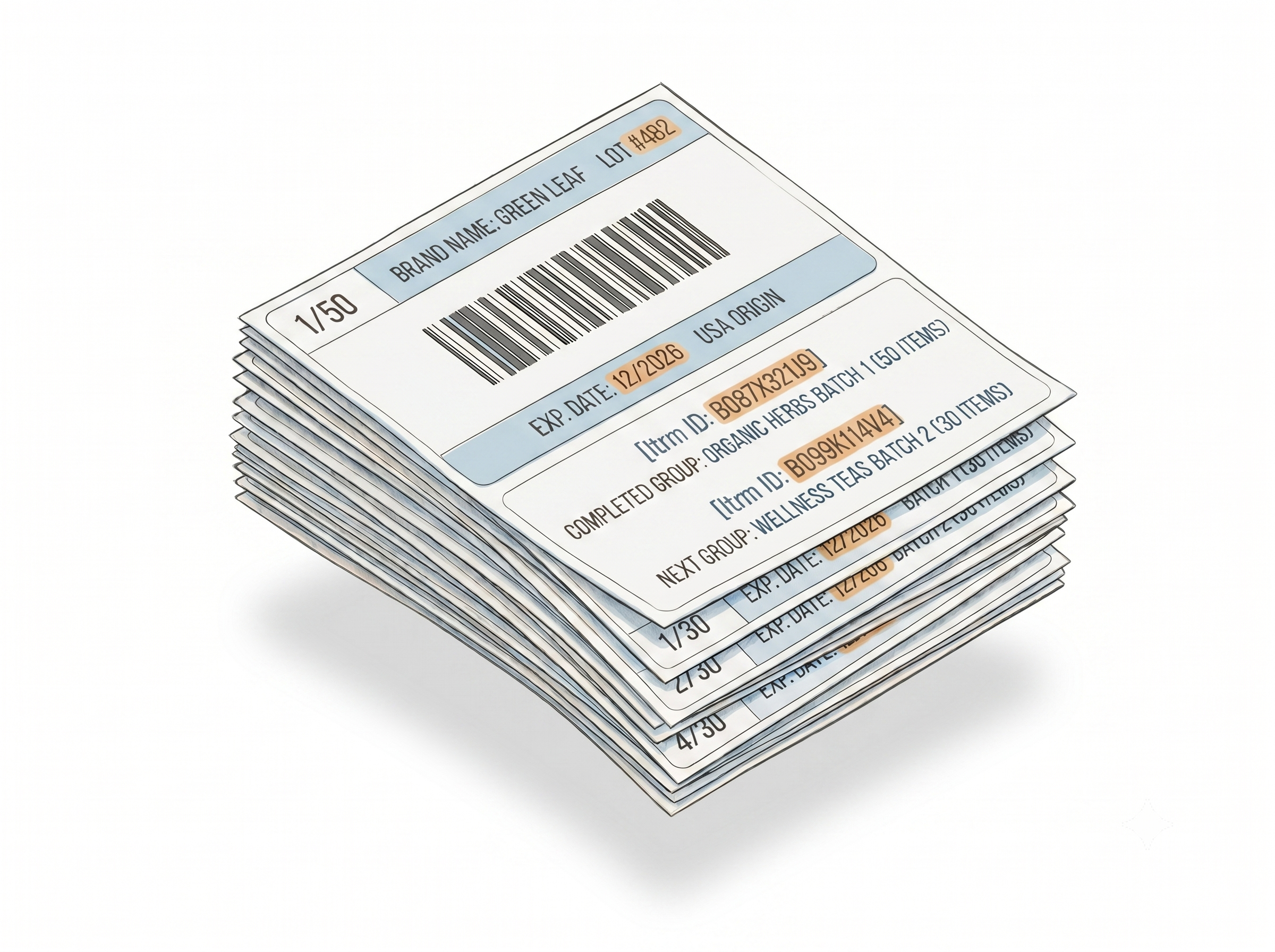
Add free text to the header, footer, or next to the condition field on WFS product labels - expiration dates, country of origin, lot numbers, brand names. Enter once per product or apply the same text to every label in the batch. Learn more
Separator labels for multi-product batches
When generating labels for multiple products in a single batch, Label Resizer inserts a separator between each product group automatically. Each separator shows the ASIN, MSKU, and product title for the completed group and the next - no manual counting, no mix-ups. Learn more
Item numbering for quantity verification
Add sequential numbers (1, 2, 3) or count format (1/100, 2/100) to every label. Numbering resets per product group automatically - so each FNSKU or SKU group counts independently within the same batch. Learn more
Label Editor with Smart Fields for Walmart
Design custom label templates in the Label Editor using Smart Fields - Product Title, Condition, Merchant SKU, and Free Text - which automatically map to your Walmart product data through the extension or PDF upload. Learn more
More Tools to Support Your Walmart Workflow
Warning Label Maker
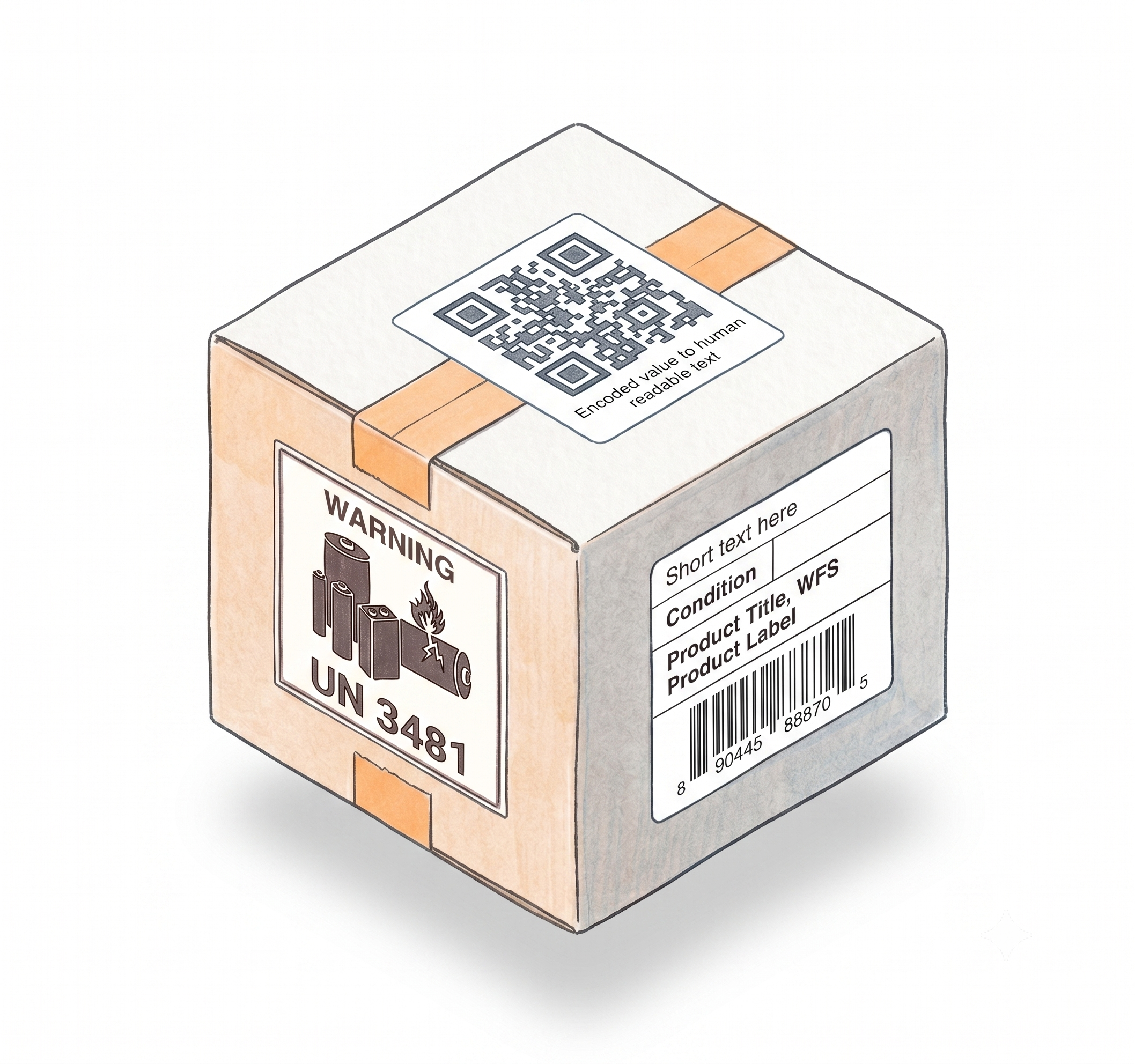
Generate Fragile, Suffocation, Team Lift, Prop 65, and 40+ other compliance labels your products may require before they hit a Walmart fulfillment center. Learn more
Barcode Label Maker
Create print-ready barcode labels in any format and size, directly in your browser. Useful for inventory, packaging, and shipping needs beyond WFS standard labels. Learn more
Product Label Maker
Build custom product labels with your barcode, custom text, and layout - compatible with thermal printers and Avery stock, ready to apply before sending to WFS. Learn more
How It Works
Install once, configure your settings, generate WFS labels inside Seller Center from that point on.
Step 1: Install the Extension and Configure Your Settings
Add Label Resizer to Chrome or Firefox. In Product Label Settings, enable Complete Title, Add SKU, Free Text, Separator, or Numbering as needed. If you want a custom design, build it in the Label Editor using Smart Fields and save it.
Step 2: Generate Labels Inside Walmart Seller Center
Open Walmart Seller Center and navigate to Manage Inventory or Inbound Shipments. Click the Label Resizer Resize Labels button - or select your custom design from the dropdown first. Labels generate with your settings applied and download immediately.
Step 3: Print and Apply
Your WFS labels come out in the correct size, with the full product title, MSKU, and any custom text you've configured. Print on thermal or Avery stock and apply to your products before sending to the Walmart fulfillment center.
Done!
Choose A Plan
Get 100 Product Labels And 10 Shipping Labels Free Every Month - No Credit Card Needed
Frequently Asked Questions
Everything you need to know about using Label Resizer for Walmart WFS.
What's the difference between the extension and the web uploader?
The extension pulls data directly from Walmart Seller Center, so it has access to complete label information - full product titles for product labels, SKU and quantity for shipment labels. The web uploader works from the data available in your PDF or spreadsheet, which may not always include everything. Some features - including complete product titles, SKU and quantity fields on shipment labels, and packing slip generation - are only available through the extension.
Can I use Label Resizer with Zebra, DYMO, and Rollo printers?
Yes. Label Resizer outputs standard PDF files sized to your chosen label stock - Avery, thermal, or custom dimensions. Any printer that accepts a PDF with the correct label size will work. Our users print across all major printer types including Zebra, DYMO, and Rollo.
Do I need to share my Walmart credentials with Label Resizer?
No. Label Resizer never asks for, stores, or uses your Walmart Seller Center login credentials in any way. The browser extension only activates on label-related pages inside Seller Center and operates entirely within Chrome and Firefox's security standards - the extension code is fully transparent and has passed the review process of both browser stores.
Can I create labels in bulk?
Yes. Upload a CSV file with your product data and Label Resizer generates all your labels in one batch - no manual entry per item. Bulk generation is supported for product labels, barcode labels, warning and compliance labels, and fully custom labels designed in the Label Editor.
Do I need a separate Label Resizer account for Amazon and Walmart?
No. One Label Resizer account covers both Amazon and Walmart. Your label settings, custom designs, and usage limits apply across both platforms. Switch between Seller Central and Walmart Seller Center in the same browser session - the extension handles both.