
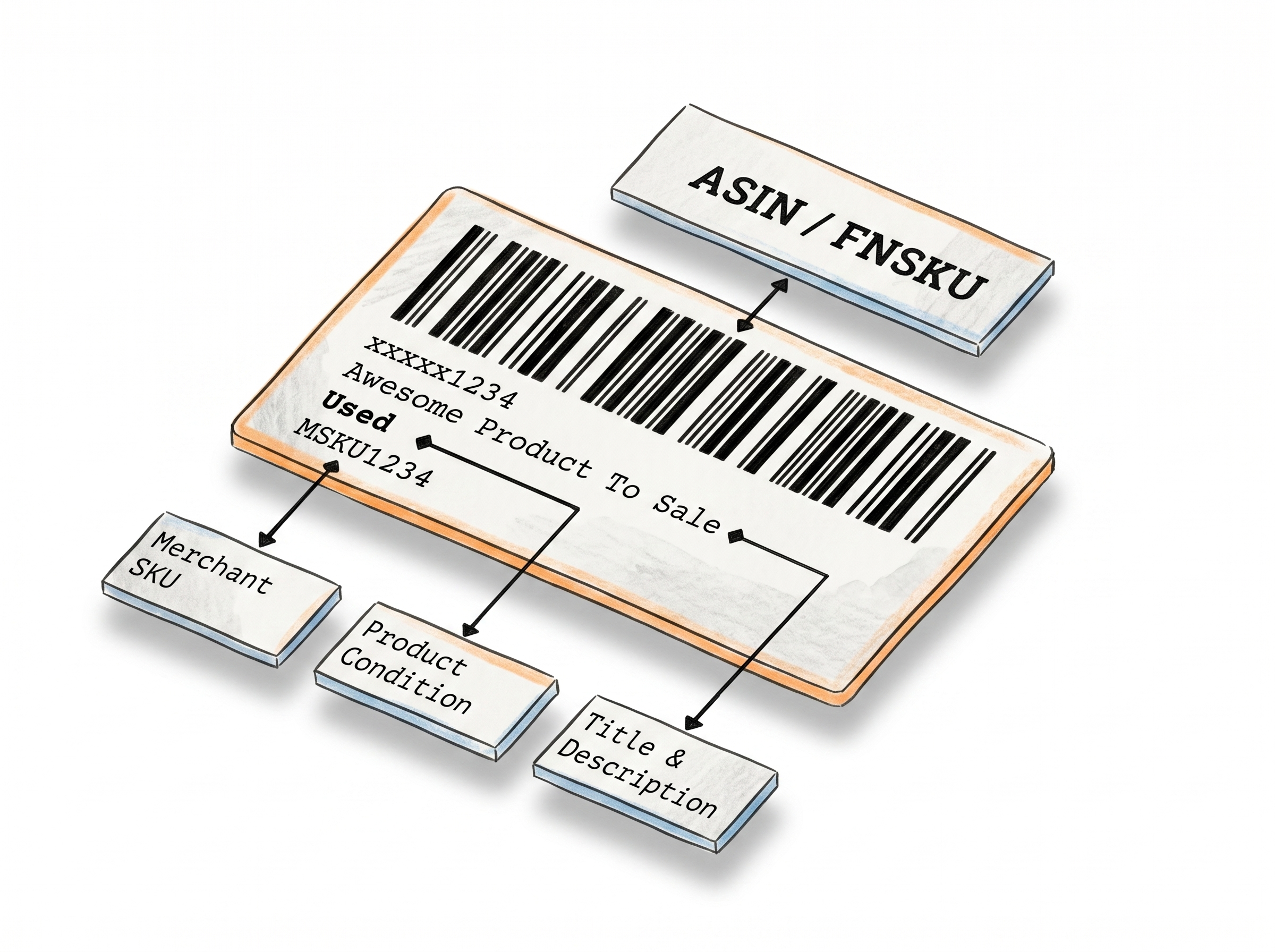
Generate Warning Labels for Your Products in Seconds
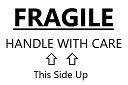
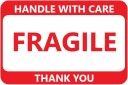
The Warning Label Maker helps anyone who ships or sells products create industry-standard warning and compliance labels - Fragile, Suffocation Warning, Team Lift, Proposition 65, lithium battery labels, and 40+ more
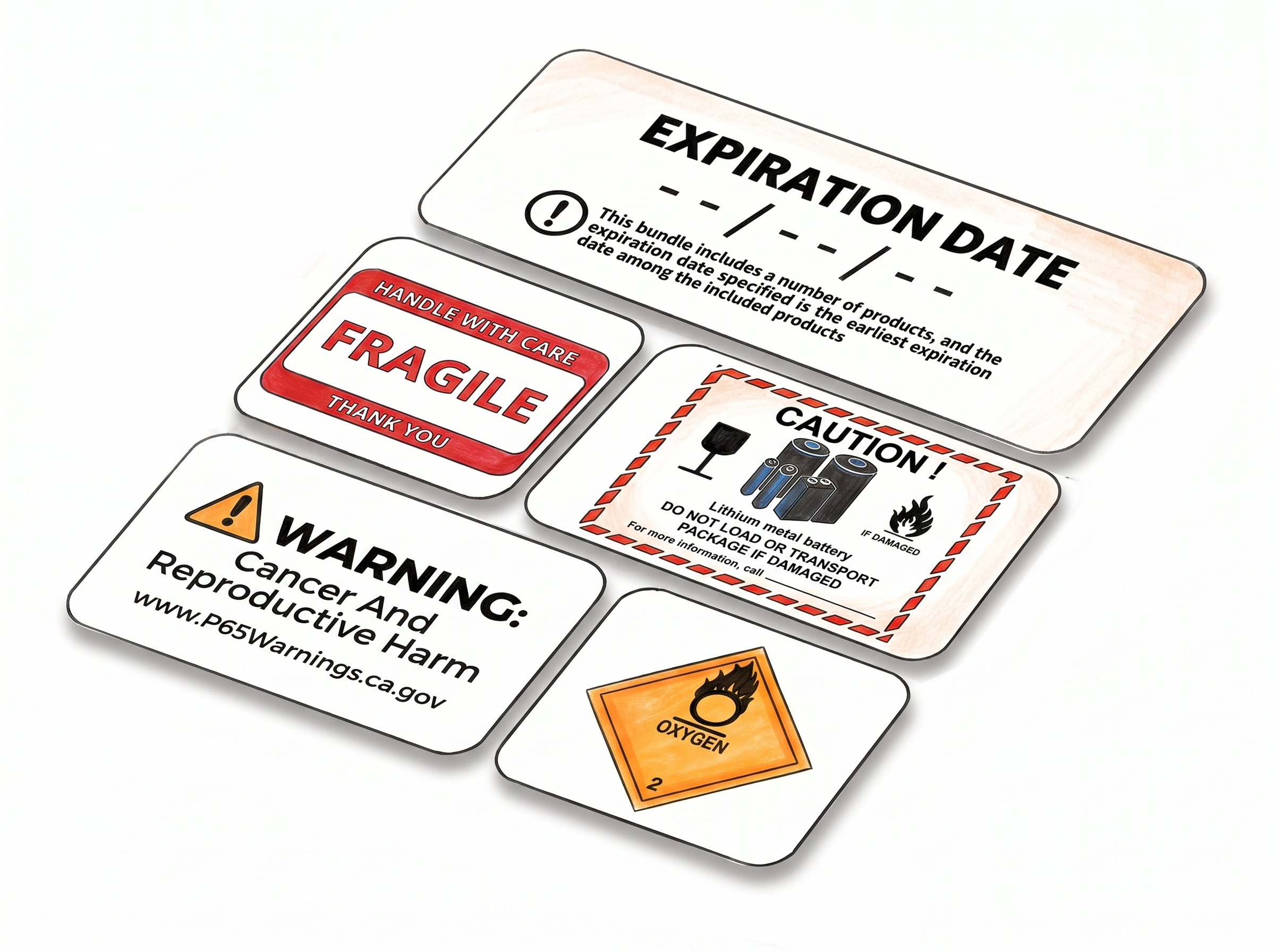
Warning and Compliance Labels Built Around Amazon and Carrier Requirements
Covers every major warning label type
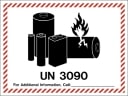
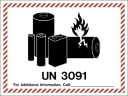
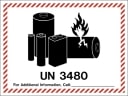
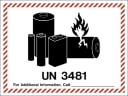
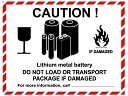
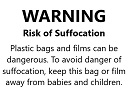
Battery warnings (UN3480, UN3481, UN3090, UN3091), Proposition 65, Suffocation Warning, Team Lift, Heavy Package, Expiration Date, and more - organized by category so you find the right one fast.
Formatted to pass inspection
Lithium battery UN codes meet USPS, Amazon FBA, and major carrier regulations. No second-guessing whether your packaging clears the compliance check.
Editable fields where they count
Expiration date, Best Before, and battery labels let you enter specific dates, phone numbers, or details directly - no manual editing after download.
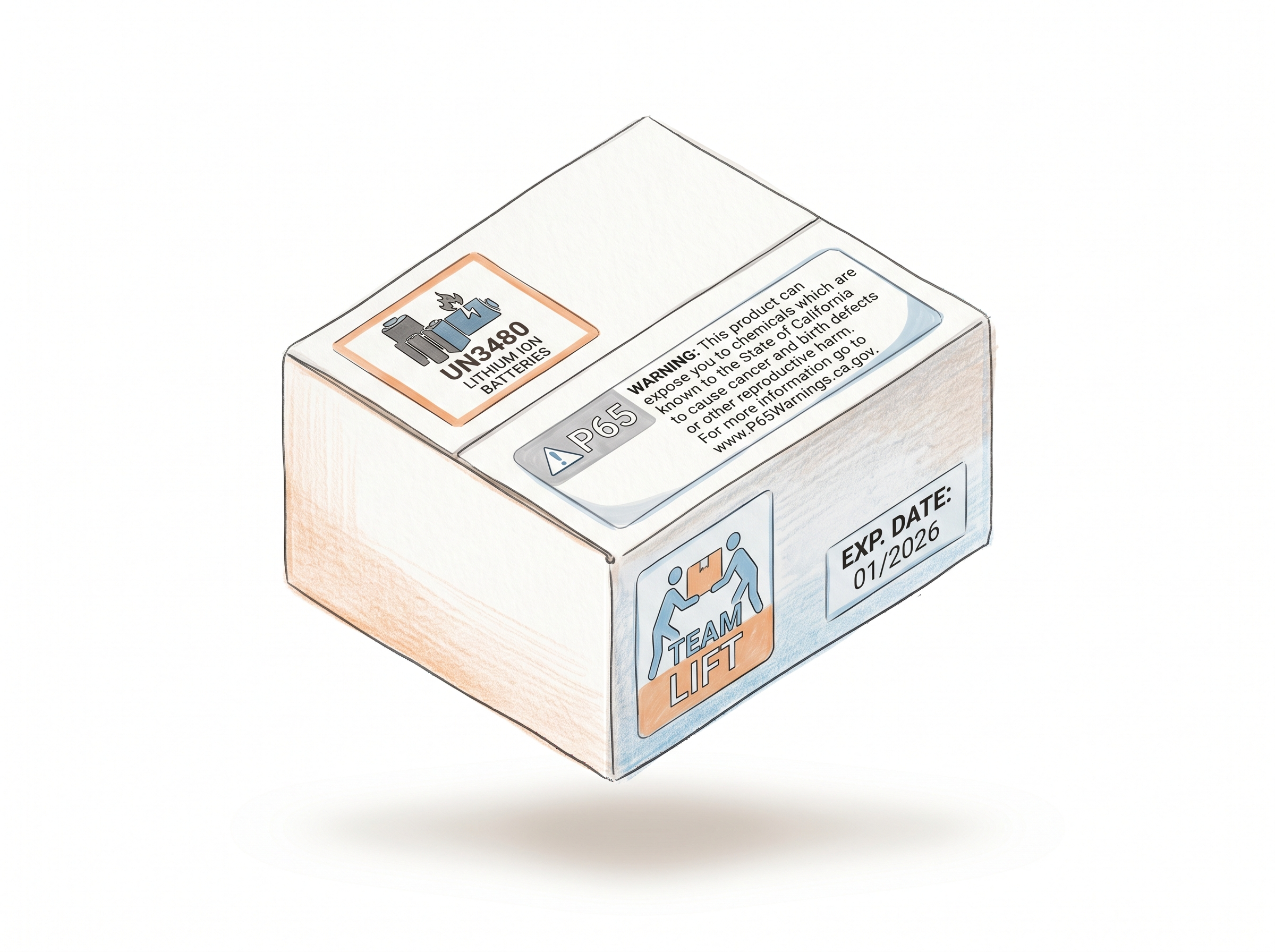
Pick a preset or enter custom dimensions - your label fits the stock you already use.
Predefined sizes for Avery and thermal labels
Select from ready-to-use size presets that fit standard Avery sheet labels and thermal label rolls - no measuring required.
Custom sizing when you need it
Enter your own dimensions for thermal labels using either inch or metric units. The label scales automatically to fit.
PDF output, no software needed
Labels download as a print-ready PDF directly from your browser - works on any computer, no design tool or app to install.
Missing a label? We'll add it
If you need a warning or compliance label that isn't in the library yet, contact us. New labels are typically added on short notice.
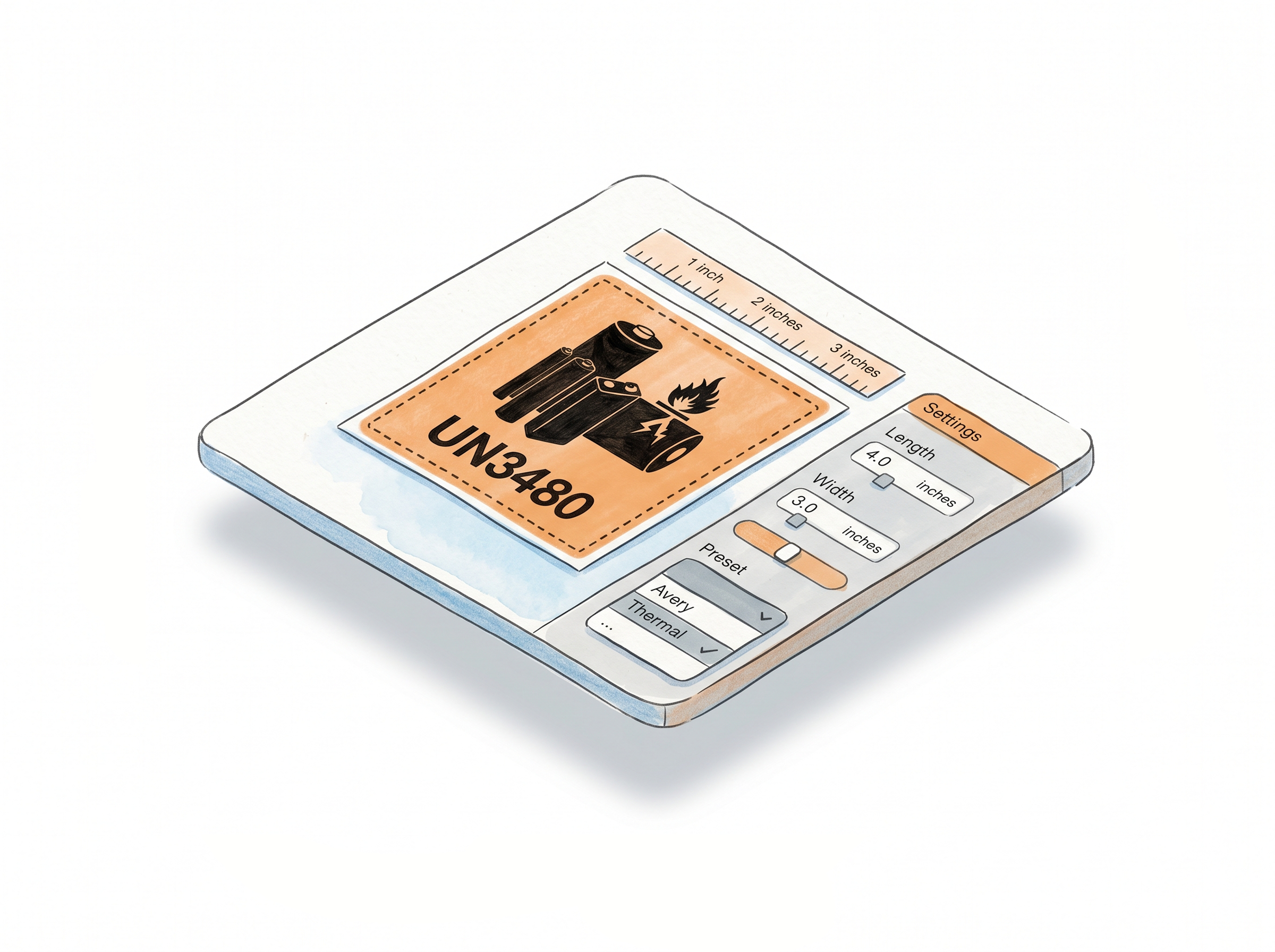
How It Works
Choose your label type, fill in the details, download your PDF.
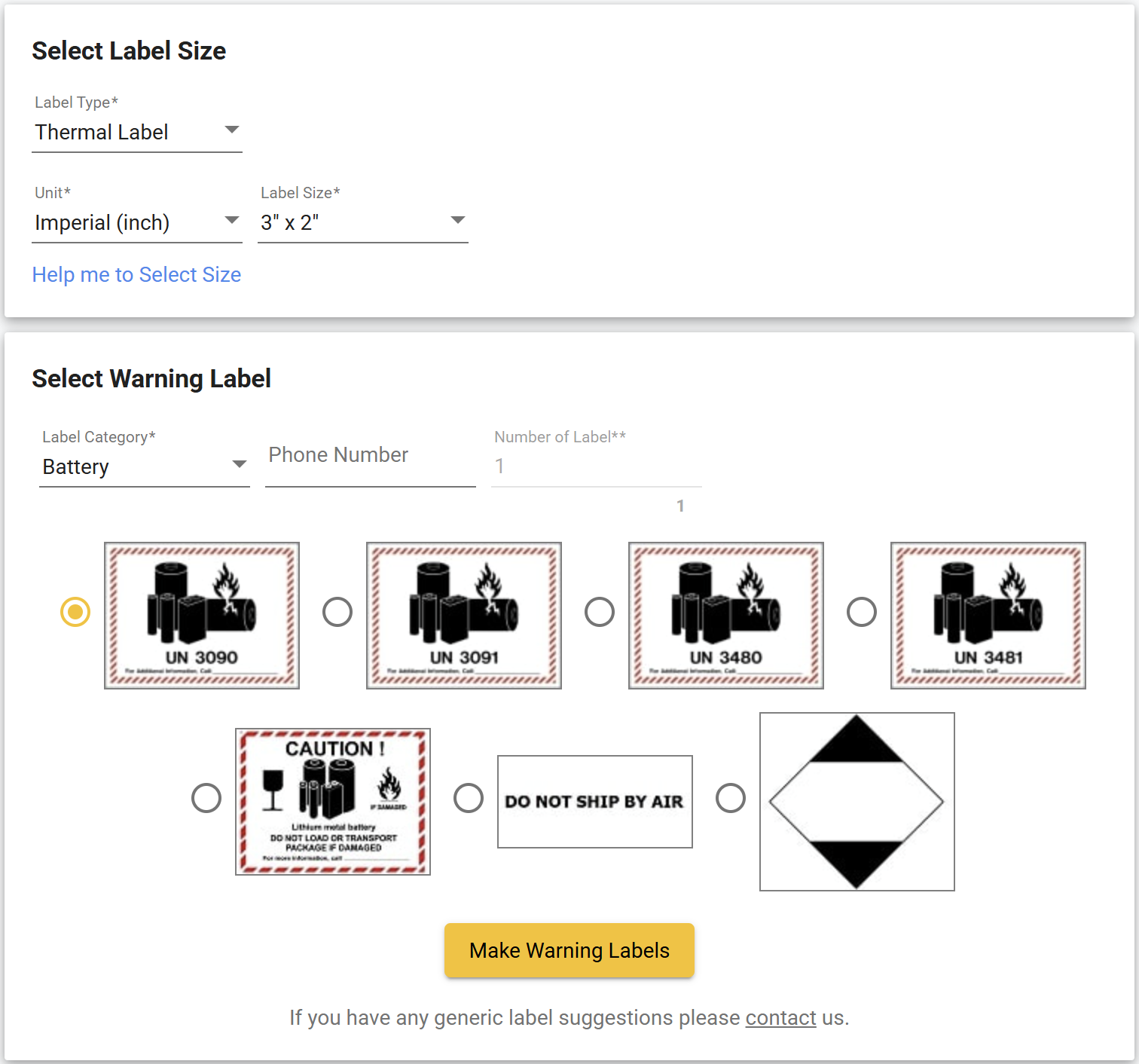
Step 1: Choose Your Label Type and Size
Select the warning label category that fits your need. Set your unit preference (inch or metric) and choose a predefined size for Avery or thermal stock, or enter a custom size.
Step 2: Pick Your Design and Fill In Details
Each category has multiple label designs. Select the one that fits your product. For labels like Expiration Date or lithium battery types, enter any required details such as dates or phone numbers.
Step 3: Download and Print
Click "Make Warning Labels." Your labels generate instantly and download as a PDF, ready to print on your thermal printer or Avery sheet labels.
Done!
Watch how to create warning labels for Amazon FBA
40+ Warning Labels Ready to Print
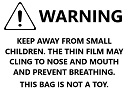
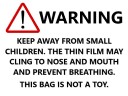
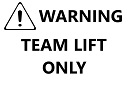
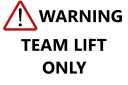
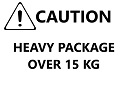
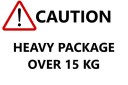
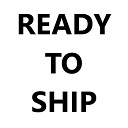
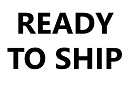
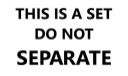
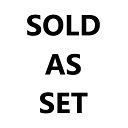
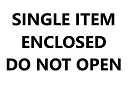
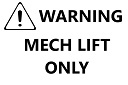
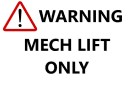
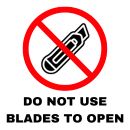
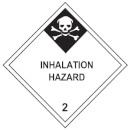
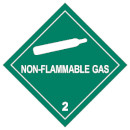
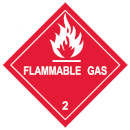
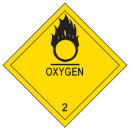
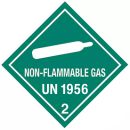
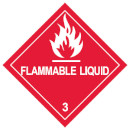
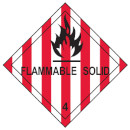
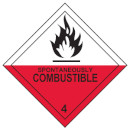
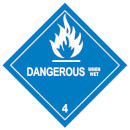
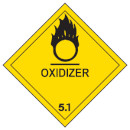
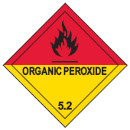
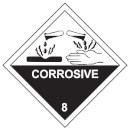
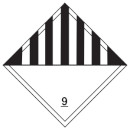
Every label type available in the Warning Label Maker - from lithium battery UN codes to Proposition 65, Suffocation Warning, Hazmat, and retail badges. Need a label that isn't here? Contact us and we'll build it for you, usually within a short turnaround.














Other Label Makers
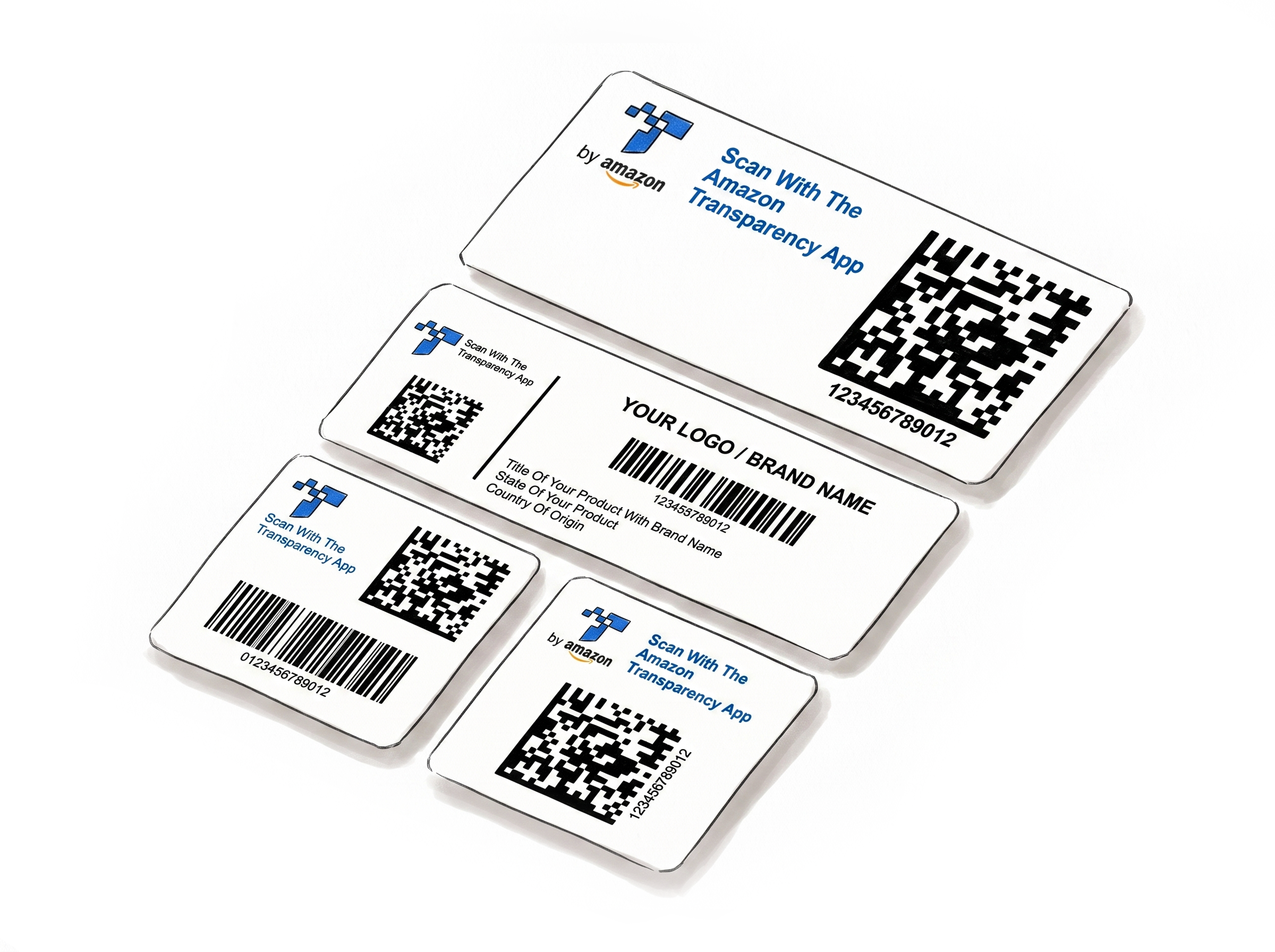
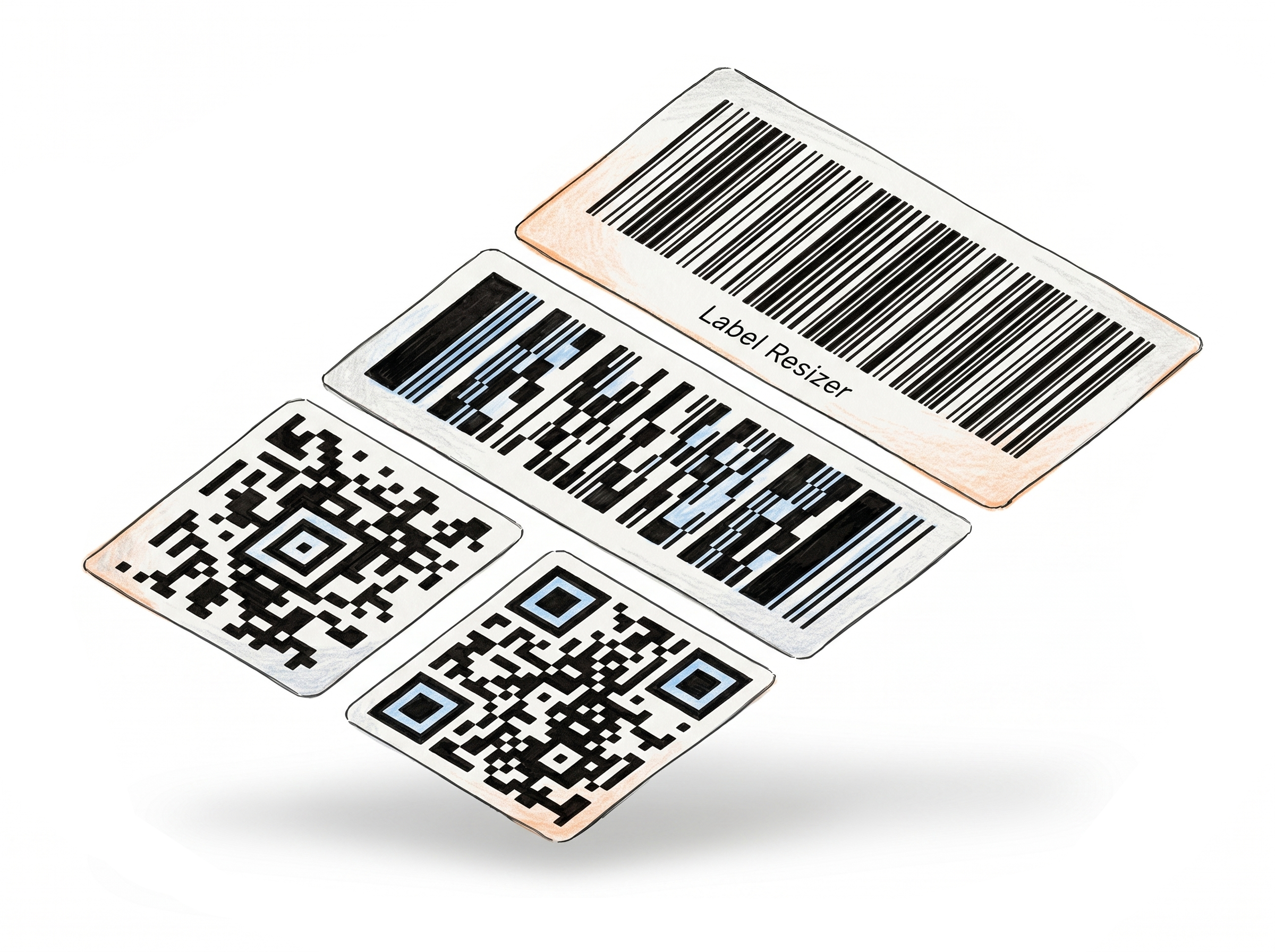
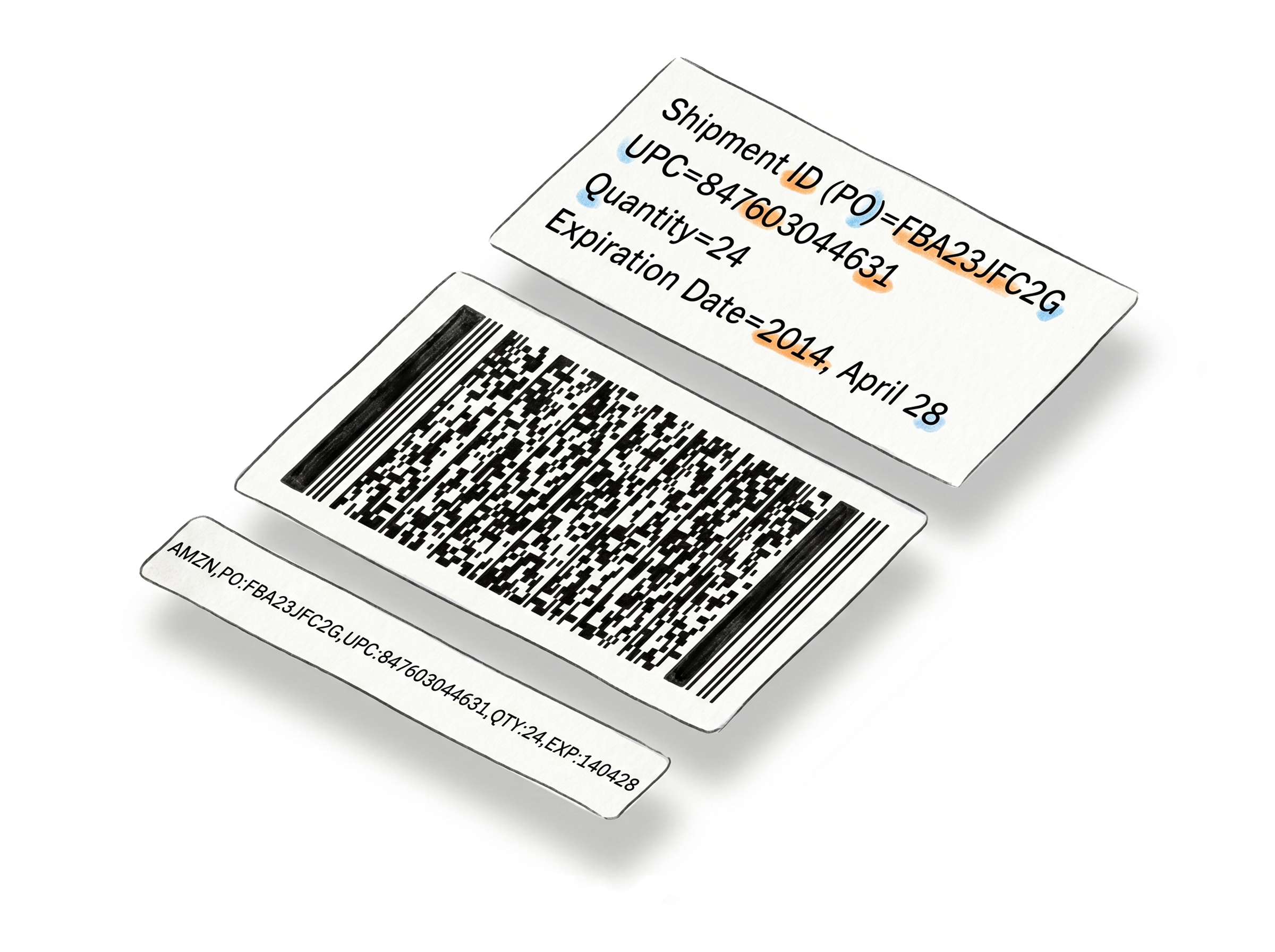
More tools for e-commerce sellers - no design software required.
Choose A Plan
Get 100 Product Labels And 10 Shipping Labels Free Every Month - No Credit Card Needed
Monthly Yearly 2 months free
Frequently Asked Questions
Everything you need to know about generating warning and compliance labels with Label Resizer.
What types of warning labels can I generate?
We support 40+ variations including Lithium Battery (UN3480, UN3481, UN3090, UN3091), Suffocation Warning, Prop 65, Team Lift, Heavy Package, Expiration Date, and retail badges like "Sold as Set."
Do these labels meet Amazon FBA and carrier requirements?
Yes. Labels are formatted to meet industry standards including Amazon FBA requirements and carrier regulations from USPS and other major shipping providers - particularly for lithium battery shipments where specific UN labeling is required.
Can I use custom label sizes?
Yes. You can use predefined size presets for Avery and thermal labels, or enter fully custom dimensions in either inches or centimeters. The label adjusts automatically to your specified size.
What if I need a warning label that isn't in the library?
Contact us directly. We regularly add new warning and compliance labels based on user requests, typically on short notice.
Do I need an account to use this tool?
No. You can generate a label without signing in, though some features and label types are limited in guest mode. This lets you get a feel for how the tool works before committing to an account. Creating a free account unlocks a 14-day trial with full access - after that, you move to a paid or free plan, each with a monthly label allowance.
Does each label I generate count toward my monthly limit?
Yes. Every label generated with this tool uses one product label from your monthly allowance. Limits vary by plan - paid plans include a higher monthly allowance.