
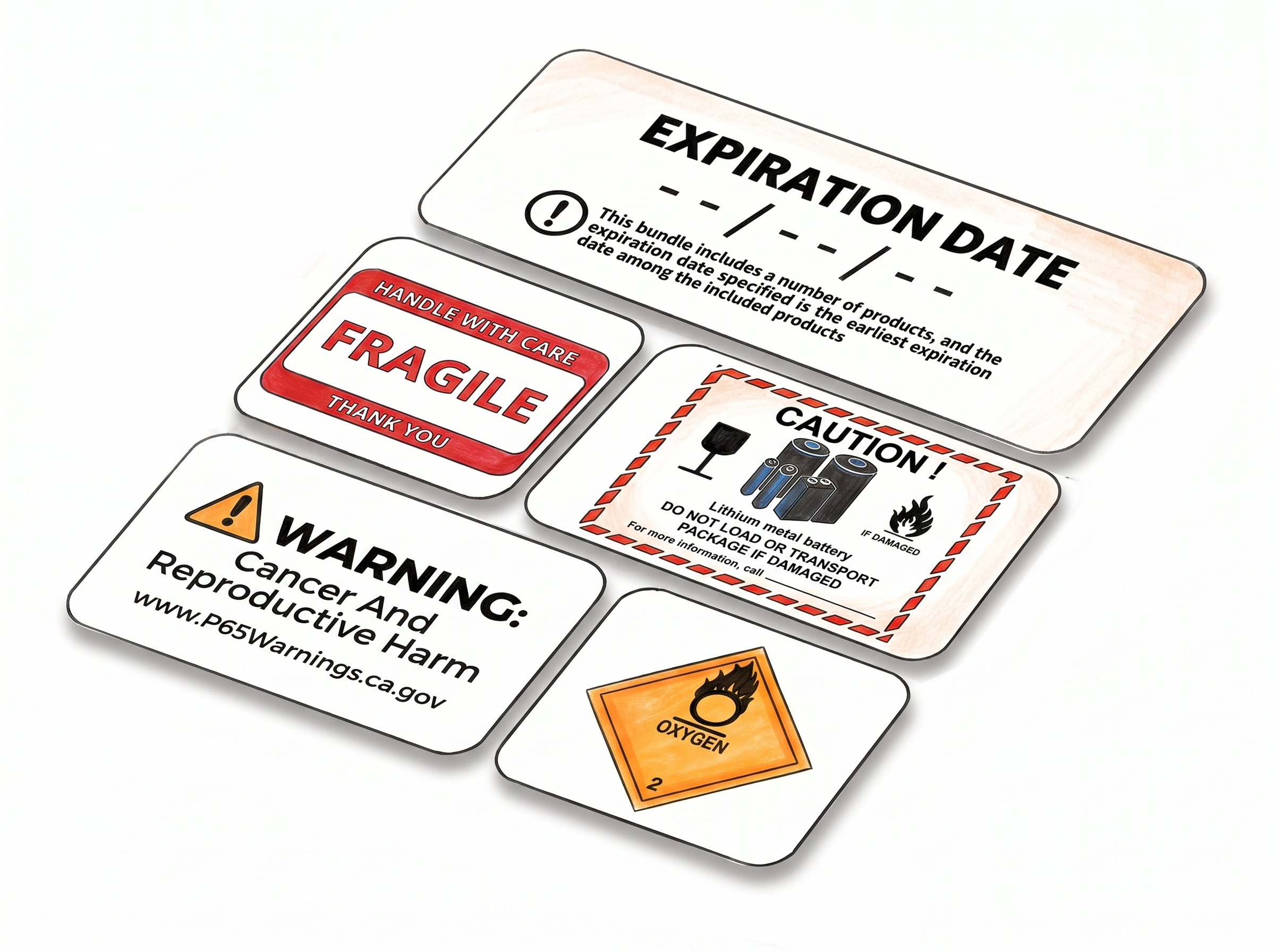
Generate Product Labels in Seconds
Our FNSKU Label Maker generates product labels built on the standard Amazon FBA layout, compatible with thermal printers and Avery label stock. It supports all major barcode formats up to 14 digits - including ASIN, FNSKU, UPC-A, EAN-13, ISBN-13, and GTIN-14 - and lets you add custom text above or below the barcode to personalize labels for your own workflow.
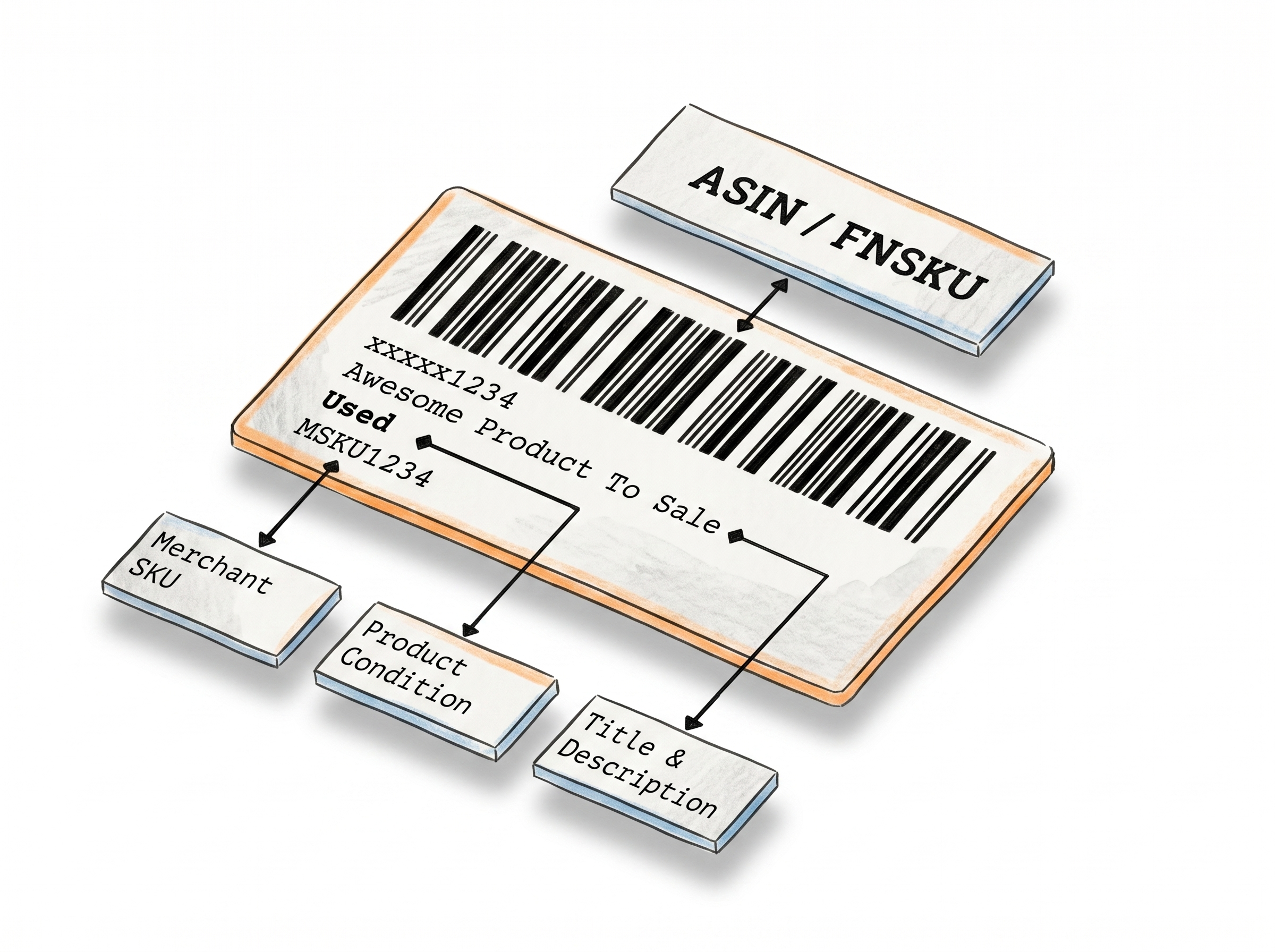
The Fastest and Simplest Way to Generate Customized Product Labels
Fully Customizable Label Fields
Built on the standard Amazon FBA product label layout, you can populate every field with your own data - FNSKU, product title, condition, and additional custom text above or below the barcode.
Supports Major Barcode Types via Code 128A
Labels are generated in Code 128A format, which supports alphanumeric data up to 14 characters - covering ASIN, FNSKU, UPC-A, EAN-13, EAN-8, ISBN-13, and GTIN-14. Whatever code type you're working with, it prints correctly.
Instant PDF Output at Any Quantity, Any Size
Enter your label count and generate anywhere from a single label to hundreds in one go. Download instantly as a PDF sized for Avery sheet labels, thermal rolls, or a custom dimension of your.
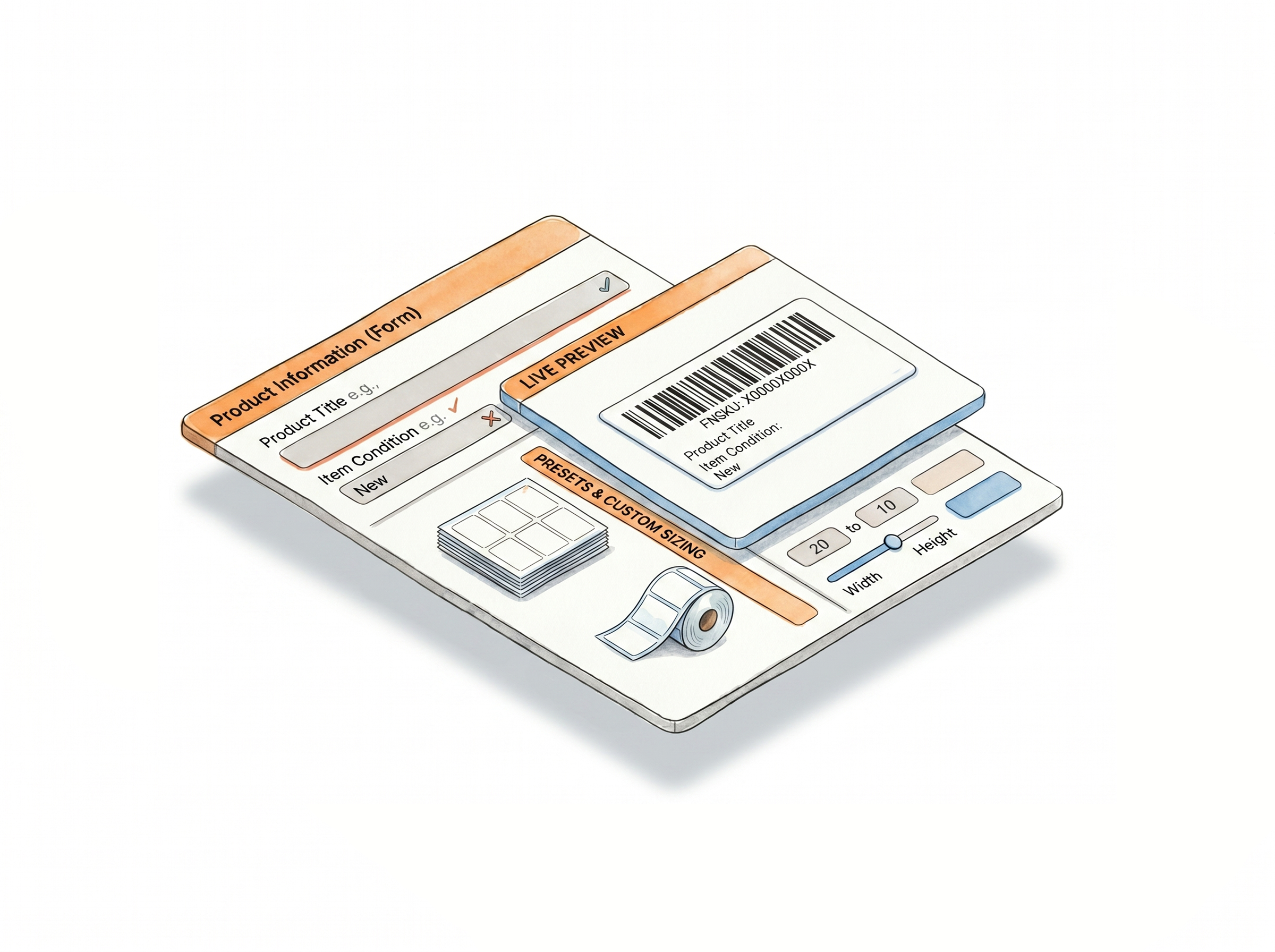
Header, side, and footer text
Logged-in users can add free-form text to three separate areas of the label - useful for internal warehouse references, supplier codes, or batch identifiers that don't belong in the barcode data.
Full product title
Print the complete product title on the label instead of a truncated version - helpful when warehouse staff need to identify the item by sight without scanning.
Merchant SKU and label numbering
This field is where Amazon FBA sellers enter their Merchant SKU - but it's fully open, so you can enter any reference data that fits your workflow. A separate numbering sequence field is also available for multi-unit shipments. Both fields are available to logged-in users.
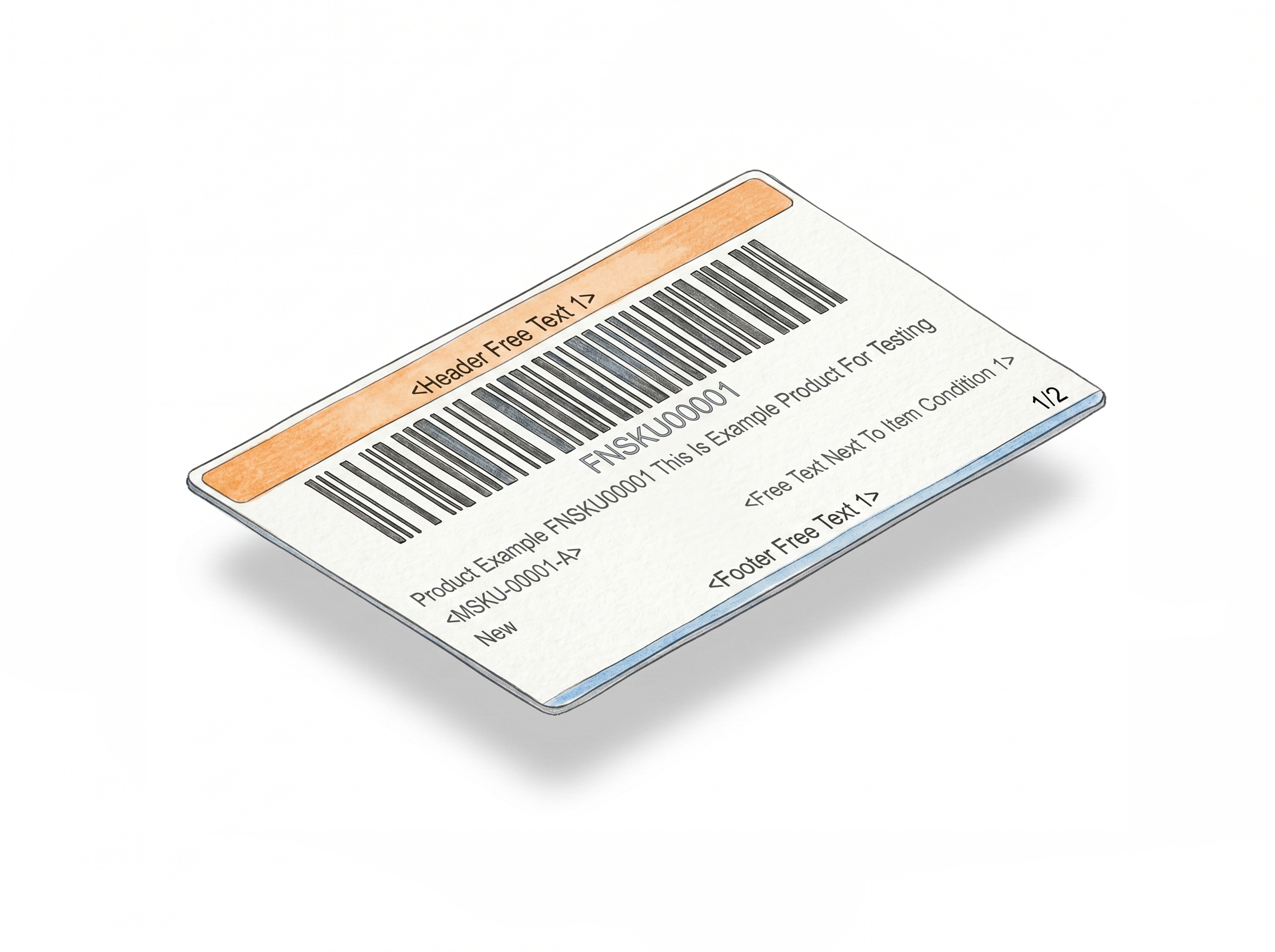
How It Works
Set your size, enter your product info, download your labels.
Step 1: Set Your Label Size
Choose your label stock - thermal or Avery - and select a predefined size or enter custom dimensions in inches or centimeters.
Step 2: Enter Your Label Information
Fill in your FNSKU or ASIN, product title, and item condition. Add optional merchant SKU, header, side, or footer text if needed. The label preview updates as you type.
Step 3: Generate and Download
Click "Make FNSKU Label." Your labels download as a PDF and open in a new browser tab - ready to print and apply to your FBA inventory.
Done!
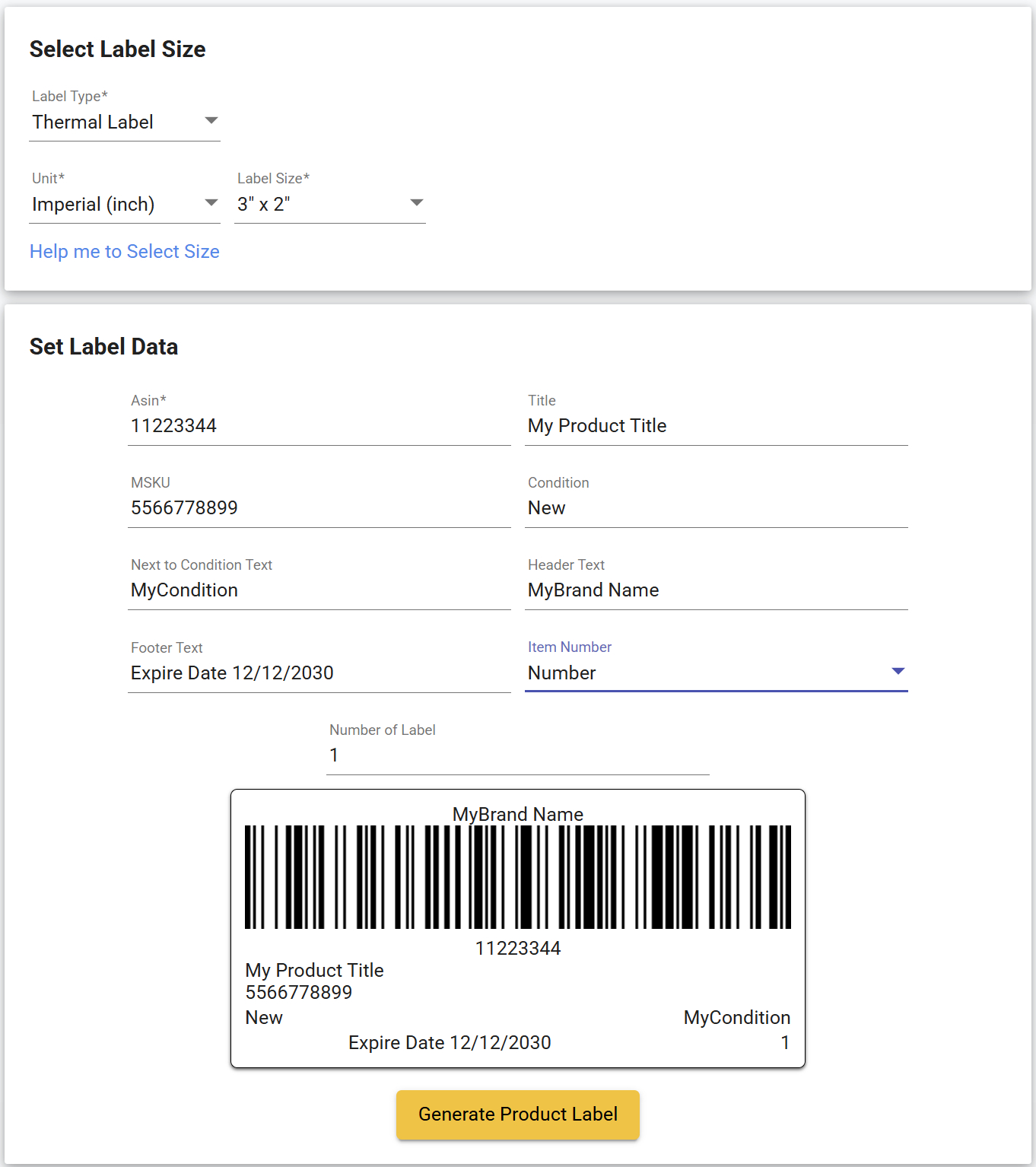
Watch how to create FNSKU labels for Amazon FBA
Other Label Makers
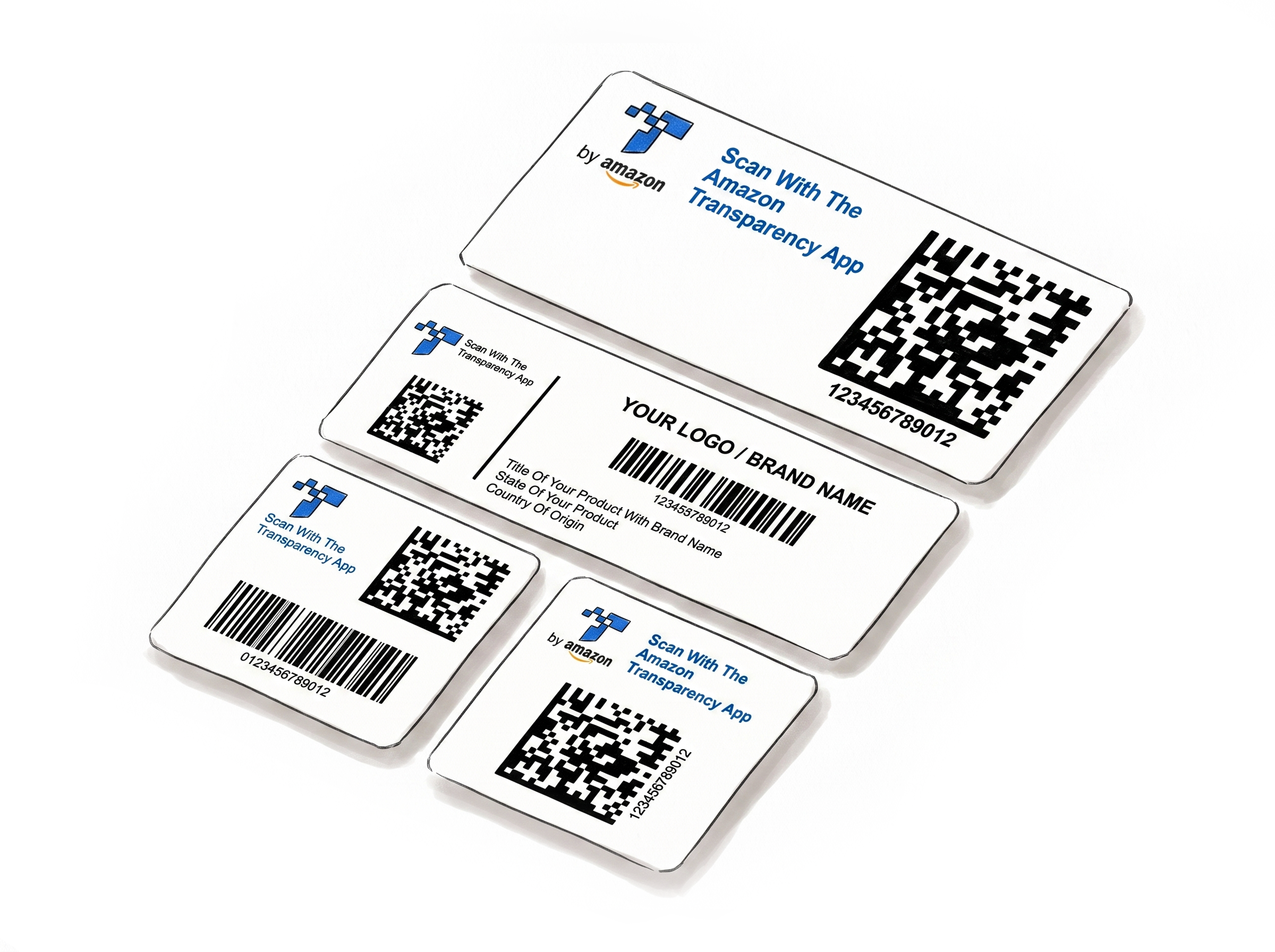
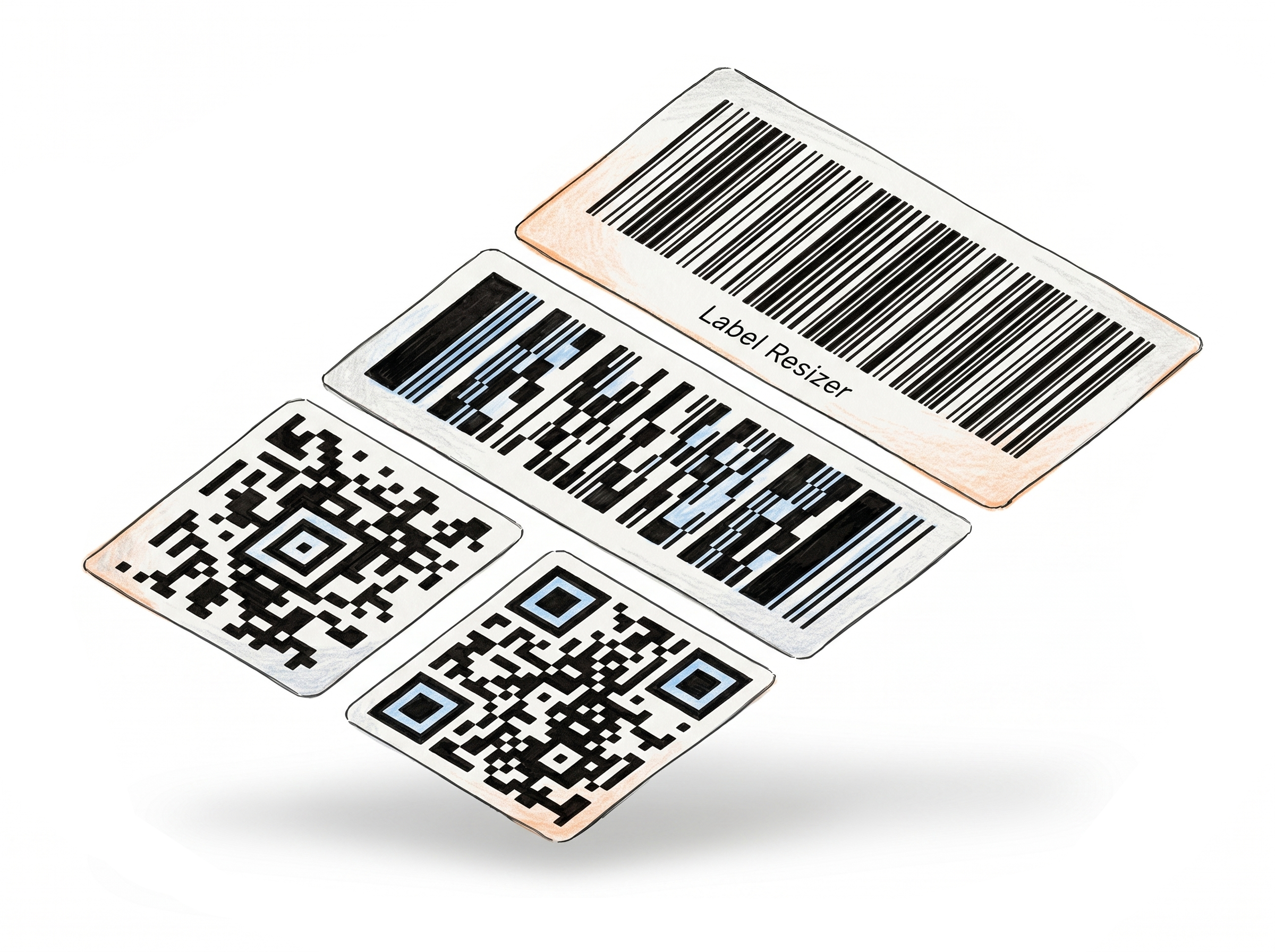
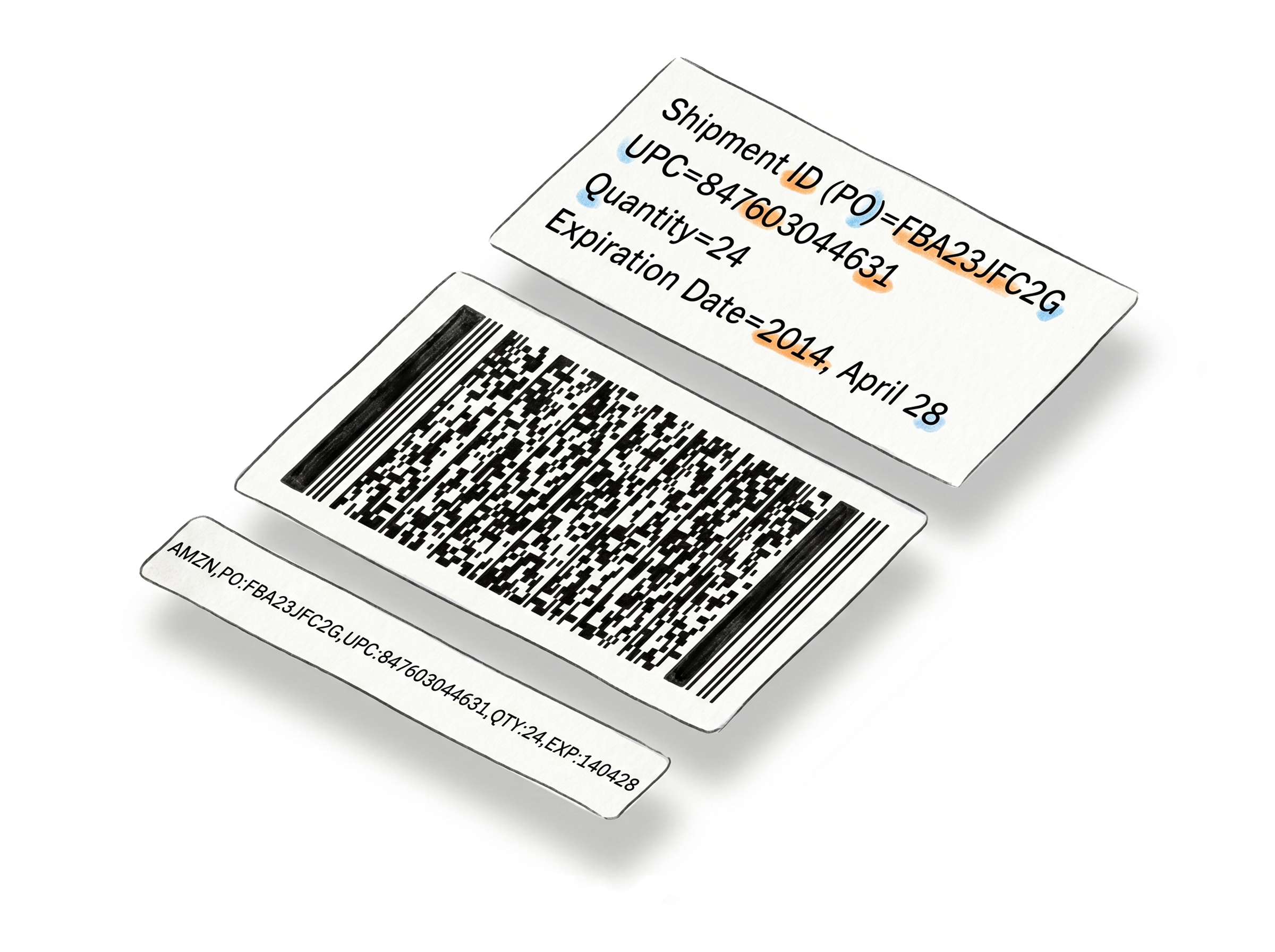
More tools for e-commerce sellers - no design software required.
Choose A Plan
Get 100 Product Labels And 10 Shipping Labels Free Every Month - No Credit Card Needed
Monthly Yearly 2 months free
Frequently Asked Questions
Everything you need to know about generating Amazon FNSKU barcode labels.
What is the FNSKU Label Maker?
The FNSKU Label Maker is a browser-based tool that generates product labels in the standard Amazon FBA label layout. You enter your barcode - ASIN, FNSKU, UPC-A, EAN-13, ISBN-13, GTIN-14, or any alphanumeric code up to 14 characters - along with your product title and condition, and the tool renders it as a Code 128 barcode on the label. Additional free-text fields let you add a custom header, footer, side text, and an MSKU or any internal reference directly on the label. The output is a print-ready PDF sized for thermal printers or Avery sheet label stock.
Do I need an account to use this tool?
No. You can generate a label without signing in, though some features and label types are limited in guest mode. This lets you get a feel for how the tool works before committing to an account. Creating a free account unlocks a 14-day trial with full access - after that, you move to a paid or free plan, each with a monthly label allowance.
Does each label I generate count toward my monthly limit?
Yes. Every label generated with this tool uses one product label from your monthly allowance. Limits vary by plan - paid plans include a higher monthly allowance.
Does the preview show exactly what will print?
The preview is designed to show the general label layout - which fields appear, where the barcode sits, and how the text areas are positioned. The actual label is generated on a best-effort basis, so minor differences between the preview and the final PDF are possible. The overall layout will match what the preview shows.
Can I use this for platforms other than Amazon FBA?
Yes. The tool generates a label based on whatever data you enter - the barcode, title, condition, and any custom text you add. The label layout follows the Amazon FBA product label format, but the output is just a PDF with your Code 128A barcode and your information on it. You can use it on any platform or for any purpose where that layout works for you.