
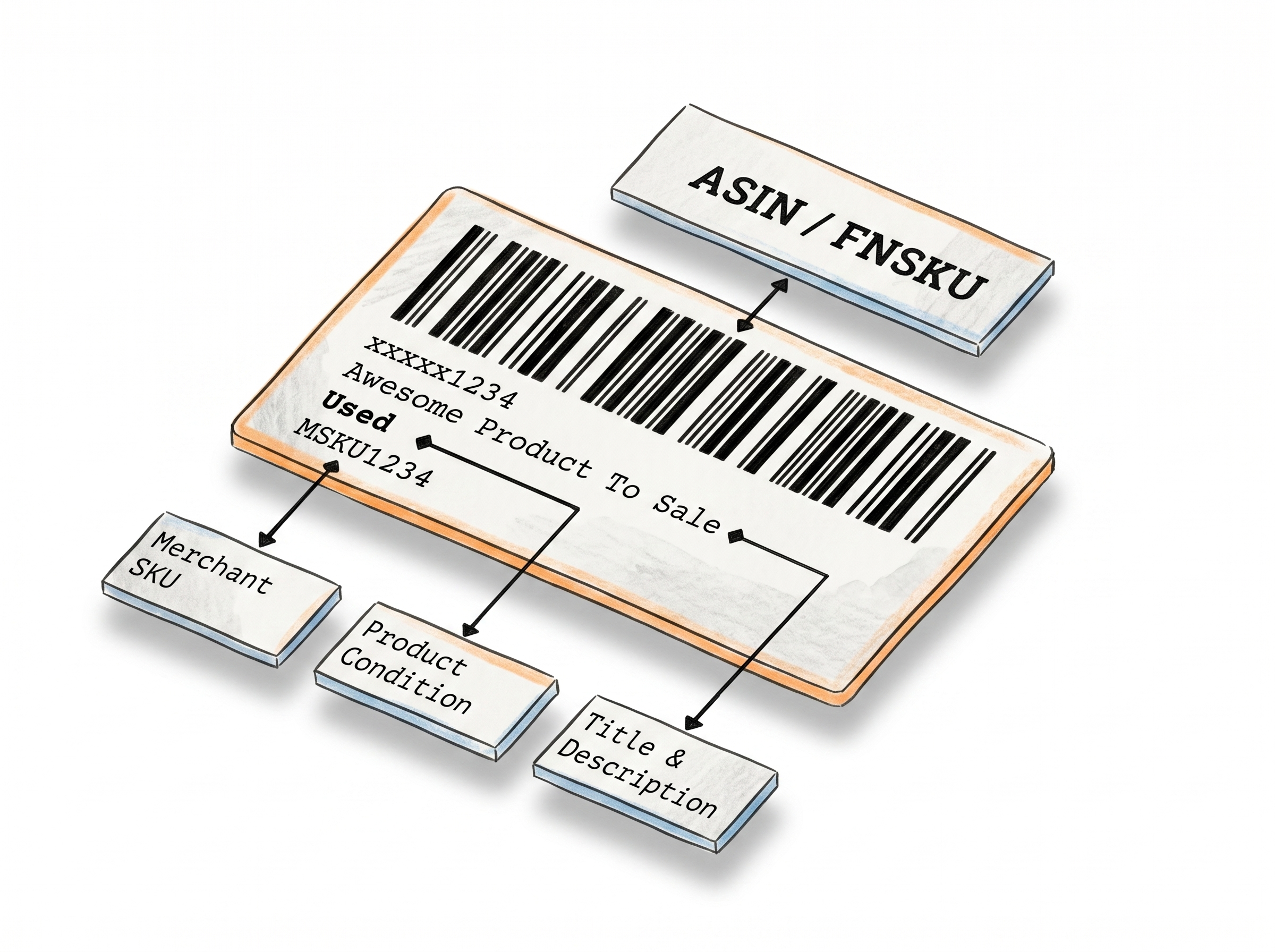
Generate Amazon FBA 2D Barcode Labels for Your Shipment Boxes
Amazon 2D Barcode Label Maker lets you create the PDF417 labels Amazon requires for FBA box contents - encoding item IDs, quantities, and expiration dates into each label. Enter your items manually or upload a spreadsheet, and your labels are ready to print in seconds.
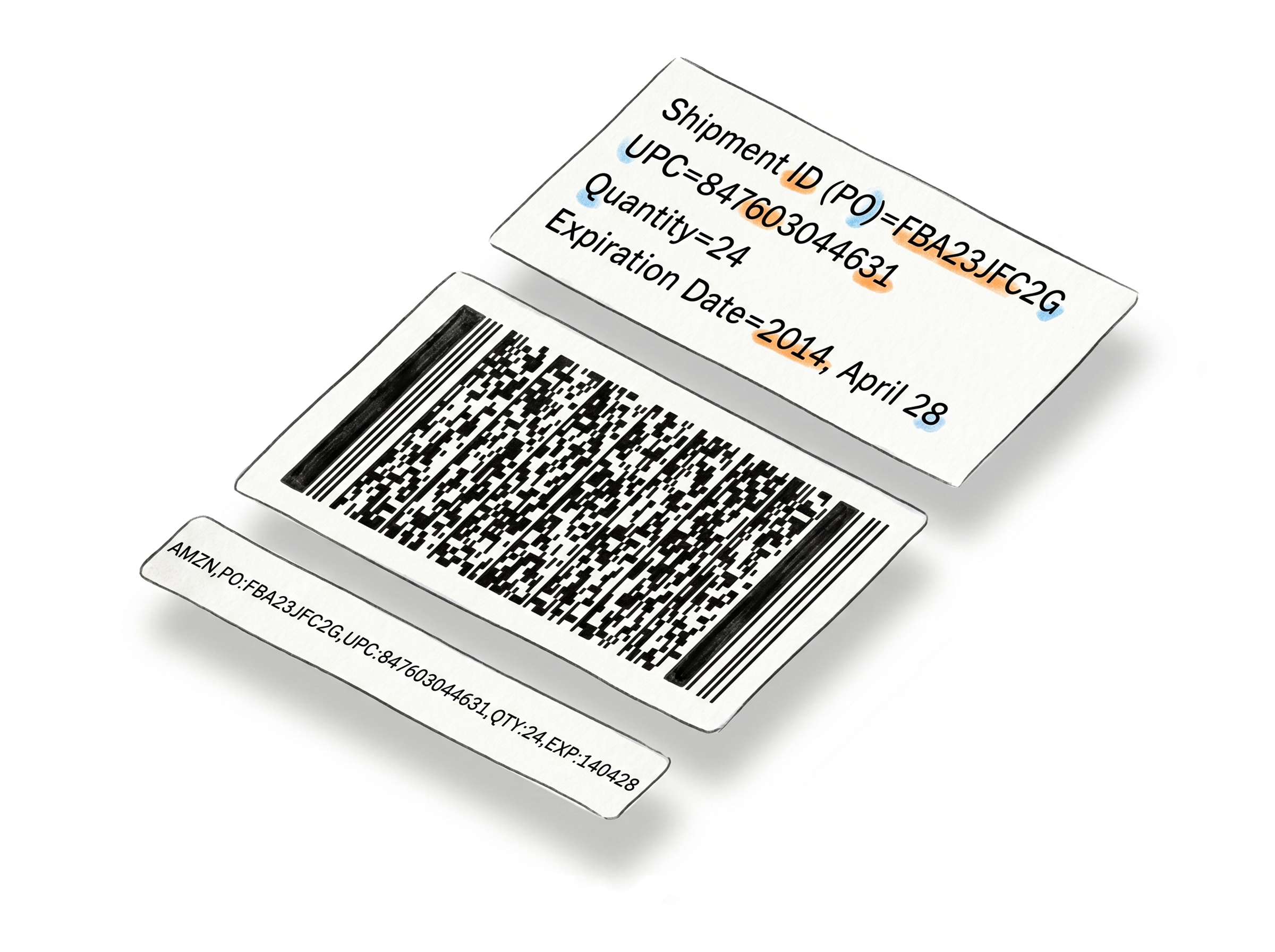
Everything you need to label your FBA boxes
Enter box contents, get a label
Type your Shipment ID, select the item type (ASIN, FNSKU, UPC, EAN, or ISBN), add quantity and expiration date if needed - one click generates your PDF.
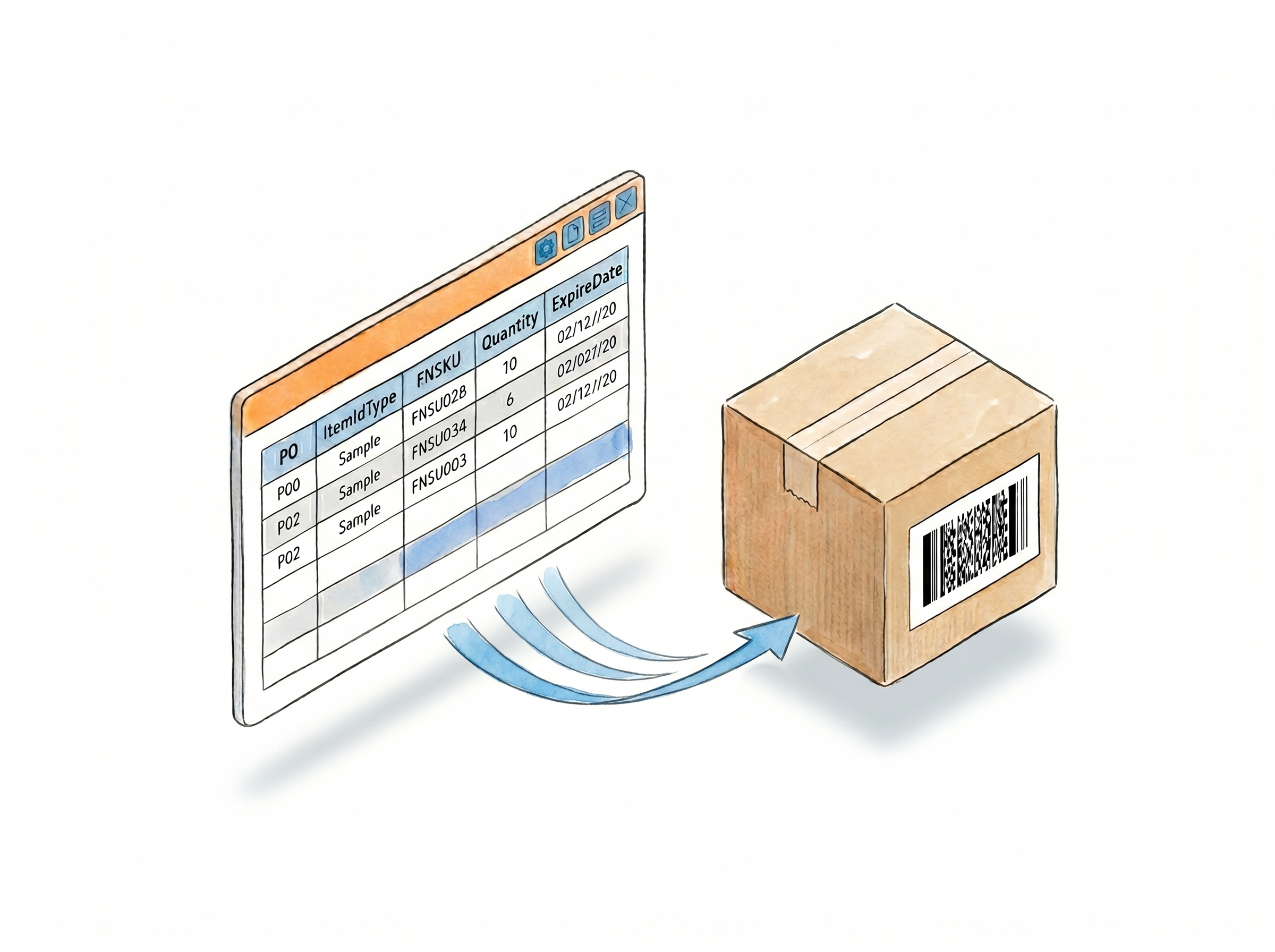
Bulk labels via spreadsheet
Download the template, fill in your box contents, upload - all your labels generate at once. Built for high-volume shipments.
Fits your label stock
Avery presets, thermal rolls, or custom dimensions in inches or centimeters. The barcode scales to fit.
Free to try, no account needed to start
Available from the Free Tools menu without logging in. A Label Resizer account removes the usage limit - no credit card required.
How It Works
Three steps from setup to printed label.
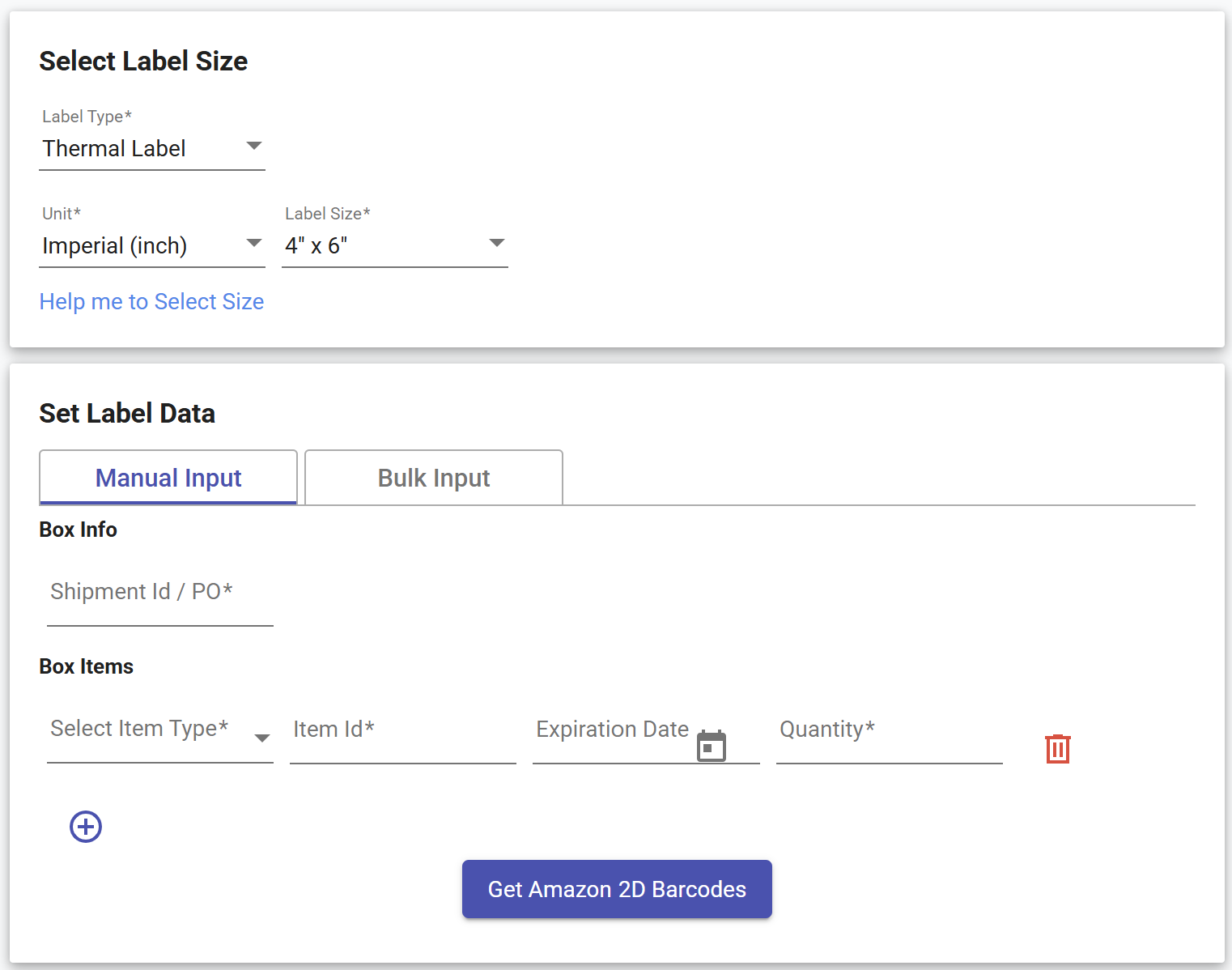
Step 1: Choose Your Label Size
Select a predefined size for Avery or thermal label stock, or enter custom dimensions in inches or centimeters.
Step 2: Enter Your Box Contents
Use Manual Input to fill in your Shipment ID, item type (ASIN, FNSKU, UPC, EAN, or ISBN), quantity, and expiration date - one row per item. For multiple boxes or high-volume shipments, switch to Bulk Input: download the spreadsheet template, fill in your box contents, and upload the file.
Step 3: Generate and Print
Click Generate Amazon 2D Barcode. Your labels download as a PDF, one label per page, ready to print and apply to your boxes.
Done!
Watch how to create Amazon 2d barcode labels for Amazon FBA Box Content
Other Label Makers
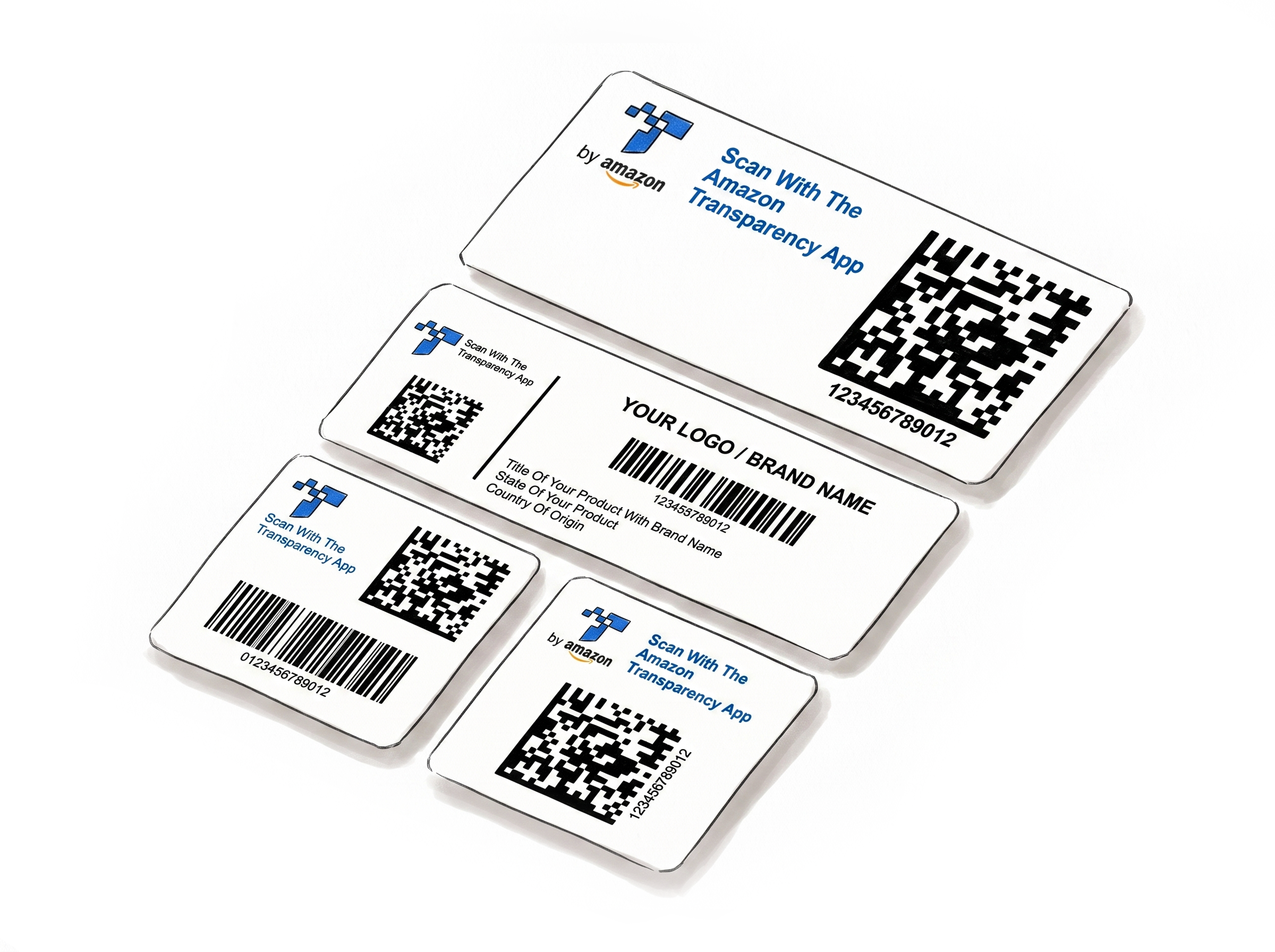
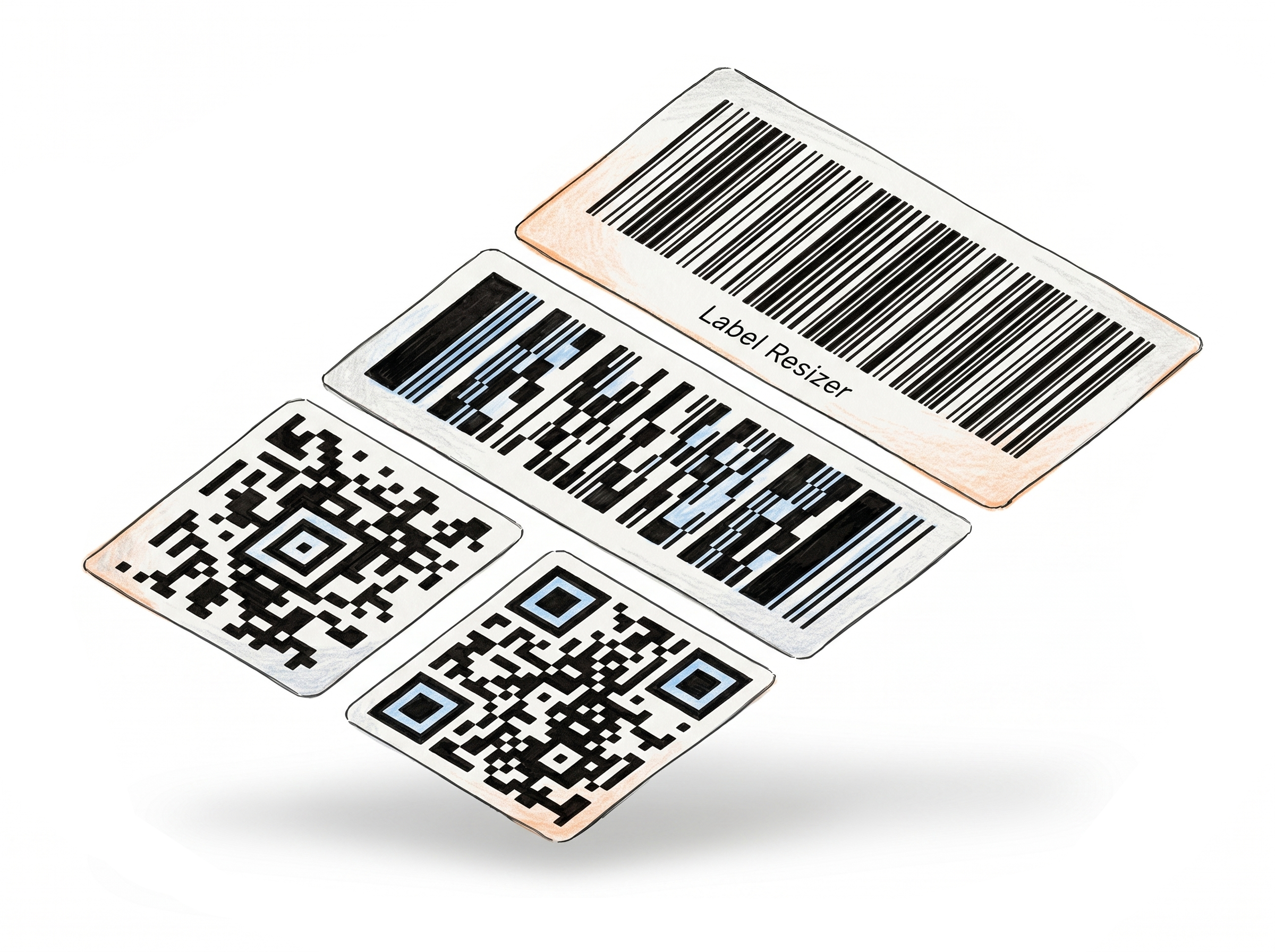
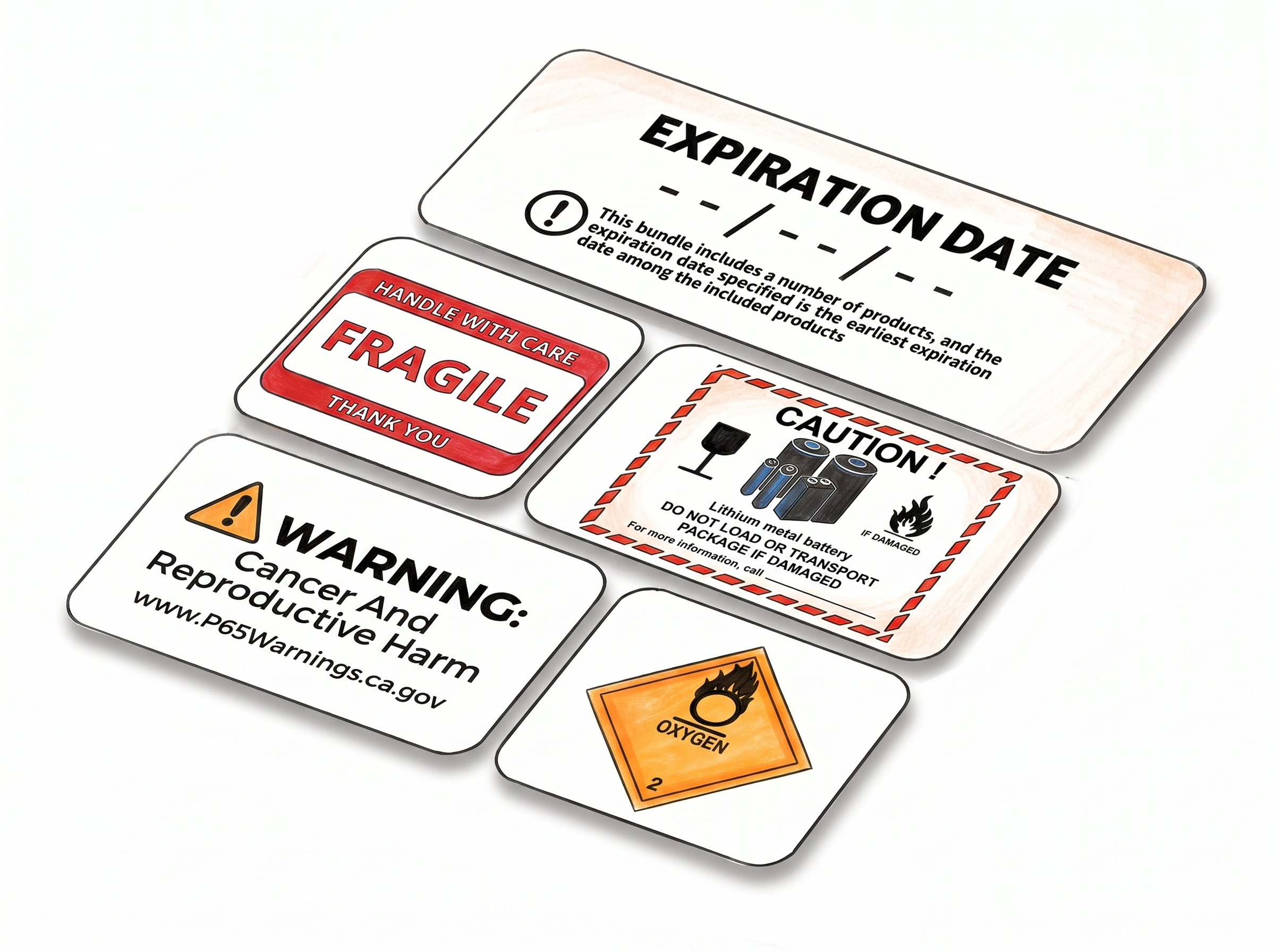
More tools for e-commerce sellers - no design software required.
Choose A Plan
Get 100 Product Labels And 10 Shipping Labels Free Every Month - No Credit Card Needed
Monthly Yearly 2 months free
Frequently Asked Questions
Everything you need to know about generating Amazon FBA 2D barcode labels.
What is an Amazon FBA 2D barcode and how does this tool help me?
An Amazon FBA 2D barcode is a Data Matrix code you attach to each shipment box. When Amazon scans it on arrival, it reads the box contents - item IDs, quantities, and expiration dates - without you entering anything manually in Seller Central. This tool lets you generate those labels yourself: enter your box contents or upload a spreadsheet, and you get a print-ready PDF. It doesn't replace your shipping label - it goes alongside it.
What item types can I encode?
ASIN, FNSKU, UPC, EAN, and ISBN. Select the type from the dropdown and enter the corresponding ID.
What's the difference between manual input and bulk input?
Manual input is a web form - one box at a time, good for small shipments. Bulk input takes a spreadsheet where each row is a product inside a box. Multiple boxes, multiple shipment IDs, all generated in one go.
How do I use the spreadsheet template?
Download the template from the Bulk Input section. Each row represents one item type inside a box - if a box has three different products, that's three rows with the same Shipment ID. Fill in item type, item ID, expiration date, and quantity, then upload the file.
Do I need an account to use this tool?
No. You can generate a label without signing in, though some features and label types are limited in guest mode. This lets you get a feel for how the tool works before committing to an account. Creating a free account unlocks a 14-day trial with full access - after that, you move to a paid or free plan, each with a monthly label allowance.
Does each label I generate count toward my monthly limit?
Yes. Every label generated with this tool uses one product label from your monthly allowance. Limits vary by plan - paid plans include a higher monthly allowance.