
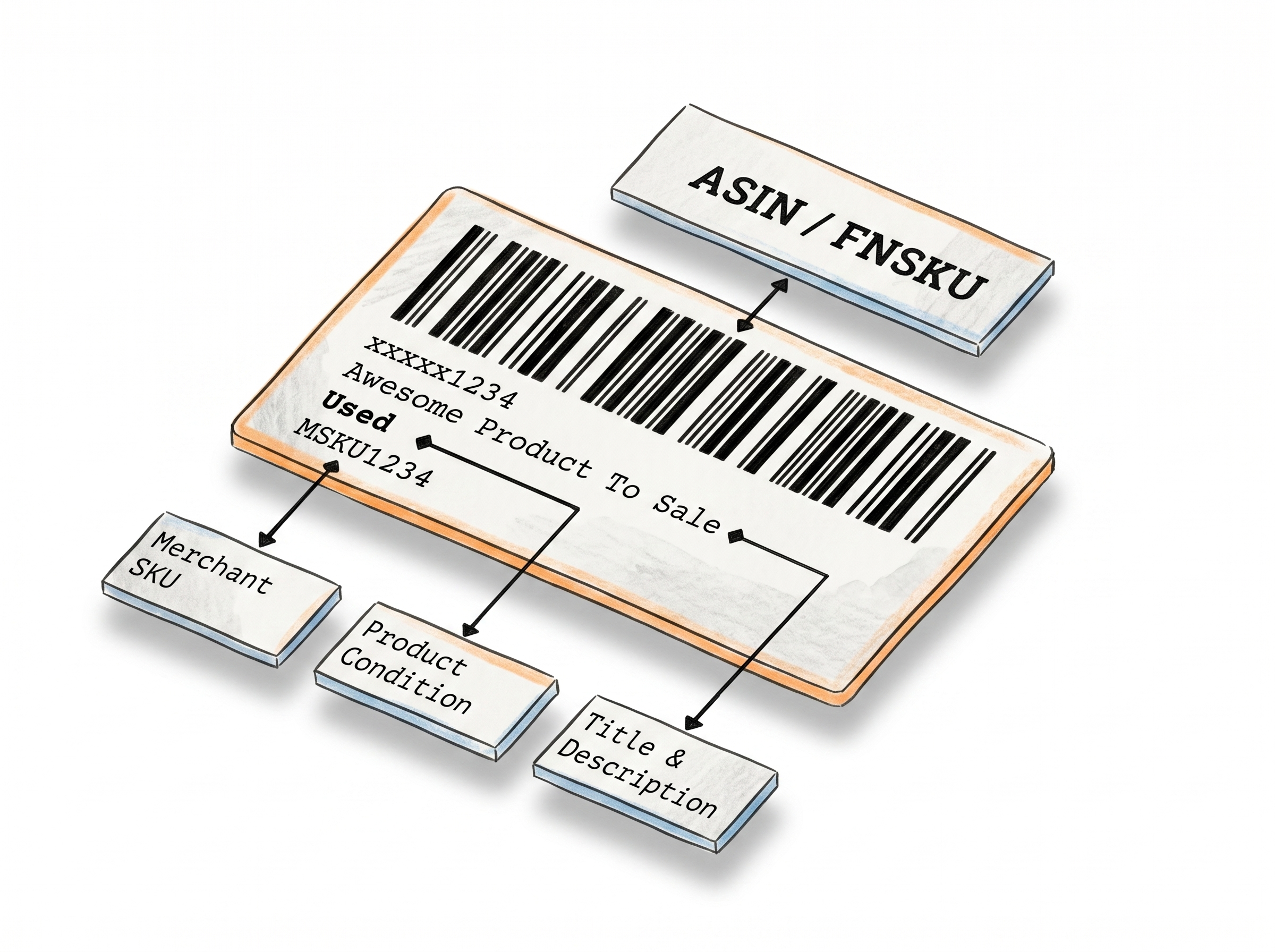
Generate Barcode Labels for Products, Inventory, Shipping Any Format, Any Size
The Barcode Label Maker helps businesses create print-ready barcode labels in seconds. Choose your label size, select a barcode format, enter your data, and generate as many labels as you need directly in your browser - no software or design skills required.
Create Barcode Labels and Export as PDF
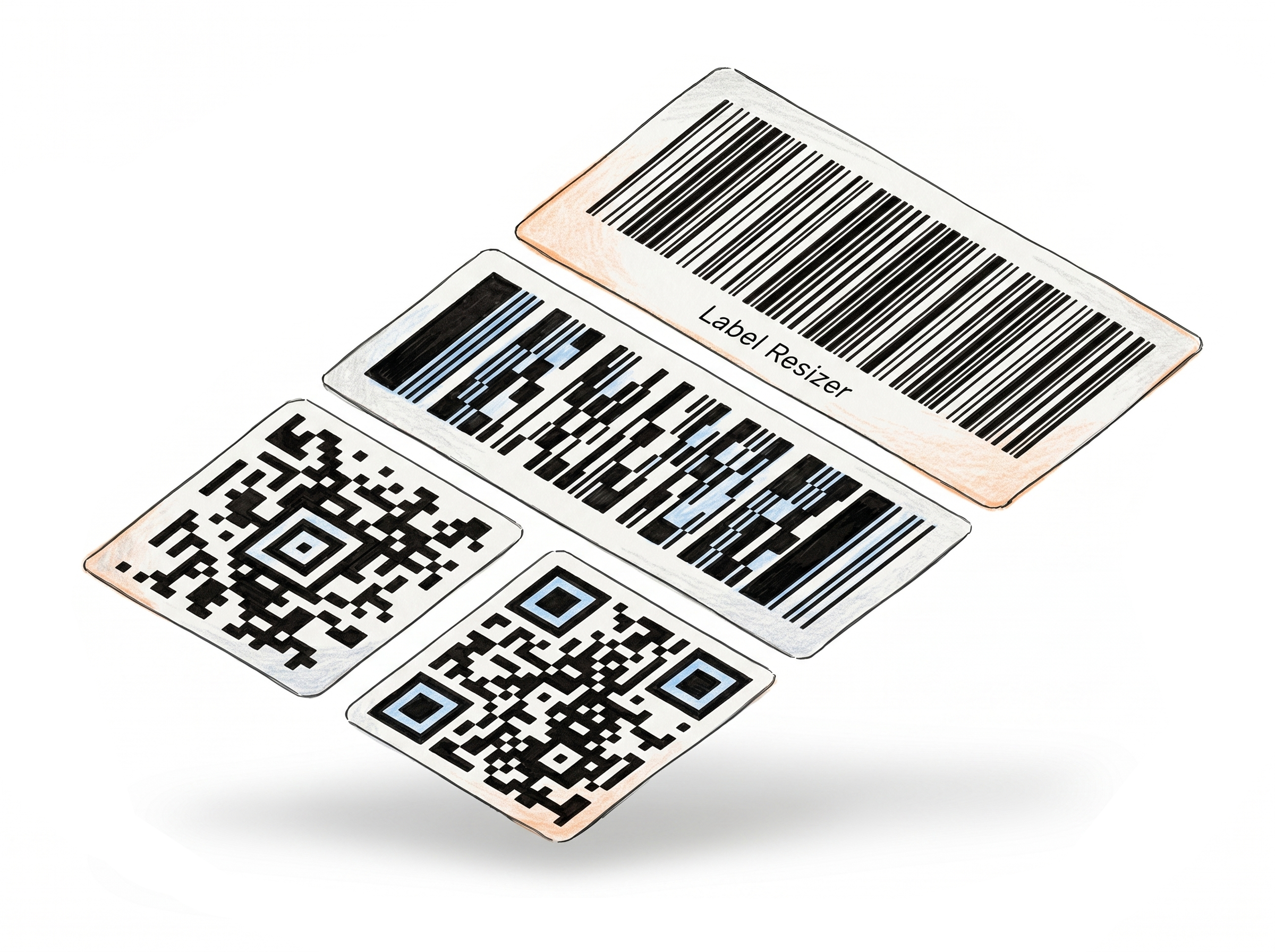
All major barcode types
Code 128, EAN-13, UPC-A, ITF-14, QR Code, Data Matrix, PDF417 - From warehouse labels to product information labels wherever you need a barcode, the format is here.
Fits the label stock you already have
Pick a preset for Avery or thermal labels, or enter your own dimensions. The barcode scales to fit exactly.
Human-readable text
Choose whether to display the encoded data as human-readable text below the barcode image. Useful for manual verification or warehouse workflows where scanners are not always available.
PDF out, ready to print
One click generates a PDF with as many labels as you need. No design software, no manual
How It Works
Pick your format, enter your data, download your PDF.
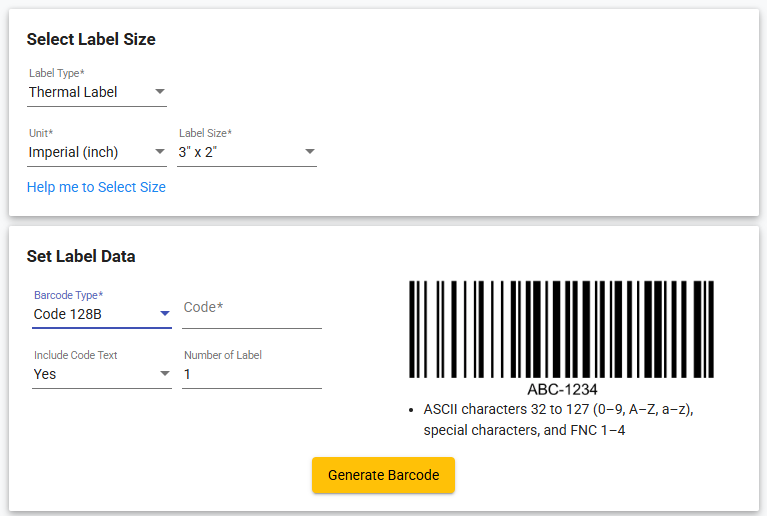
Step 1: Select Your Label Type and Size
Choose your label stock type (thermal or Avery), set your unit preference, and select a predefined size or enter custom dimensions.
Step 2: Pick Your Barcode Format and Enter Your Data
Select the barcode type from the list - 1D or 2D - and enter the code value. Optionally enable "Include Code Text" to print the encoded value as readable text beneath the barcode.
Step 3: Generate and Download
Click "Generate Barcode." Your labels download as a PDF and open in a new browser tab - ready to print immediately.
Done!
Watch how to create barcode labels
Other Label Makers
More tools for e-commerce sellers - no design software required.
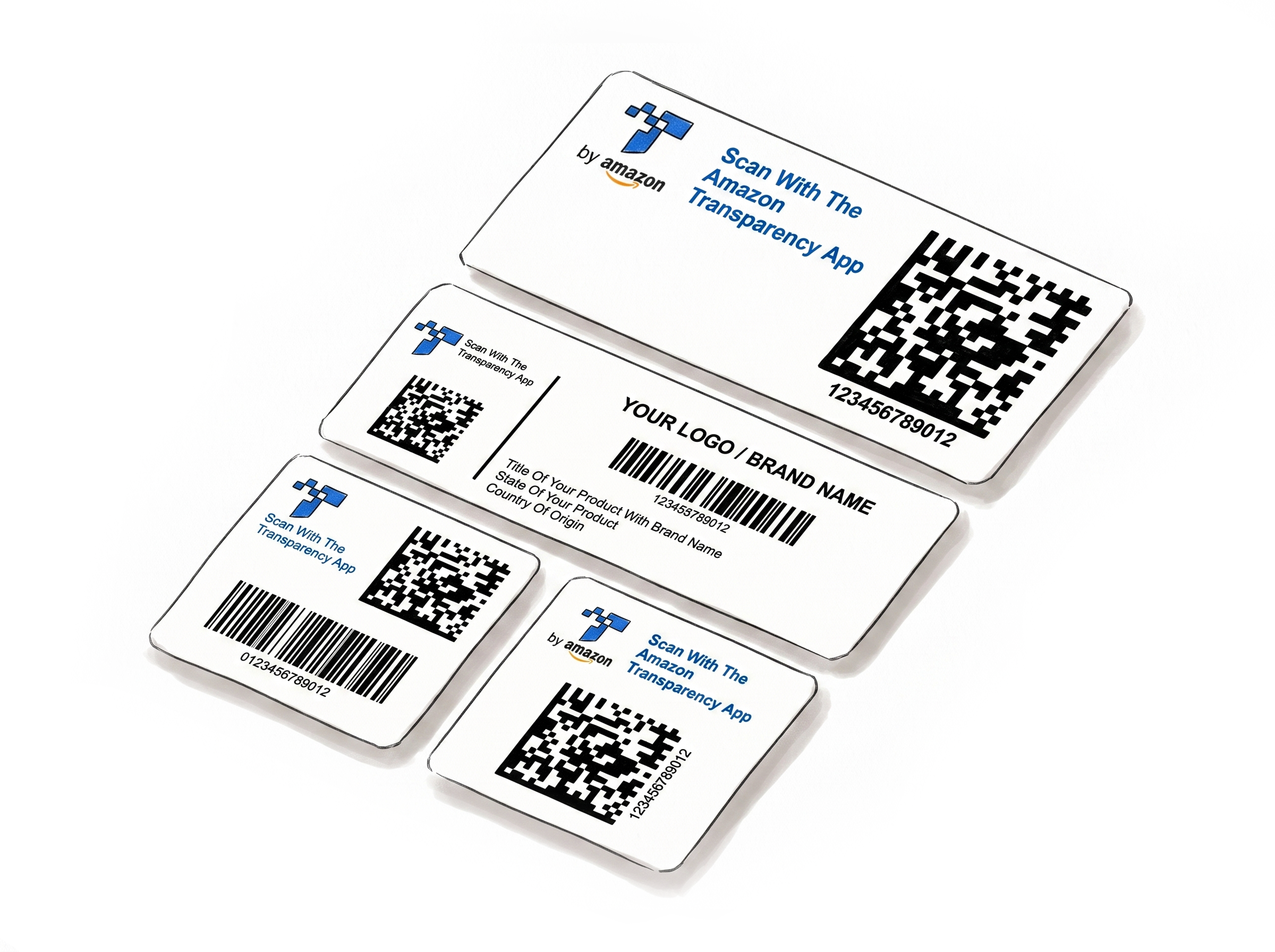
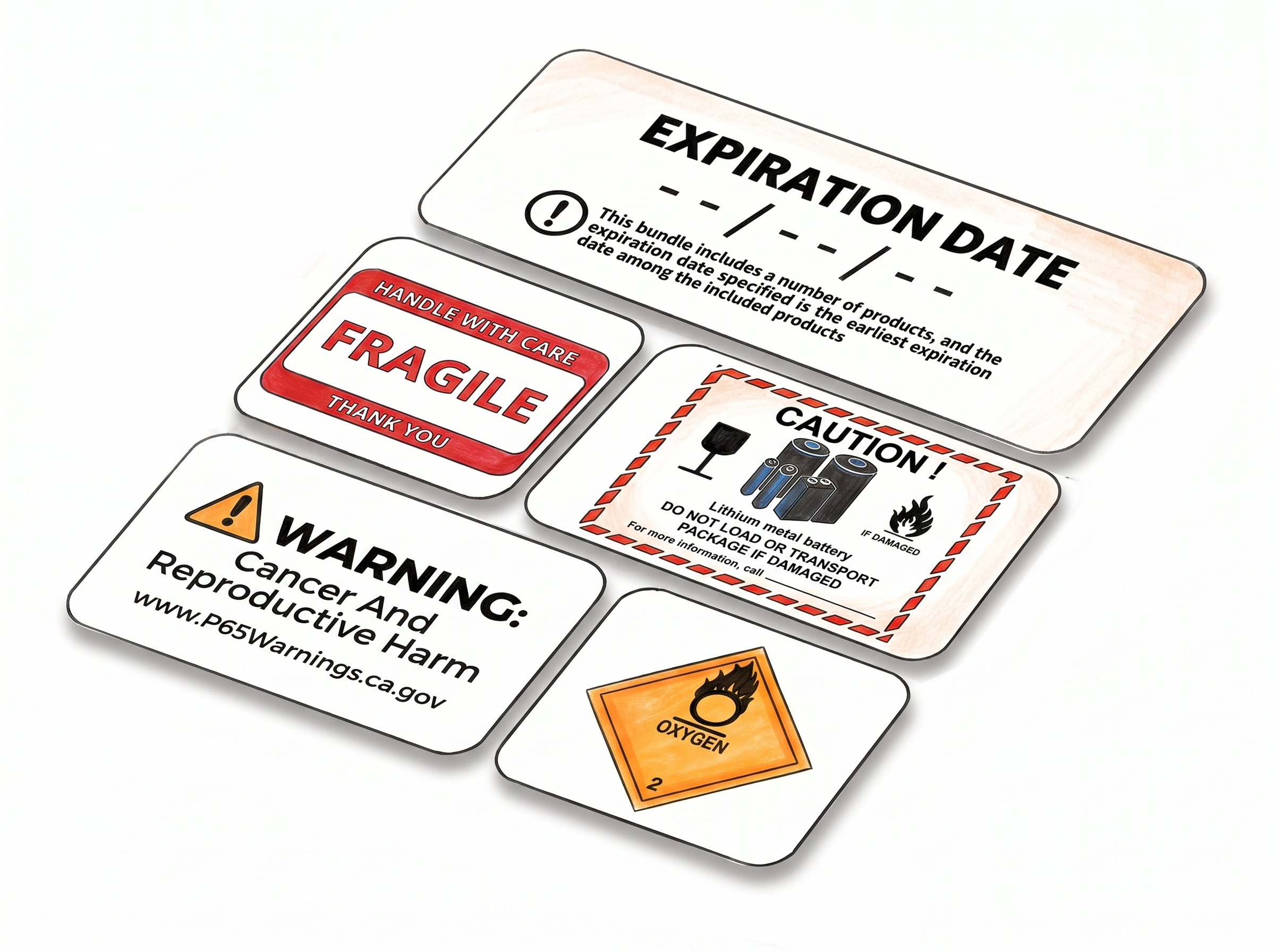
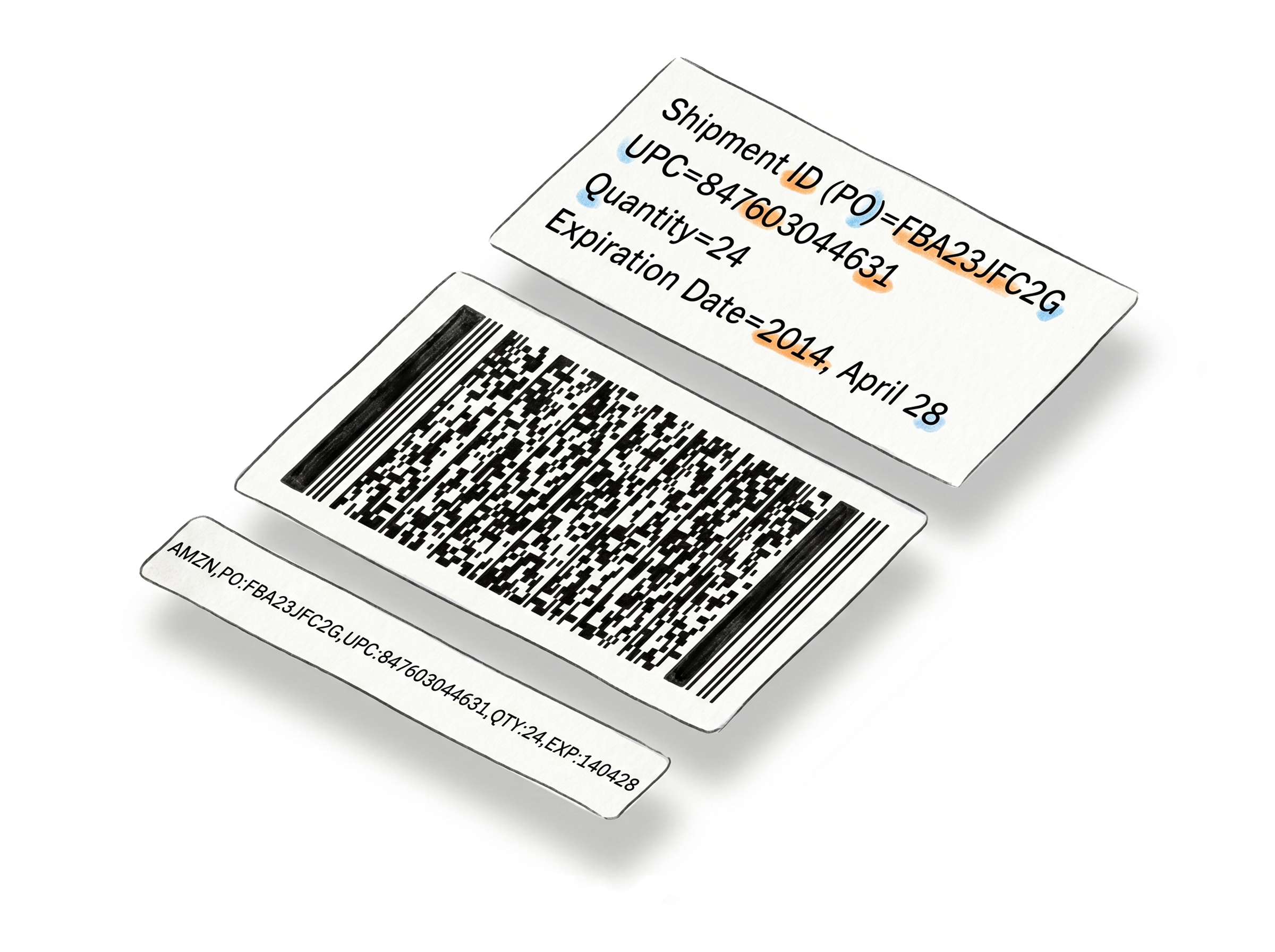
Choose A Plan
Get 100 Product Labels And 10 Shipping Labels Free Every Month - No Credit Card Needed
Monthly Yearly 2 months free
Frequently Asked Questions
Everything you need to know about generating barcode labels with Label Resizer.
What barcode formats does the Barcode Label Maker support?
It supports 15 1D formats - Codabar, Code 11, Code 128 Auto, Code 128A, Code 128B, Code 128C, Code 39, Code 93, EAN-13, EAN-8, ITF-14/GTIN-14, MSI/Modified Plessey, Plessey, UPC-A, and UPC-E - and 4 2D formats: QR Code, Data Matrix, PDF417, and Aztec.
Where can I use these barcodes?
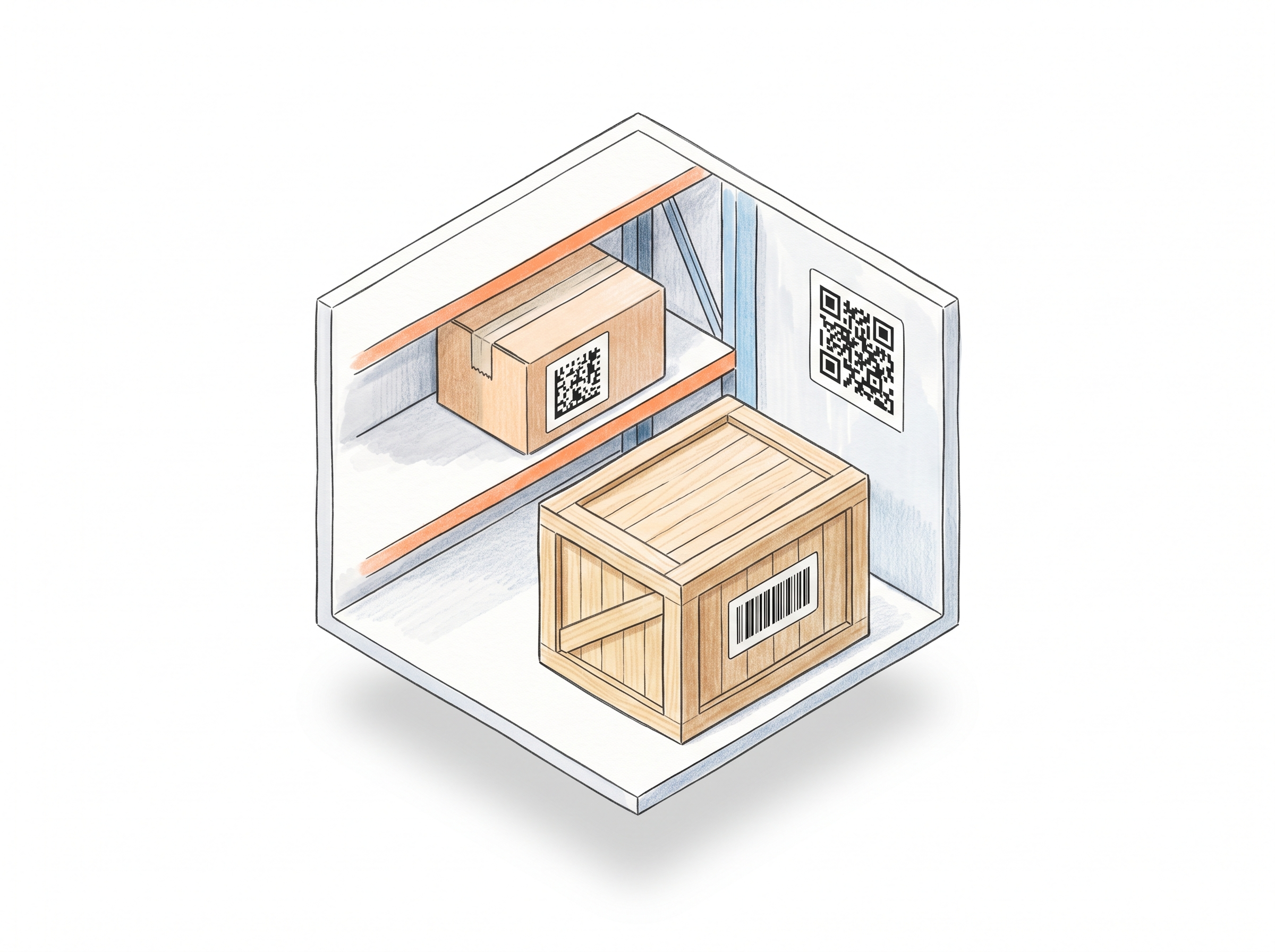
Anywhere a barcode is needed. Retail shelf labels, warehouse inventory tags, Amazon FBA box content codes, restaurant menus, event tickets, asset tracking - if it needs a scannable code, this tool generates it.
What exactly do I get as output?
A PDF file. Each page contains one label sized exactly to your specifications - the barcode is centered and scaled to fill the label area. If you enable the code text option, the encoded value appears as human-readable text below the barcode. You set the quantity and the tool generates one PDF with that many labels, ready to send straight to your printer.
Can I print on thermal labels or Avery sheets?
Yes. Select from predefined sizes for common Avery and thermal label stock, or enter your own width and height. The barcode adjusts to fit whatever dimensions you set.
Can I include the encoded text beneath the barcode?
Yes. Enable the Include Code Text option when setting up your label to print the barcode value as human-readable text below the barcode image.
Do I need an account to use this tool?
No. You can generate a label without signing in, though some features and label types are limited in guest mode. Creating a free account unlocks a 14-day trial with full access - after that, you move to a paid or free plan, each with a monthly label allowance.
Does each label I generate count toward my monthly limit?
Yes. Every label generated with this tool uses one product label from your monthly allowance. Limits vary by plan - paid plans include a higher monthly allowance.