
Print Labels at the Right Size
LabelResizer supports a wide range of predefined sizes for thermal, paper/sheet, and Up Thermal labels - covering the most commonly used label formats for Amazon FBA and Walmart sellers. And if your exact size isn't on the list, thermal labels support fully custom dimensions so your output always matches your printer and label stock.
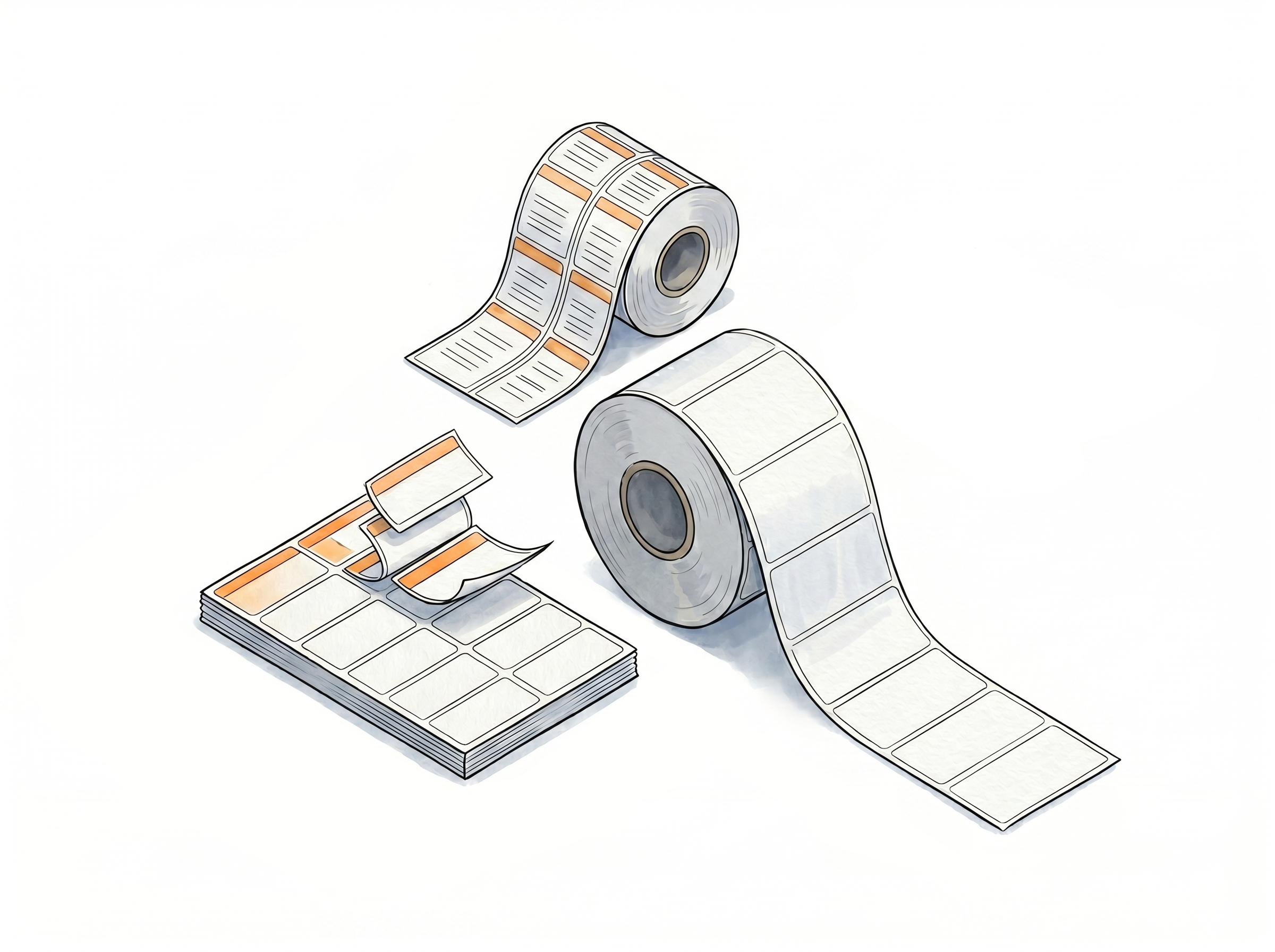
Thermal & Up Thermal Labels
29 predefined sizes in inches and mm
The most common thermal label dimensions are ready to select so you never have to measure or calculate. Works with DYMO, Zebra, and all major thermal printer brands.
2-Up and 3-Up side-by-side formats
Print two or three labels next to each other on a single thermal strip. Available with or without a gap between labels depending on your label stock.
Fully custom dimensions
If your label size is not in the list, enter the exact width and height manually. Both inches and centimeters are supported.
DYMO SKU lookup
Not sure of your label dimensions? Enter your DYMO label SKU number and the correct size is applied automatically - no guesswork needed.
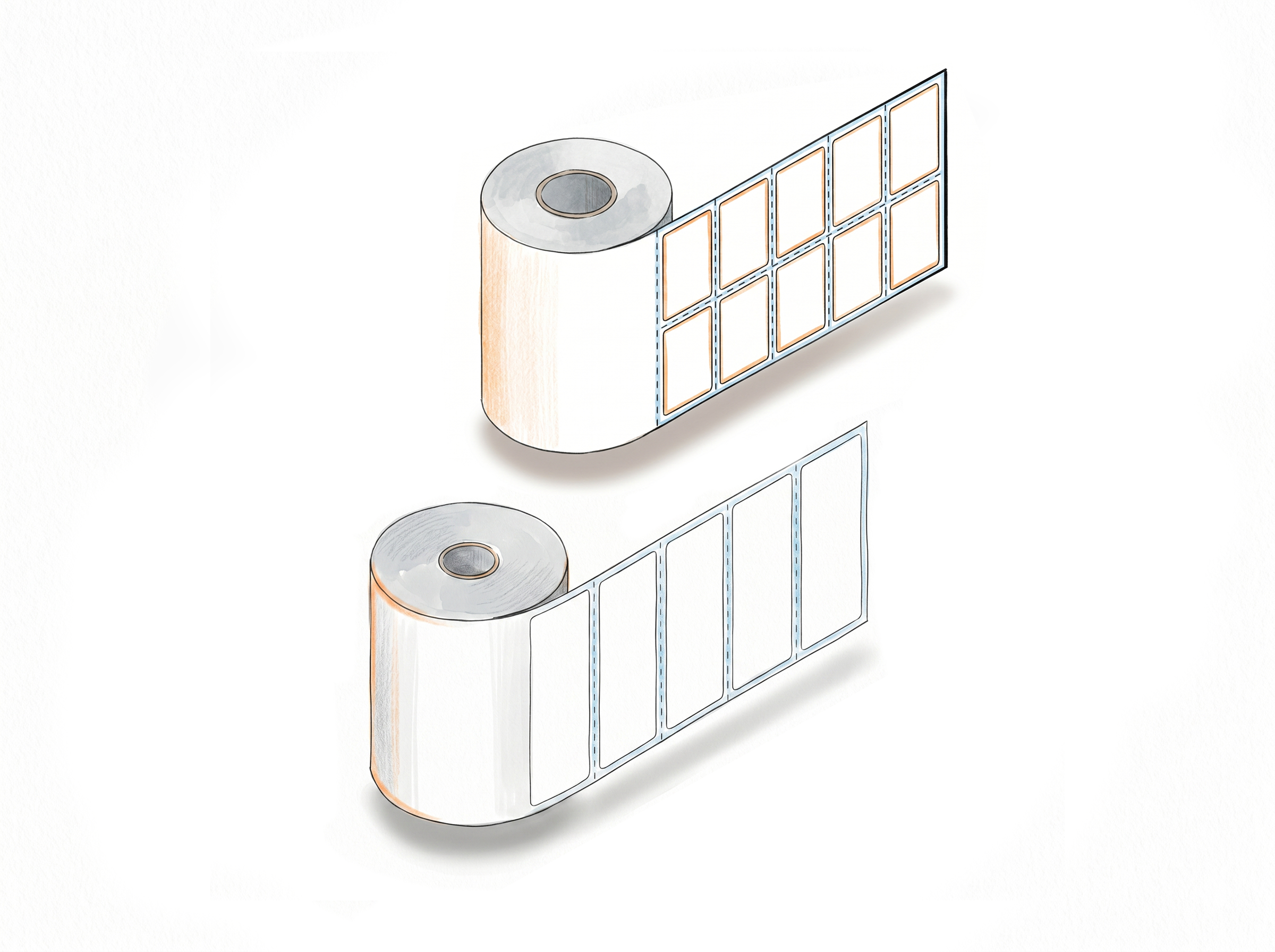
Paper / Sheet Labels (Avery compatible) - No Thermal Printer Required
12 product label sizes + 9 shipping label sizes
All common paper/sheet label formats are predefined. Select your size and the layout code preview is shown automatically so you know exactly what you will get.
Print on any inkjet or laser printer
Generate Amazon FBA and Walmart product labels on standard office printers. No thermal printer purchase needed - use the equipment you already have.
Layout code preview
When you select a sheet label size, a visual layout preview and the matching product code are displayed - so you can confirm the right label stock before printing.
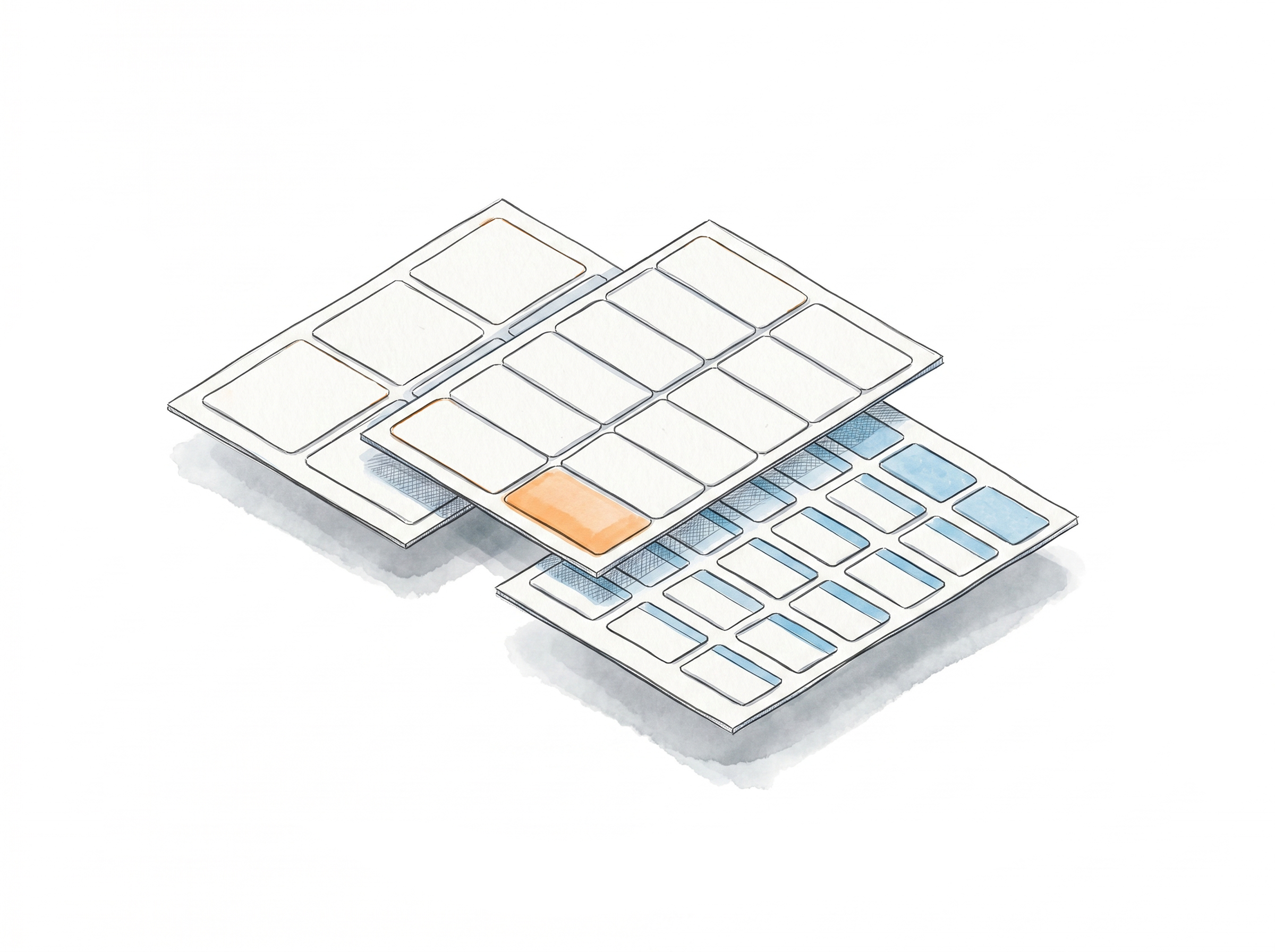
How to Set Your Label Size
Three label types, one settings panel - set it once and it applies to every label you generate.
Step 1: Open Label Settings
Log in to LabelResizer. For product labels, go to Product → Product Label Settings. For shipping labels, go to Shipping → Shipping Label Settings.
Step 2: Choose Your Label Type
Select Thermal Label, Paper/Sticker Label, or Up Thermal Label from the Label Type dropdown. Then choose your unit (inch or metric) and pick a predefined size - or select "Other" to enter custom dimensions.
Step 3: Save and Generate
Click Save. Your size settings are now applied to every label you generate - via the browser extension or PDF upload - without having to set them again.
Done!
Supported Label Sizes
LabelResizer supports an extensive list of predefined label sizes across all label types - and if your size isn't listed, thermal labels support fully custom dimensions so you can enter any width and height manually. Still can't find what you need? Just contact us and our team will review the request; if it's a standard size, we can add it to the platform.
Thermal Label Sizes
Paper / Sheet Labels Avery compatible
Up Thermal 4 formats
All thermal inch + mm sizes and custom dimensions apply to Up Thermal formats.
Thermal Label Sizes
Paper / Sheet Labels Avery compatible
Up Thermal 4 formats
All shipping thermal inch + mm sizes and custom dimensions apply to Up Thermal formats.
Choose A Plan
Get 100 Product Labels And 10 Shipping Labels Free Every Month - No Credit Card Needed
Frequently Asked Questions
Everything you need to know about label sizes and printer compatibility in LabelResizer.
What label sizes does LabelResizer support?
LabelResizer supports three label categories: Thermal Labels (16 predefined product sizes, 5 shipping sizes, plus fully custom dimensions), Paper/Sheet Labels (12 predefined product sizes, 9 shipping sizes, Avery compatible - with layout code previews), and Up Thermal Labels (2-Up and 3-Up formats, with or without gap). All categories support metric and imperial units.
Can I enter a custom label size?
Yes. For Thermal Labels and Up Thermal Labels, you can enter fully custom width and height values in either inches or centimeters. If your size is not listed in the predefined options, select "Other" and enter your dimensions manually.
Do I need a thermal printer to use LabelResizer?
No. LabelResizer supports paper/sheet labels (Avery compatible) that print on any standard inkjet or laser printer you already own. You can generate Amazon FBA and Walmart product labels, download them as a PDF, and print directly on sheet label stock - no thermal printer purchase needed.
What is a 2-Up or 3-Up thermal label?
Up thermal labels are thermal label rolls that fit two or three labels side by side on a single strip. LabelResizer supports 2-Up and 3-Up formats, both with and without a gap between labels.
Does LabelResizer support DYMO label sizes?
Yes. Click the "Help me to Select Size" link in the settings area, choose your DYMO label SKU number from the popup, and the correct dimensions are applied automatically.
What is the difference between Thermal and Paper/Sheet label types?
Thermal labels are individual labels on a roll, printed using a thermal printer. Paper/Sheet labels are sheet labels (Avery compatible) printed on inkjet or laser printers - multiple labels per page. LabelResizer supports both and shows a layout code preview when you select a sheet label size.