Step by Step Guide
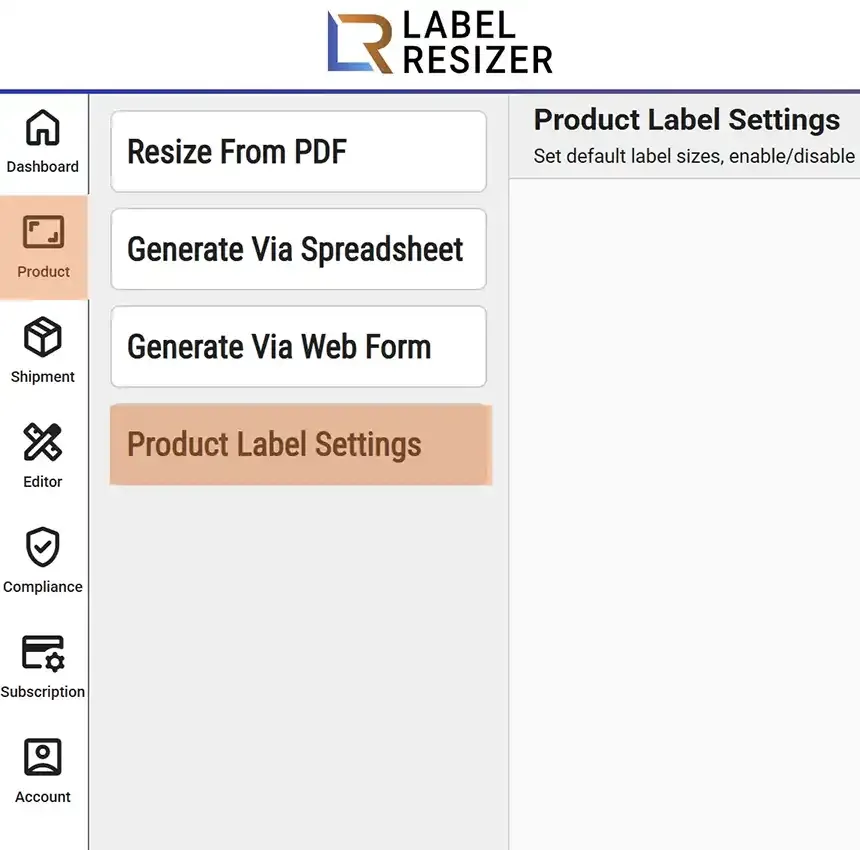
- 1After logging into Label Resizer, click on Product from the leftmost menu then select Product Label Settings from the sub-menu.
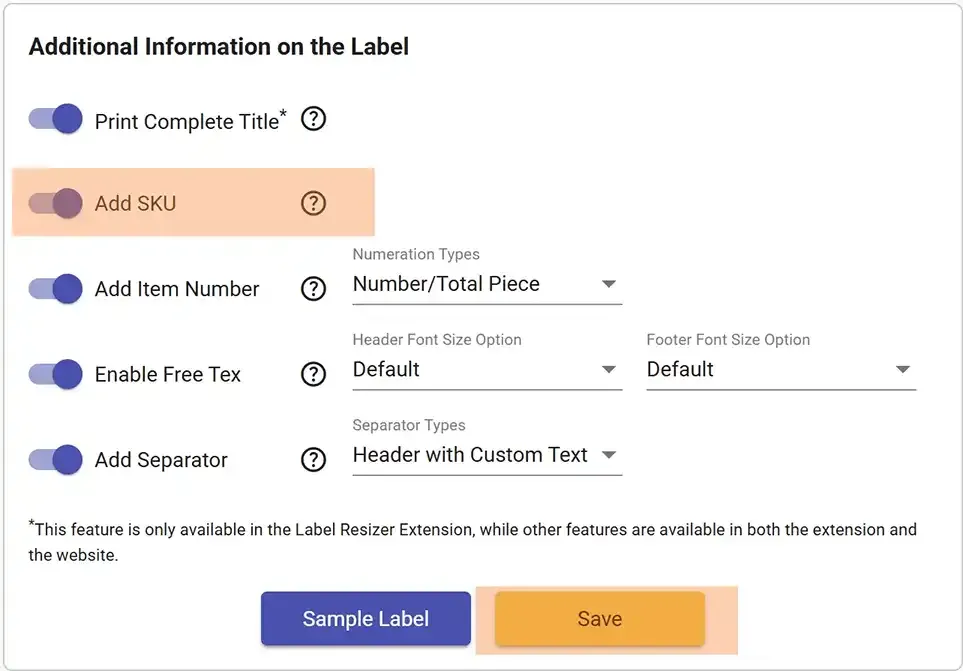
- 2In product settings, enable the Add SKU slider. Then Save settings.
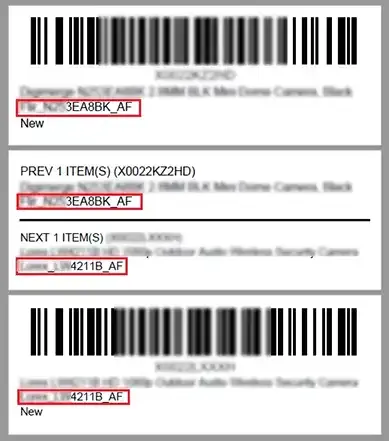
- 3After enabling Add SKU, whenever you resize labels via the extension the Merchant SKU of the product is inserted into product labels. If you also enable the Separator Label option, Merchant SKUs are also added on separator labels.