Step by Step Guide
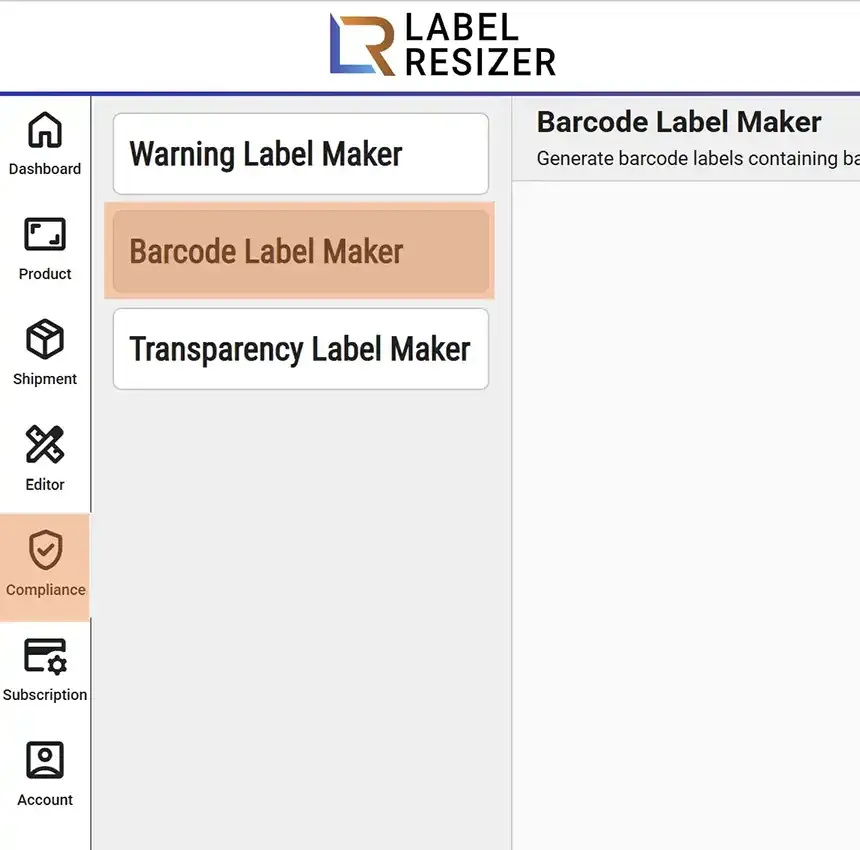
- 1After logging into Label Resizer, click on Tools from the leftmost menu, then select Barcode Label Maker from the sub-menu.
- 2
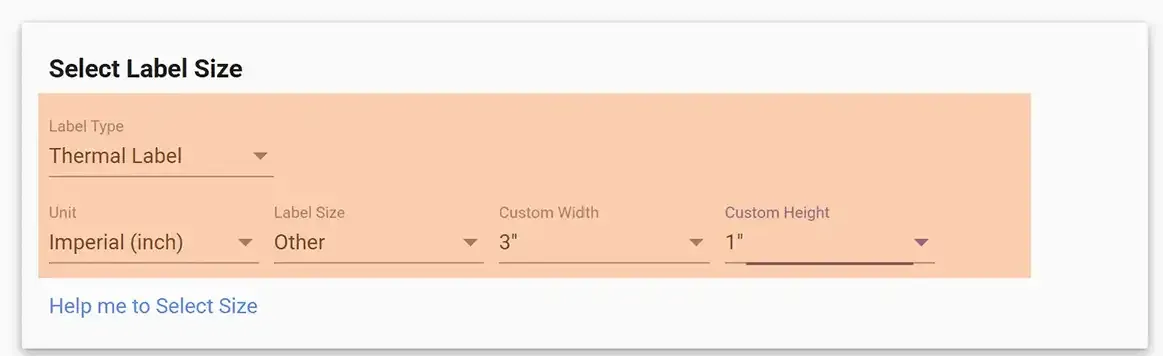
Determine the Label Type, then adjust your settings such as metric preference and label size details.
- 3Select the Barcode type from the list and enter your barcode code. You also have the option to display the code text on the label - select Yes for the Include Code Text option.
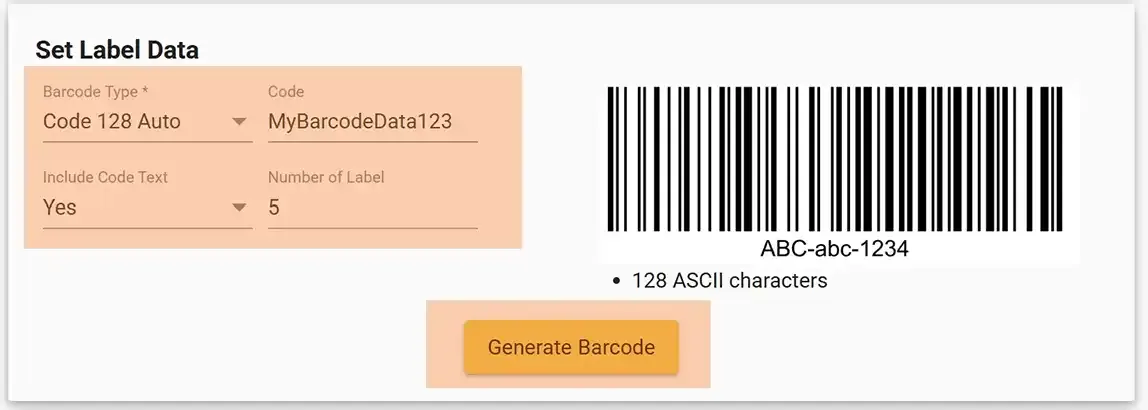
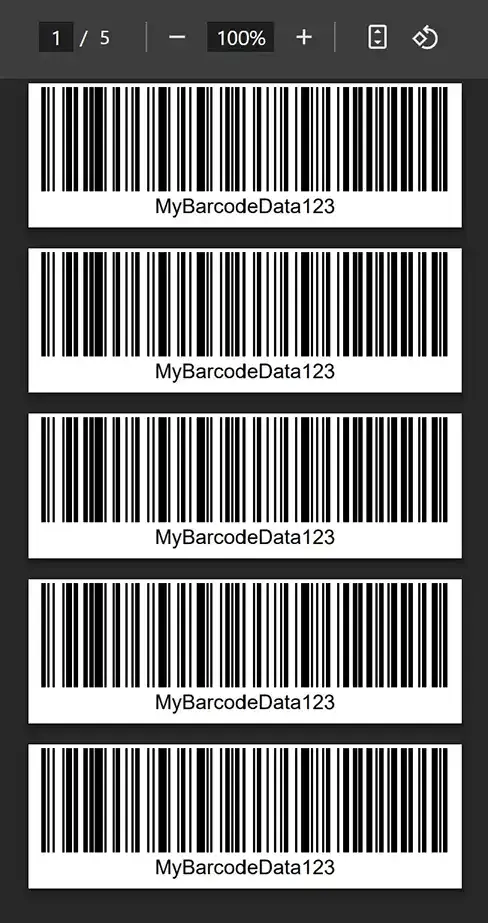
- 4Click the Generate Barcode button. Your labels will be downloaded as a PDF file and opened in a new browser tab.