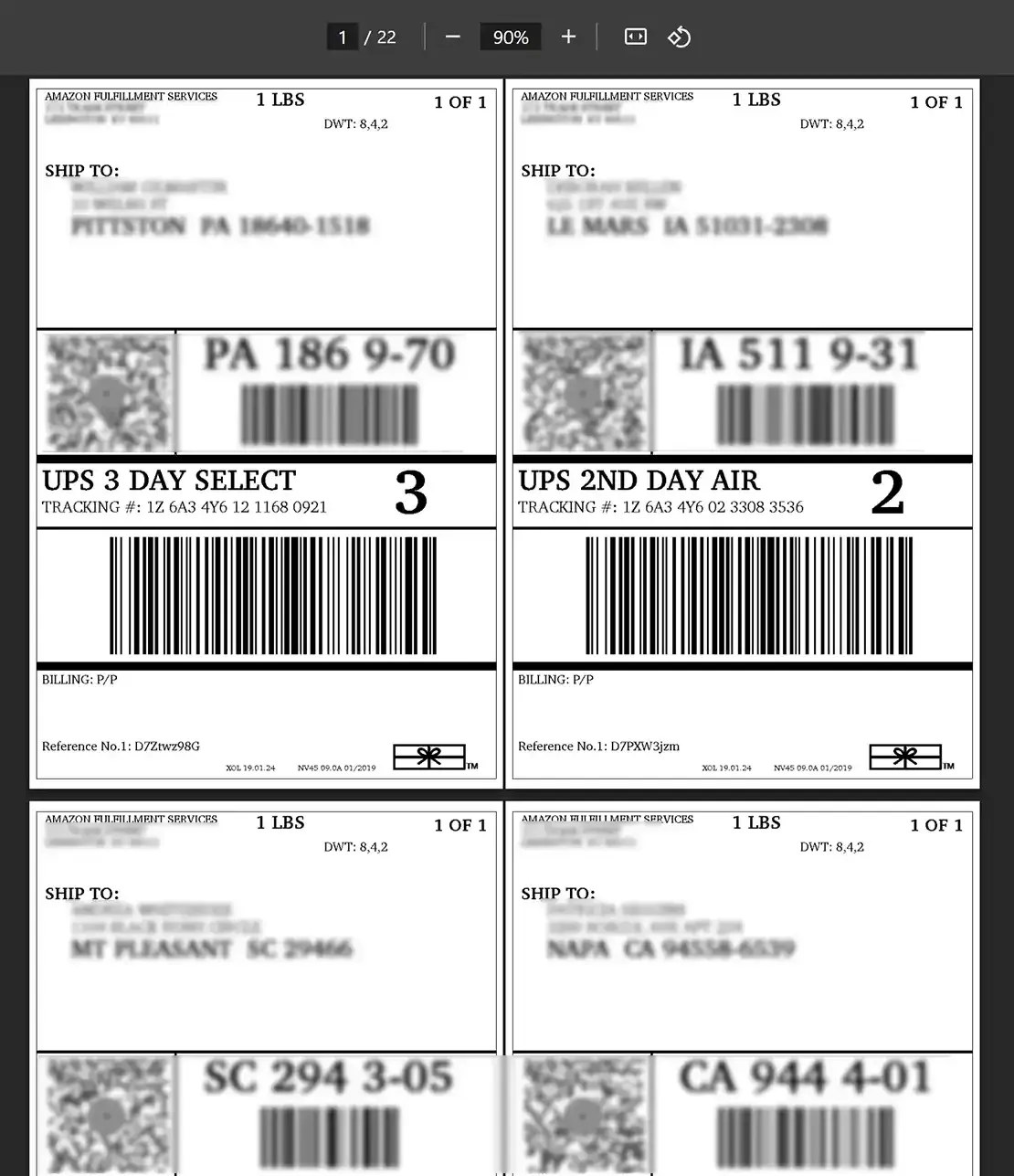
Step by Step Guide
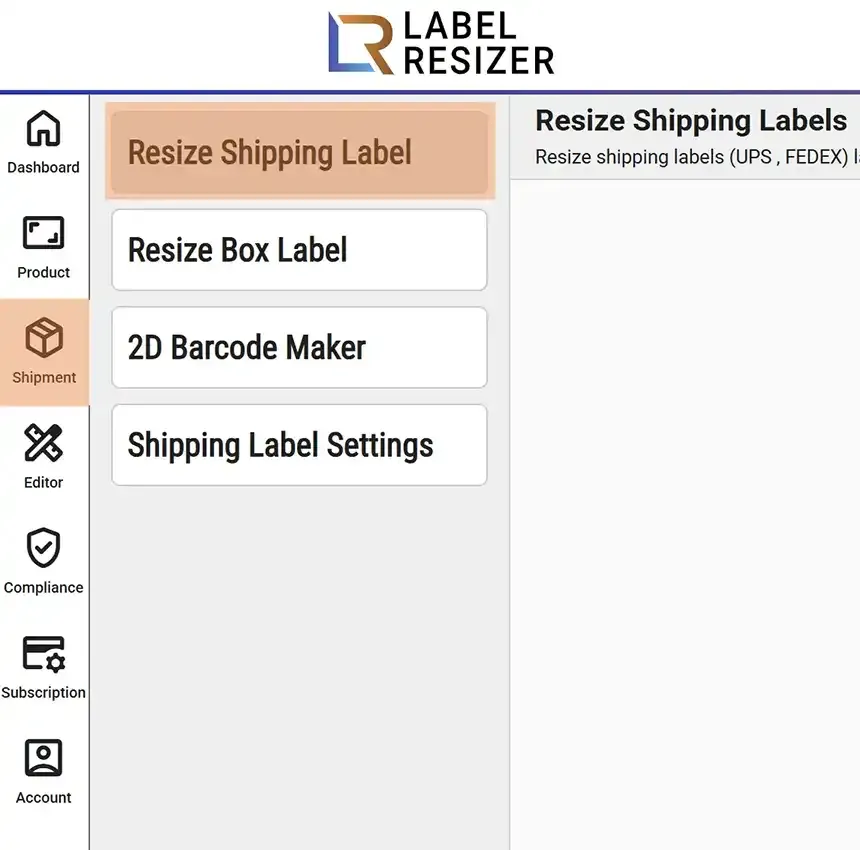
- 1After logging into Label Resizer, click on Shipping from the leftmost menu, then select Resize Shipping Label from the sub-menu.
- 2
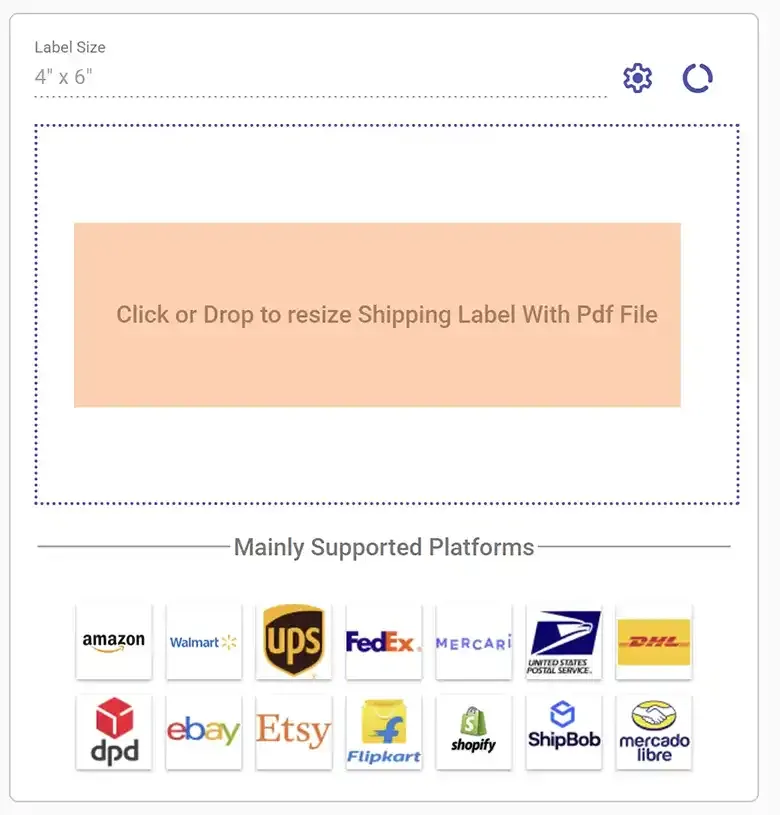
Click on the dotted border area, select a PDF, or drag and drop the required files into the same area. Use the settings icon to change the label size and the usage icon to view your label generation history.
- 3
As soon as you select or drag the file, Label Resizer converts the shipping labels to your selected thermal printer label size.
- 4
The generated labels are automatically downloaded and opened in the browser. You can print directly from the browser or open the downloaded file and print it.