
Step by Step Guide
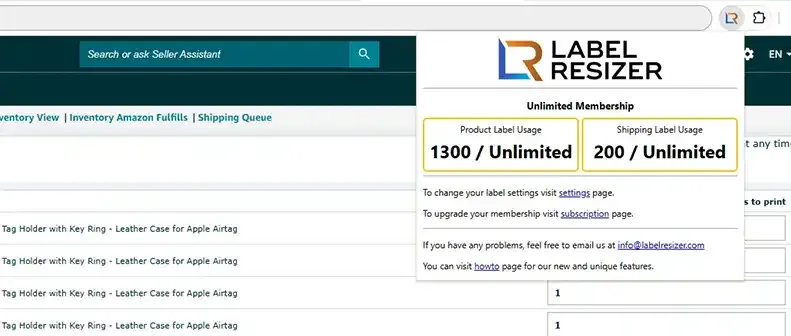
- 1In Amazon Seller Central, navigate to your FBA shipment and go to the box label download step. The Label Resizer extension will appear automatically on the page. Click the Label Resizer button to open the extension panel.
- 2
In the extension panel, configure your box label settings. You can add:
- SKU and Quantity - display the product SKU and quantity on the label
- Custom Text - add any free-form text to the label
- Separator - add a visual separator between label sections
Adjust the label size and other settings as needed, then click the Get Box Labels button to download your customized labels as a PDF.
- 3
Your customized box labels will be downloaded as a PDF file and opened in a new browser tab, ready to print.