Step by Step Guide
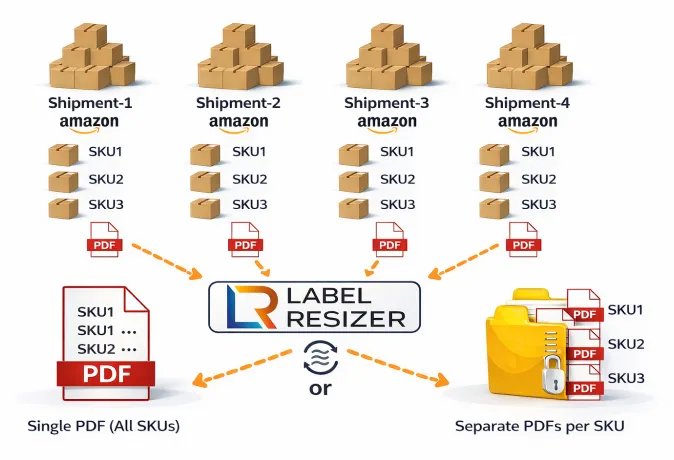
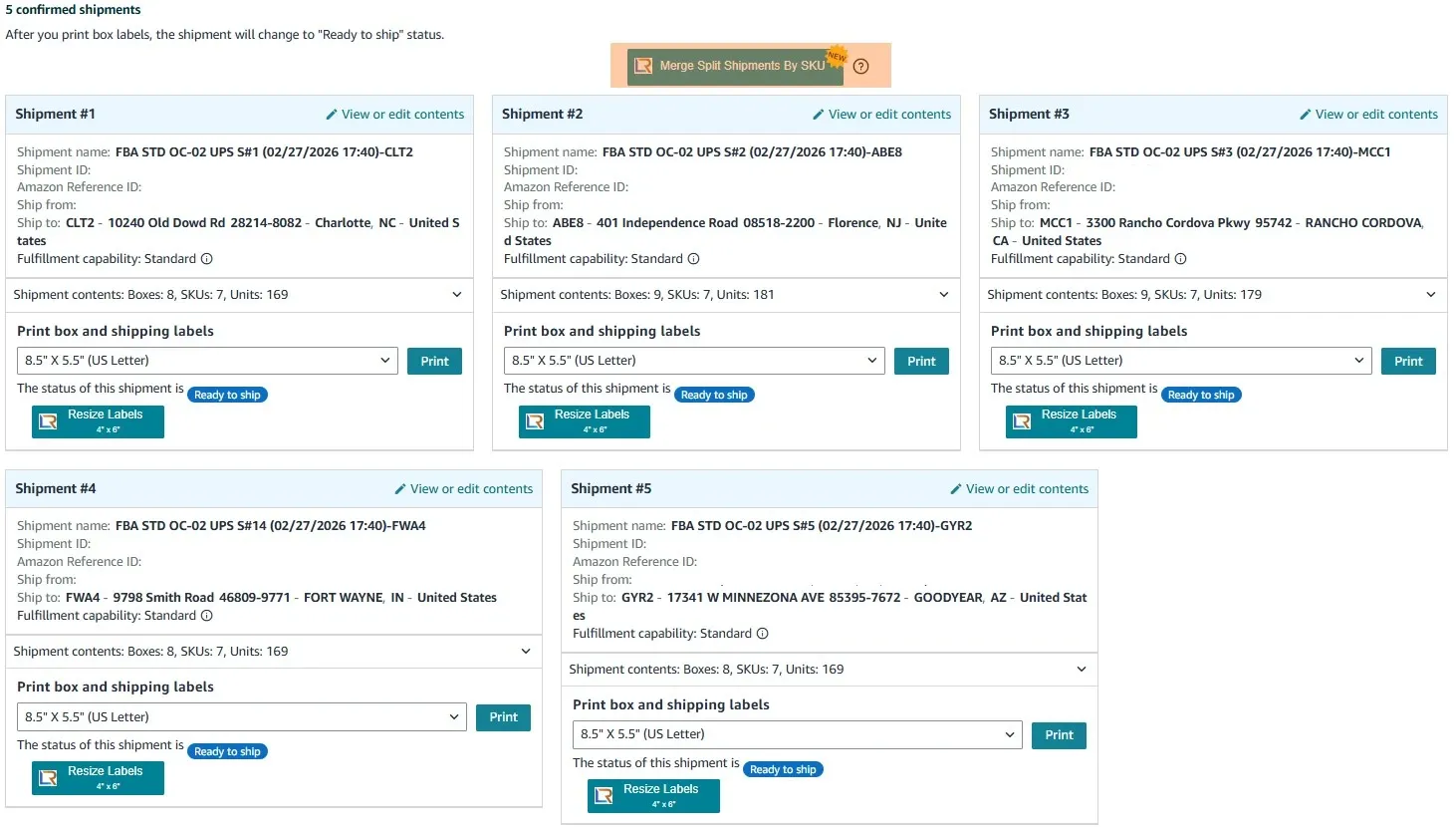
- 1In Amazon Seller Central, navigate to the Send to Amazon workflow and reach the box label download step. The Label Resizer extension will appear on the page automatically. Click the SKU-Based Merge button in the extension panel.
- 2
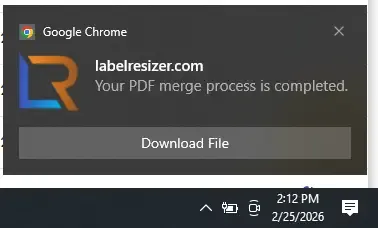
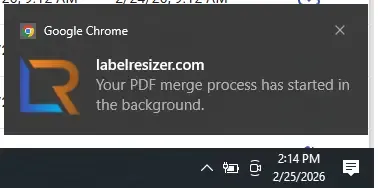
Once processing starts, Label Resizer begins merging your files automatically.
- If total boxes are less than 1,000, processing starts immediately and the file is automatically downloaded when complete.
- If total boxes are more than 1,000, it runs as a background job. You can check the job status from the extension panel.
- 3
When the job is complete, click the download button to get your merged labels. Jobs remain available for 48 hours.
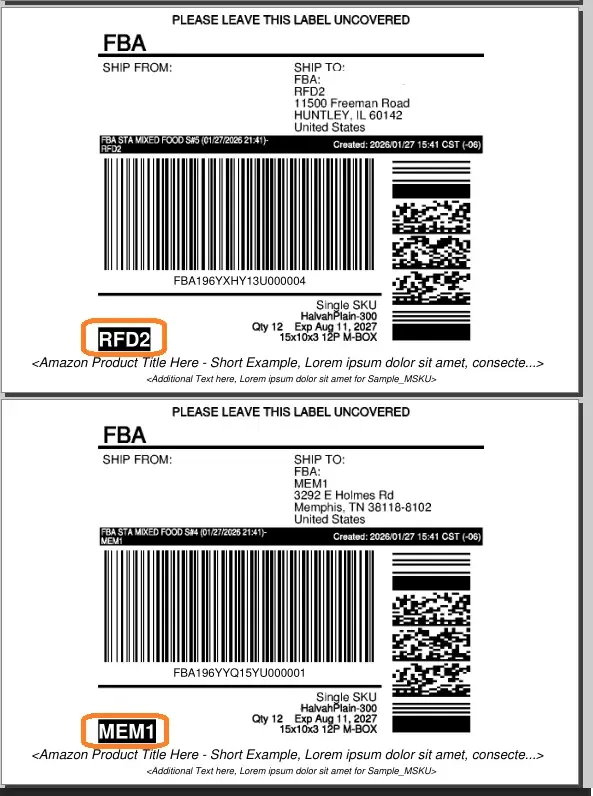
Important: During the SKU-Based Merge process for LTL shipments, Label Resizer clearly prints the Fulfillment Center Code on each label to prevent mixing boxes assigned to different fulfillment centers.