
Generate Product Labels Via Spreadsheet

Label Resizer allows you to generate your product labels entirely based on your own spreadsheets. By including the essential fields required for a standard product label along with Label Resizer's additional data fields, your uploaded spreadsheet is used to automatically generate complete and customized product labels. This feature is particularly useful for users who prefer spreadsheets over PDFs, ZIP files, or the extension. Labels are generated according to Amazon's standard product label layout.

Please note that the accuracy and marketplace compliance of the information you provide is solely your responsibility. Label Resizer simply prepares the labels using the data you submit.

You can also enhance your product labels by adding extra information like free text, item number, separators, product titles, and MSKUs.

Each generated label deducts one product label from your usage limit.


Step by Step Guide

  1. 1
    After logging into Label Resizer, click on Product from the leftmost menu, then select Generate Via Spreadsheet from the sub-menu.
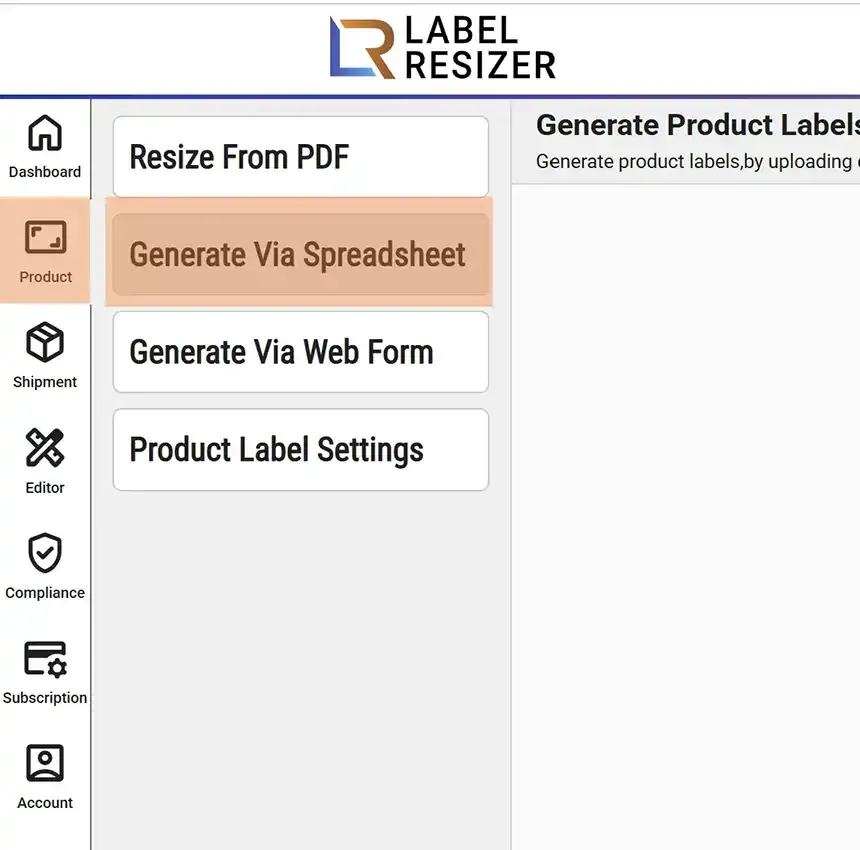
    Generate Via Spreadsheet menu
  2. 2

    Select the size or design you want to use from the dropdown menu. Then download the spreadsheet template for product labels.
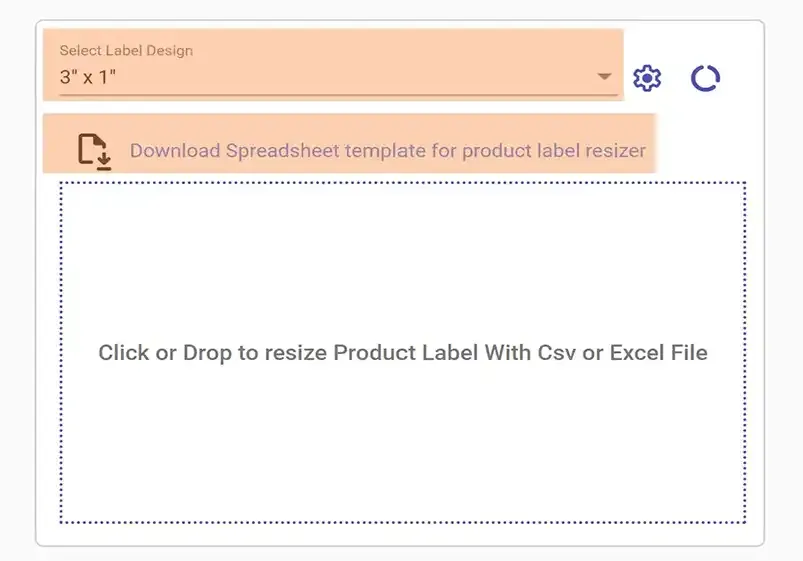
    Download template
  3. 3

    Enter the details of your products in the spreadsheet template. You can add Header, Footer, and Side texts in your spreadsheet file. Save the spreadsheet file on your computer.

    Fill spreadsheet template
  4. 4
    To generate product labels, click the dotted area to select your spreadsheet or drag and drop it onto the same area. Label Resizer converts the product labels in line with your product label settings.
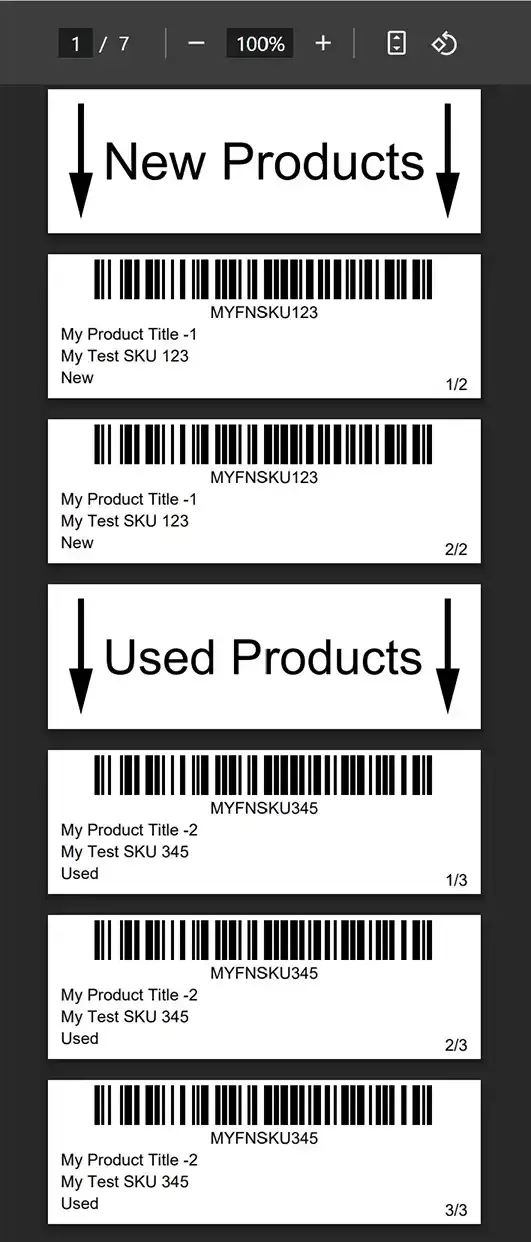
    Upload spreadsheet