Step by Step Guide
- 1Install the Label Resizer Chrome or Firefox extension.
- 2
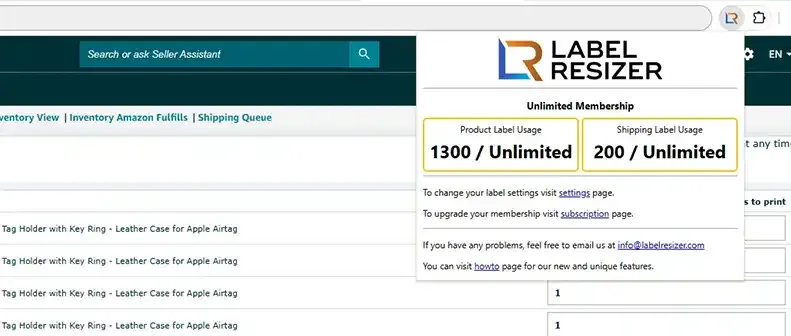
The extension icon is automatically highlighted as soon as Amazon Seller Central is active in your browser.
- 3Click Resize Label from any of the supported Seller Central pages:
FBA Inventory - Individual Products
Go to FBA Inventory, select products, click Print item labels from the action menu. On the Print Labels page click Resize Labels.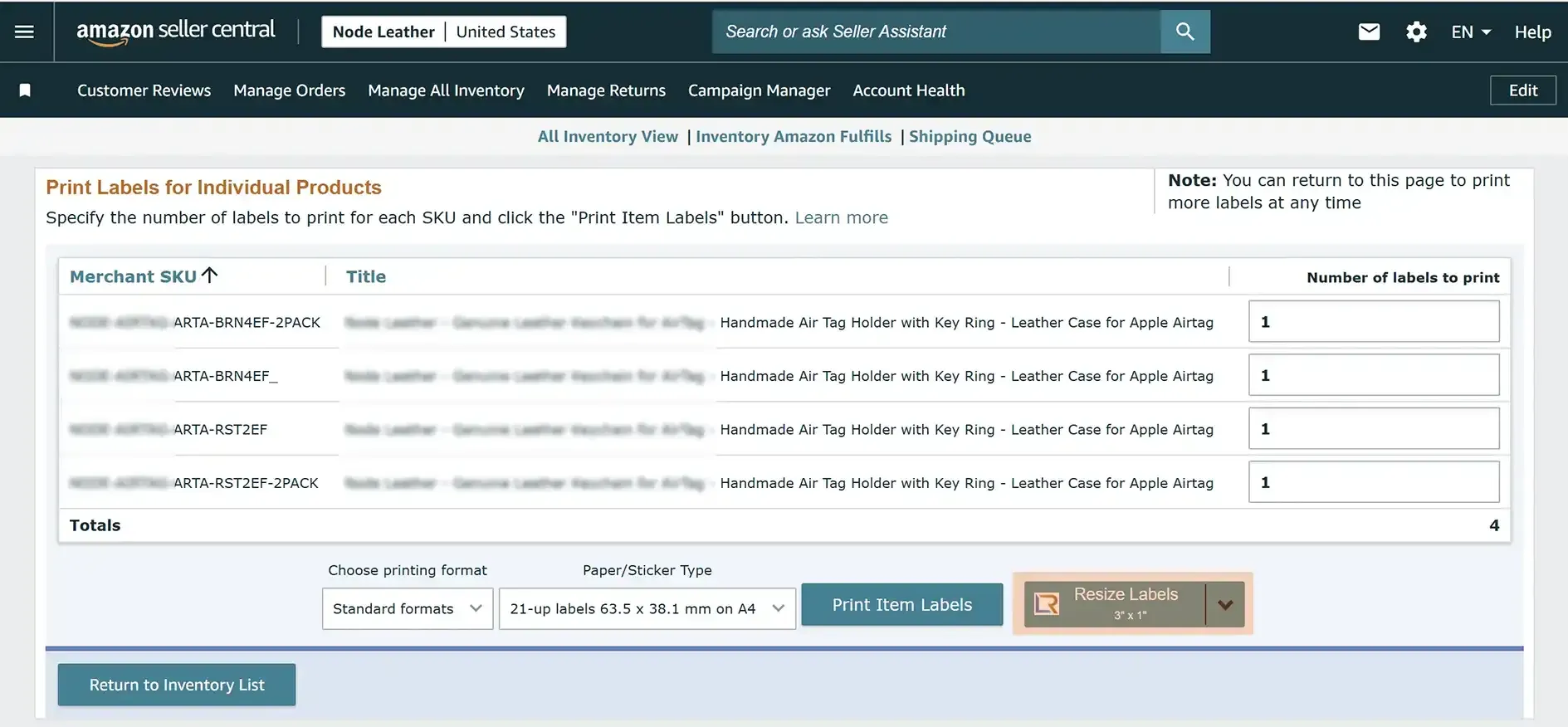
Send to Amazon - Choose Inventory to Send
Start a new shipment, select products and quantities. After clicking Ready to pack, click Resize Labels.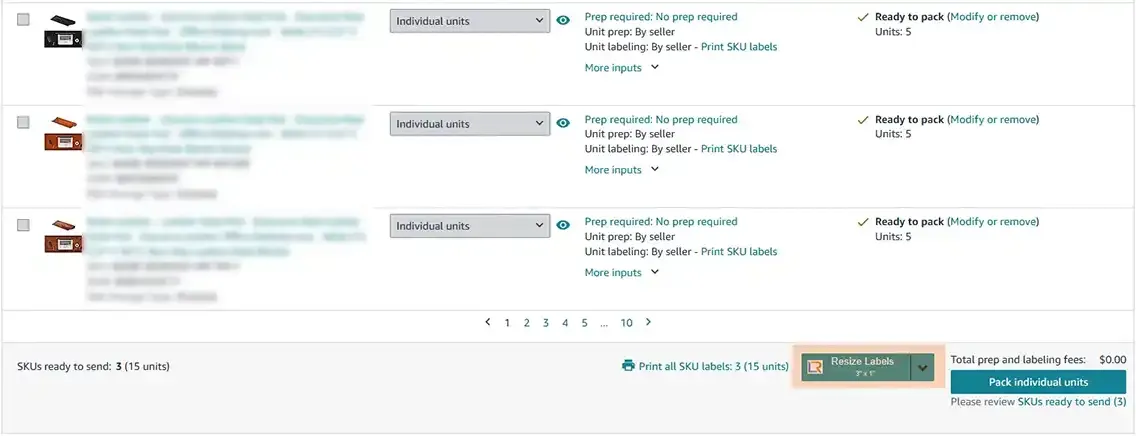
Send to Amazon - Pack Individual Units
After confirming packing contents, click View contents. In the popup click Resize Labels for the whole package or per product.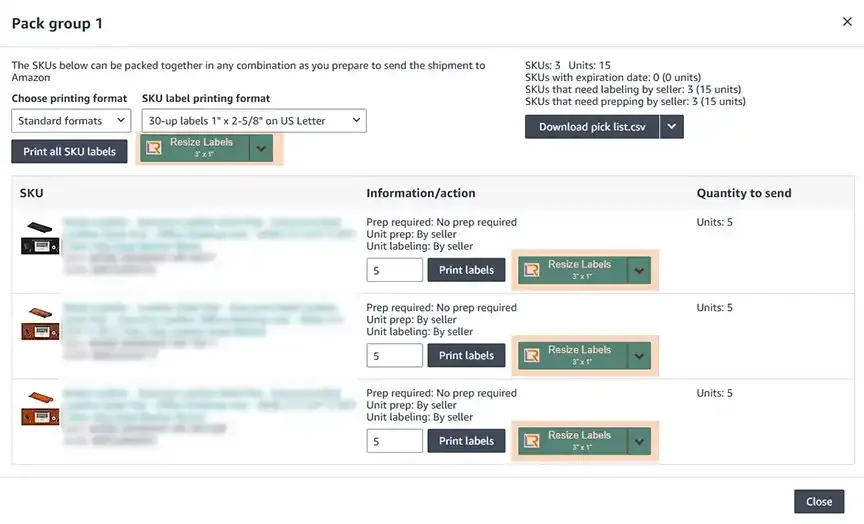
Send to Amazon - Confirm Shipping
Click View or edit contents for a shipment. In the popup click Resize Labels for the whole shipment or per product.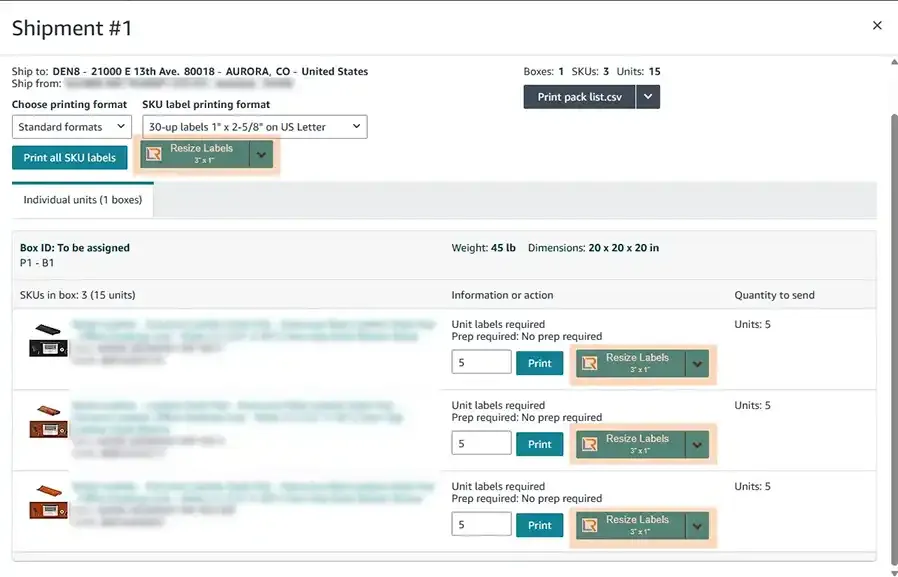
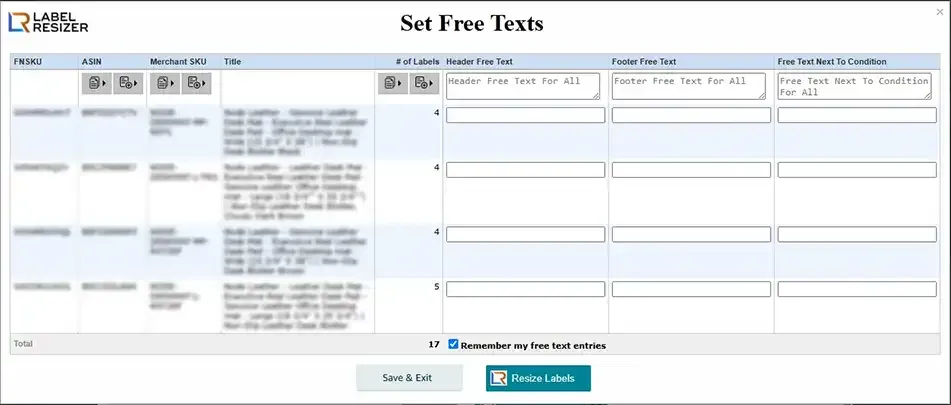
- 4If Free Text is enabled in your settings, a popup will appear prompting you to enter custom text before each resize. See Free Text guide for details.