
Step by Step Guide
- 1Install the Label Resizer extension for Chrome or Firefox and log in with your Label Resizer account. Then navigate to your FBA shipment in Amazon Seller Central.
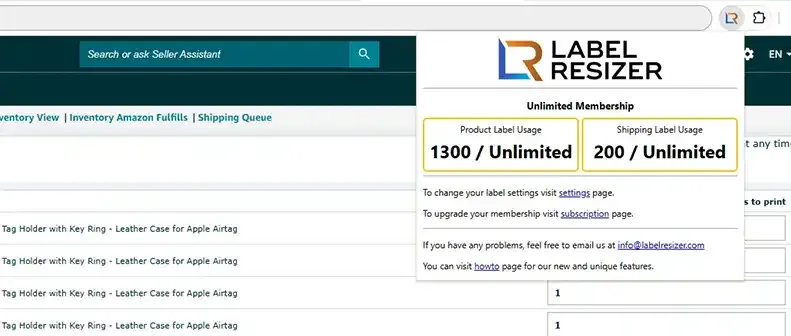
- 2On the shipping label step in Seller Central, the Label Resizer panel will appear automatically. Click the Get Shipping Labels button in the extension panel.
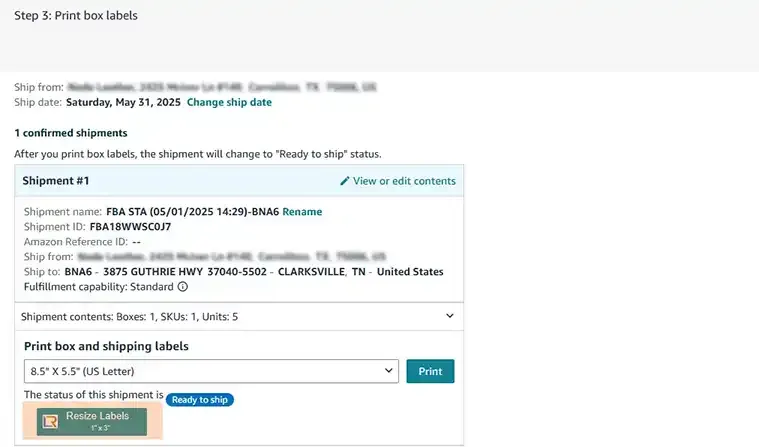
- 3Configure your label size settings in the extension panel. You can use preset sizes or enter custom dimensions. Click Generate to download your resized shipping labels as a PDF.
- 4
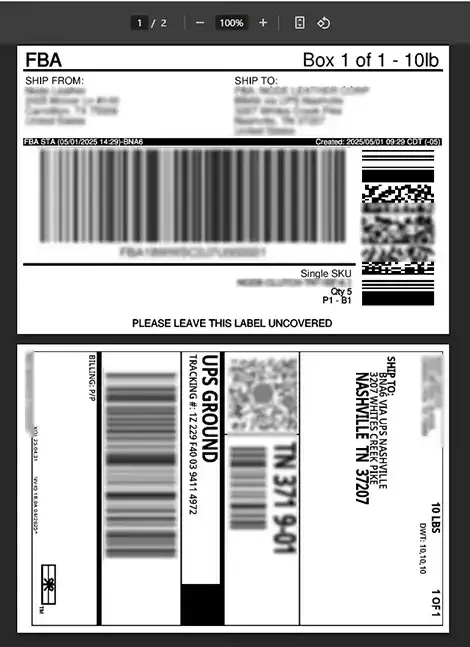
Your resized shipping labels will be downloaded as a PDF file and opened in a new browser tab, ready to print on your thermal printer or any label stock.