
Step by Step Guide
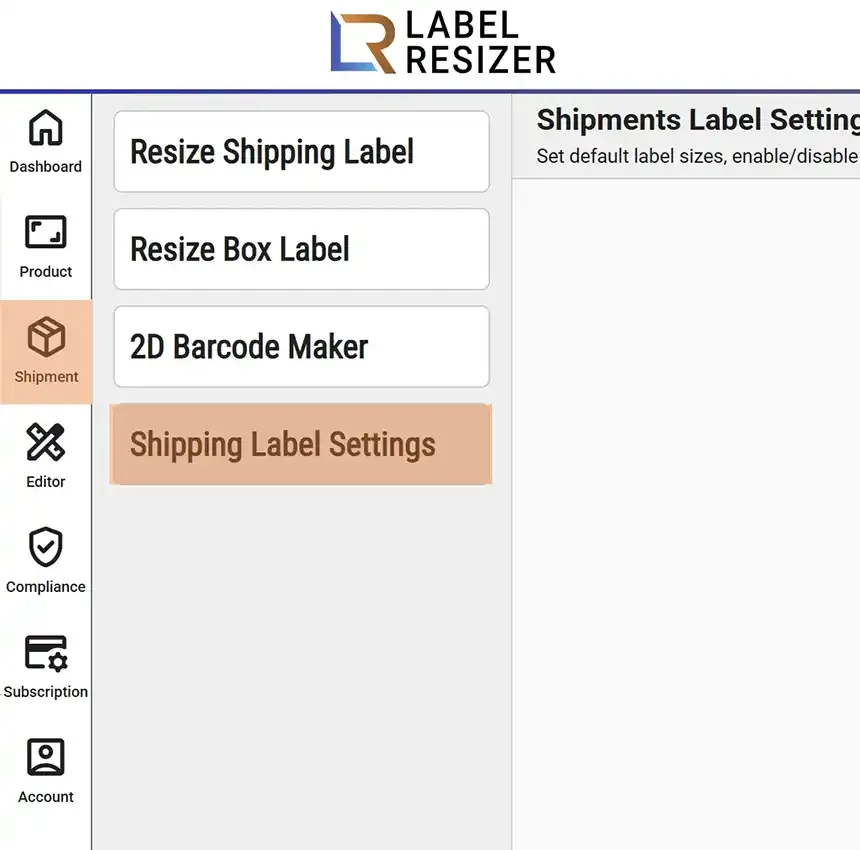
- 1After logging into Label Resizer, click on Shipping from the leftmost menu then select Shipping Label Settings from the sub-menu to adjust the size of your shipping labels.
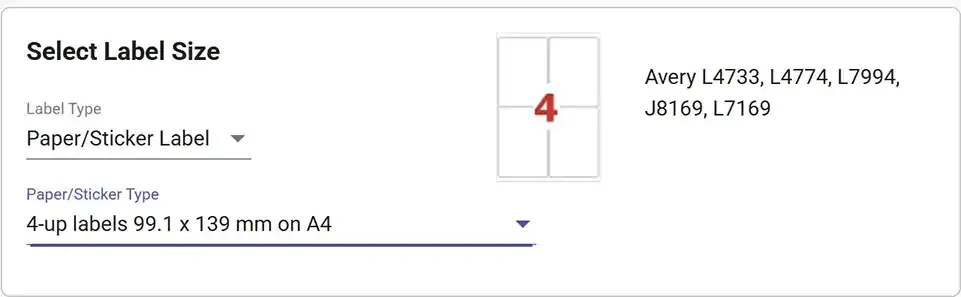
- 2In the Set Label Size section, you can adjust the dimensions and type of your shipping label. For more detailed information, please visit the Label Size Settings.
- 3In the Additional Information on the Box Label section, you can enable or disable box label features. In the Additional Information on the Shipping Label section, you can enable or disable shipping label features. Each feature is explained in detail on its own how-to page.
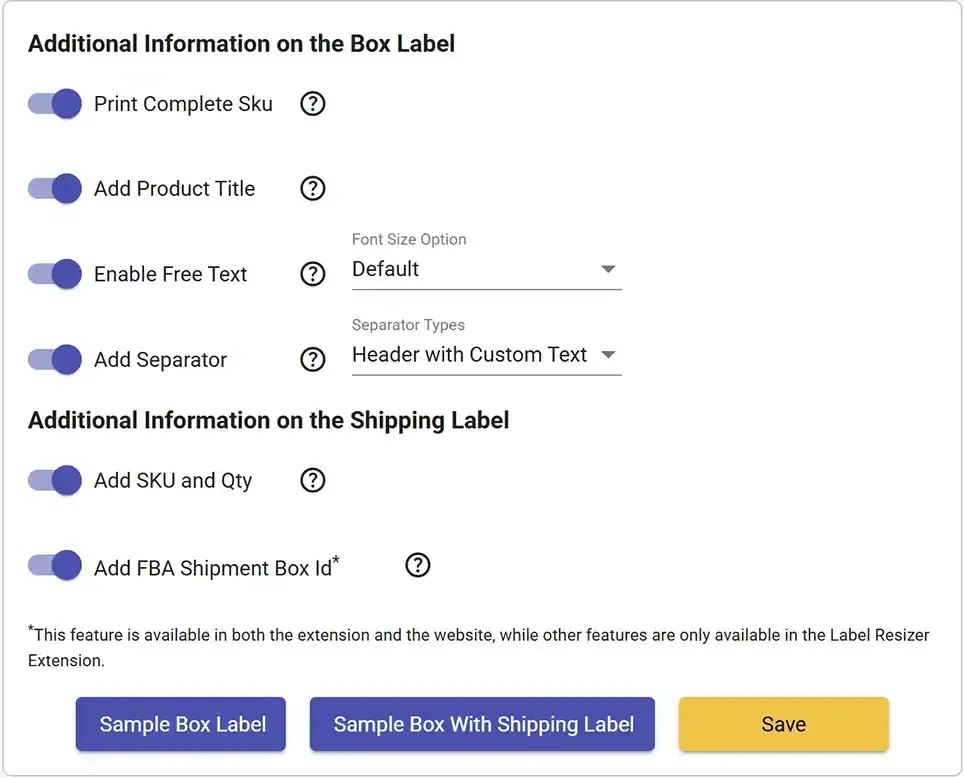
- 4Don't forget to click the Save button to apply your new settings.