
Product Label Settings

On the Product Label Settings page, you can customize the size and features of product labels generated with Label Resizer.

Product Label Settings are divided into two sections:

Label Resizer allows you to resize or generate labels both through the extension directly on label provider websites (such as Amazon, Walmart, etc.) and on the Label Resizer website using PDFs obtained from these platforms. In this context, the Print Complete Title feature works only within the extension, while other features are available on both the extension and the website.

Using the Sample Label feature, you can preview how the label will appear based on the adjustments you make on this page.

Step by Step Guide

  1. 1
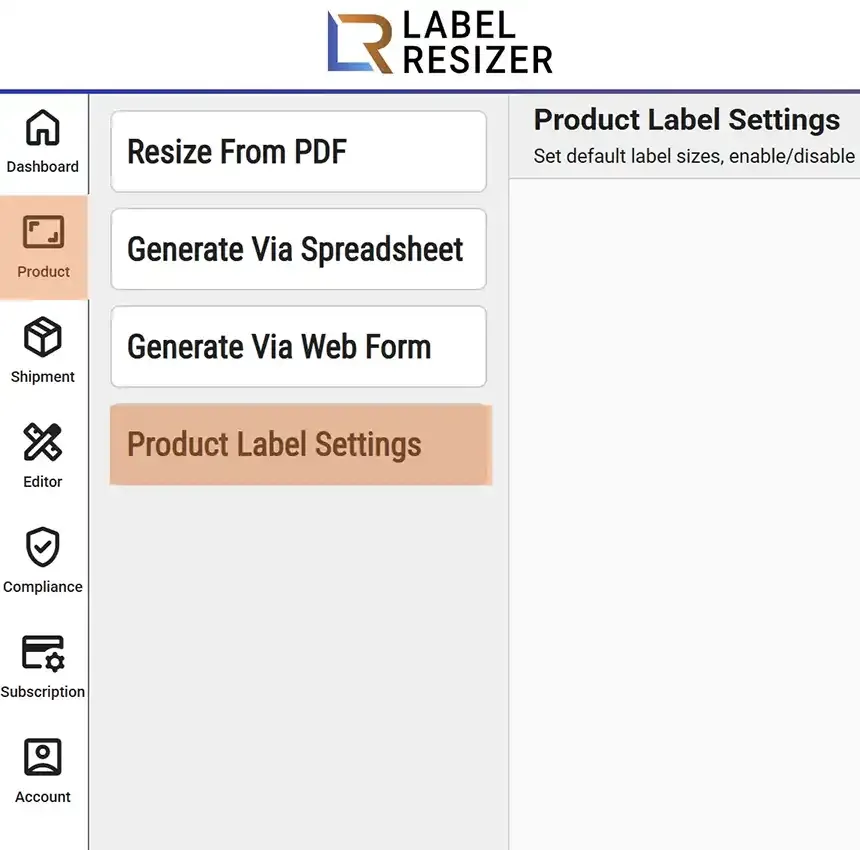
    After logging into Label Resizer, click on Product from the leftmost menu then select Product Label Settings from the sub-menu to adjust the size of your product labels.
    Product menu
  2. 2
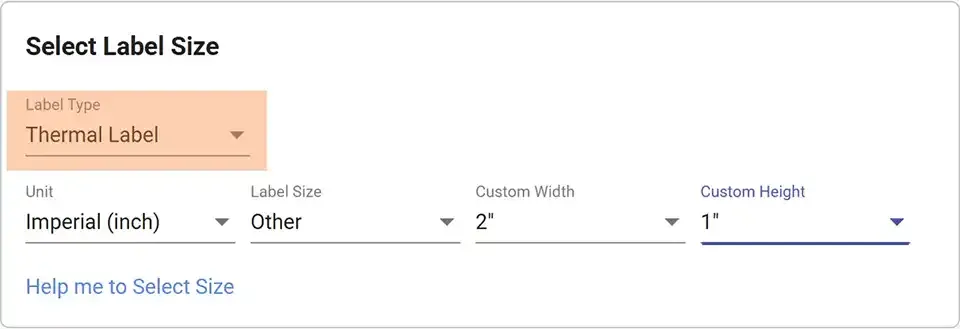
    In the Set Label Size section, you can adjust the dimensions and type of your product label. For more detailed information, please visit the Label Size Settings.
    Label size selection
  3. 3
    In the Additional Information section, you can enable or disable product label features. Each feature is explained in detail on its own how-to page.
    Additional information section
  4. 4
    Don't forget to click the Save button to apply your new settings.