
Resize and Customize Box Labels from Marketplace PDFs

Label Resizer takes your box label PDFs downloaded from Amazon and regenerates them by resizing and enriching them with additional information you may need.

Simply upload your box label PDF files from Amazon to Label Resizer, and the system will automatically generate resized and customized box labels based on your predefined settings.

You can also enhance your box labels by adding extra information like product title, free text, and separator. Each generated box label deducts one shipping label from your usage limit.


Step by Step Guide

  1. 1
    After logging into Label Resizer, click on Shipping from the leftmost menu, then select Resize Box Label from the sub-menu.
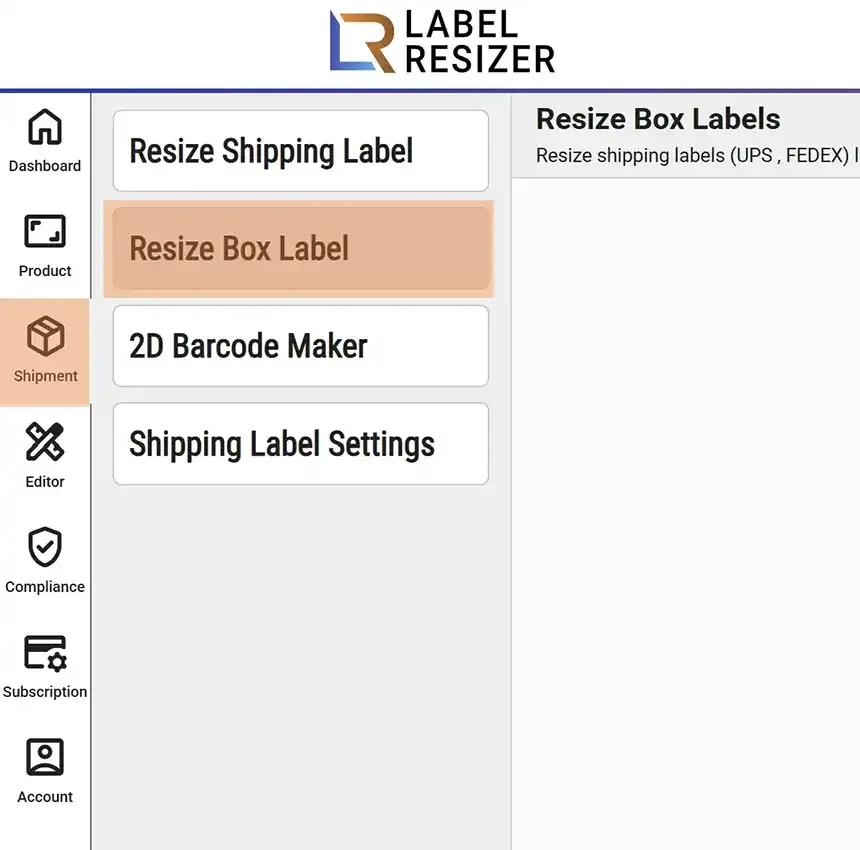
    Resize Box Label menu
  2. 2

    Click on the dotted border area, select a PDF or ZIP file, or drag and drop the required files into the same area. Use the settings icon to change the label size and the usage icon to view your label generation history.
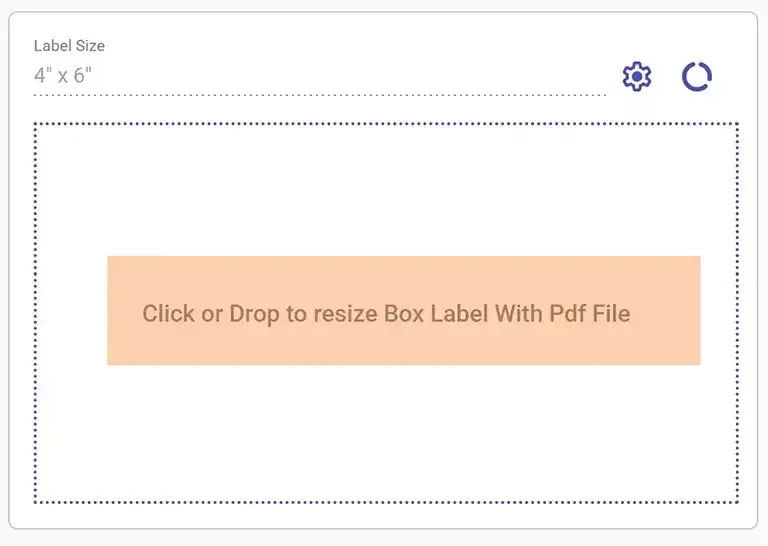
    Upload box label PDF
  3. 3

    As soon as you select or drag the file, Label Resizer converts the box labels to your selected thermal printer label size.

  4. 4

    Generated box labels are automatically downloaded and opened in the browser. You can print directly from the browser or open the downloaded file and print it.
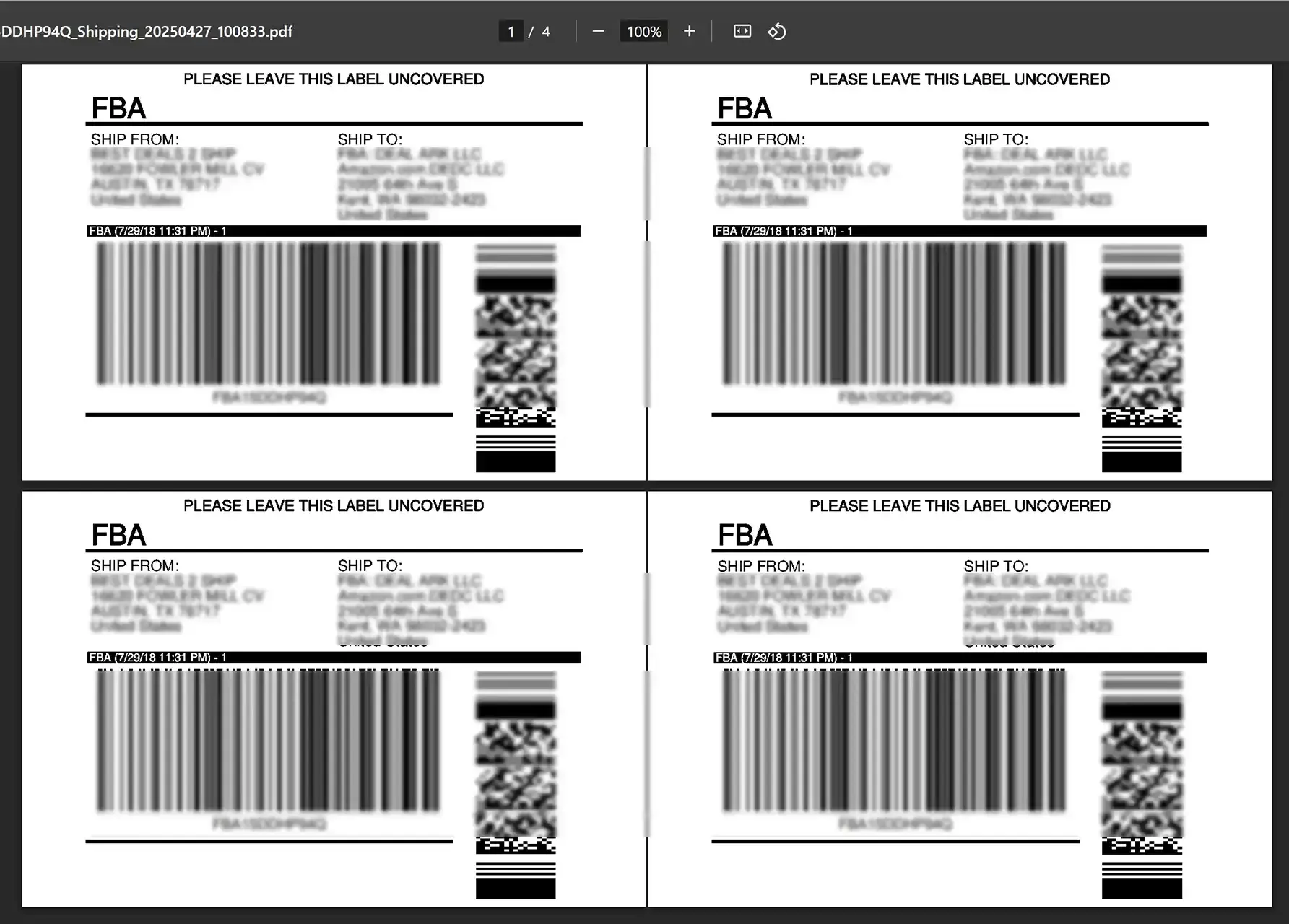
    Resized box labels