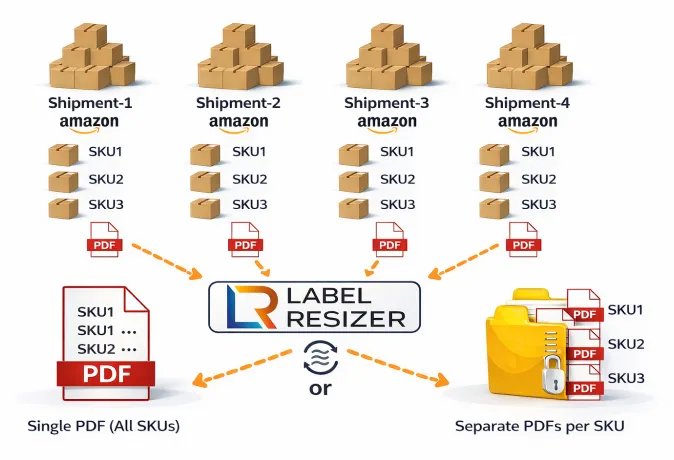
Step by Step Guide
- 1
Download all box label PDF files from Amazon Seller Central for the shipments you want to process.
Important: All box label PDFs must be in the same format. Download them in either "Thermal printing – 4 x 6 inches" or "One label per A4 paper" format. The 3-1/3" × 4" (US Letter) format is not supported.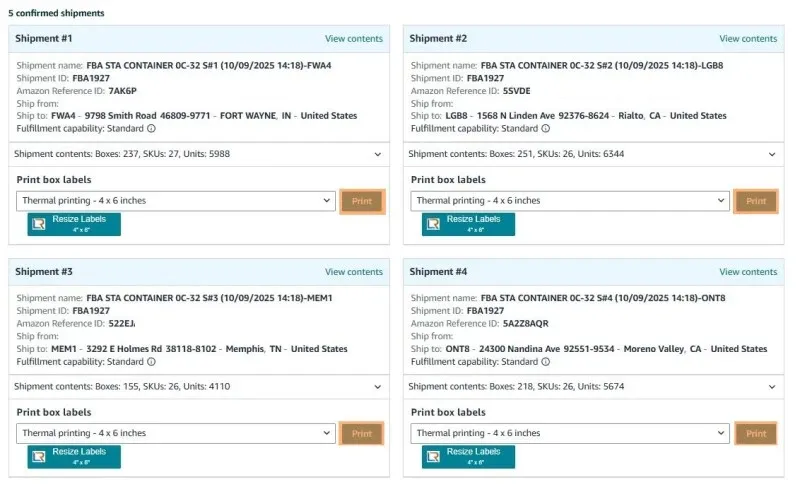
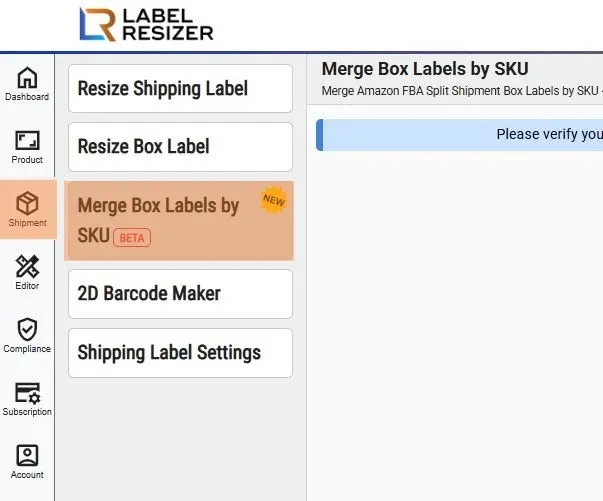
- 2After logging into Label Resizer, click on Shipping from the leftmost menu, then select SKU-Based Box Label Merge from the sub-menu.
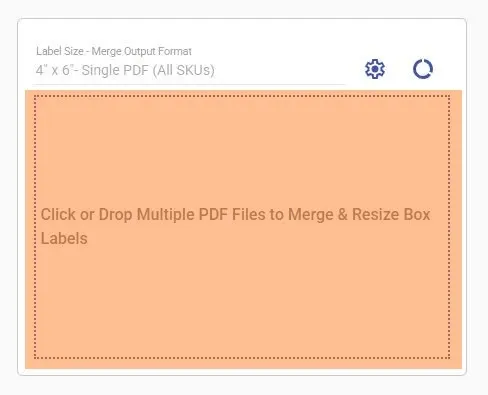
- 3Click on the dotted border area, select a PDF, or drag and drop the required files into the same area. You can upload between 2 and 10 PDF files. Use the settings icon to change the label size and output format, and the usage icon to view your label generation history.
- 4
Once processing starts, Label Resizer begins merging your files automatically.
- If total boxes are less than 1,000, processing starts immediately and the file is automatically downloaded when complete.
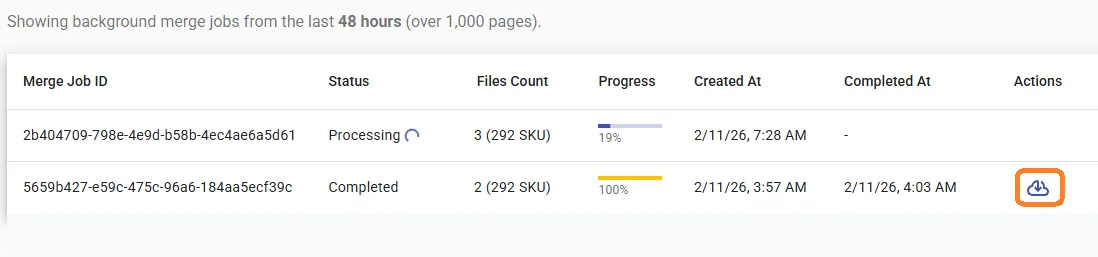
- If total boxes are more than 1,000, it runs as a background job. Return to the SKU-Based Box Label Merge page to download from the job list. Jobs remain available for 48 hours.
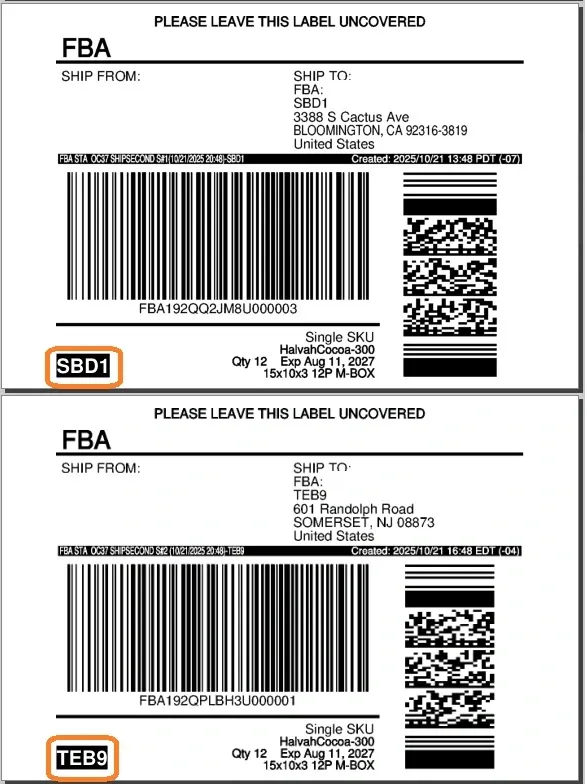
- 5Important: During the SKU-Based Merge process for LTL shipments, Label Resizer clearly prints the Fulfillment Center Code on each label to prevent mixing boxes assigned to different fulfillment centers.