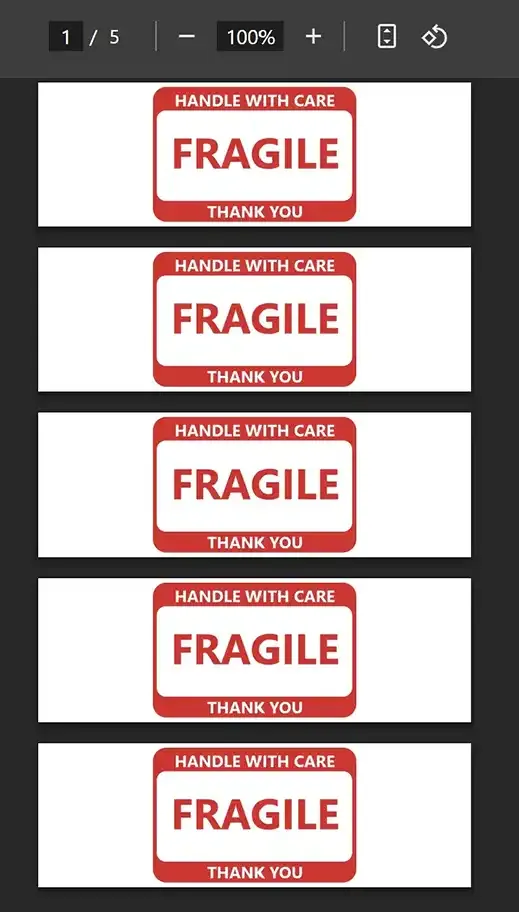
Step by Step Guide
- 1After logging into Label Resizer, click on Tools from the leftmost menu, then select Warning Label Maker from the sub-menu.
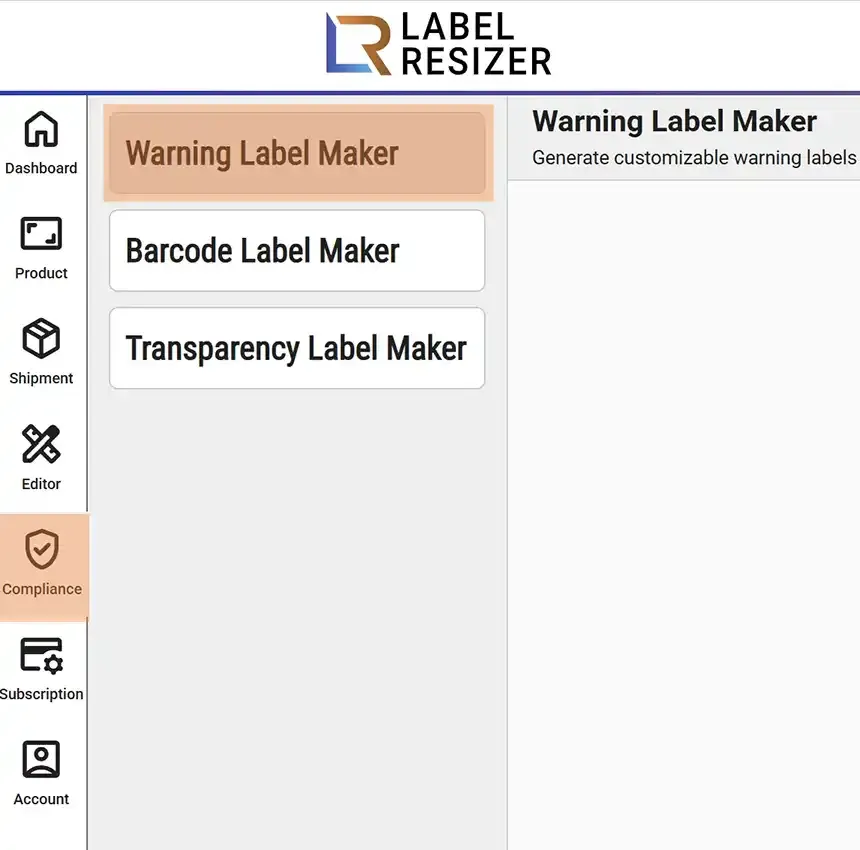
- 2
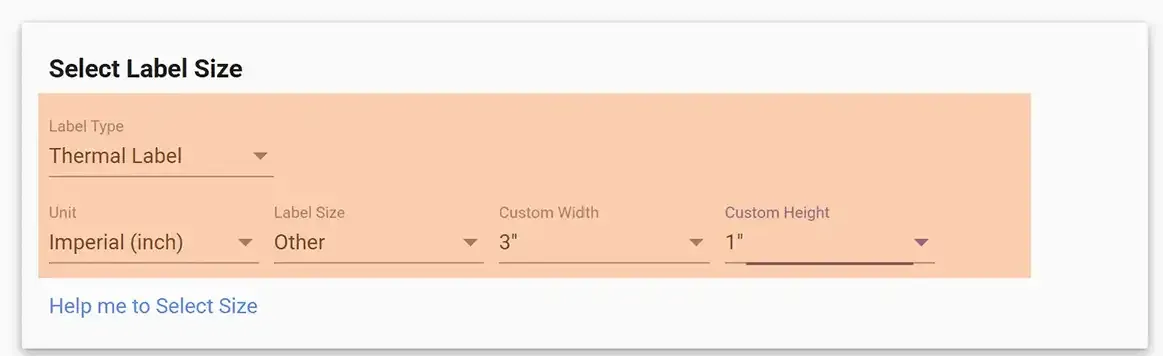
Determine the Label Type, then adjust your settings such as unit and label size details.
- 3Select your warning label category. Each category has multiple warning label designs - choose the one that suits you. Some designs allow you to input additional information. Then click the Make Warning Labels button.
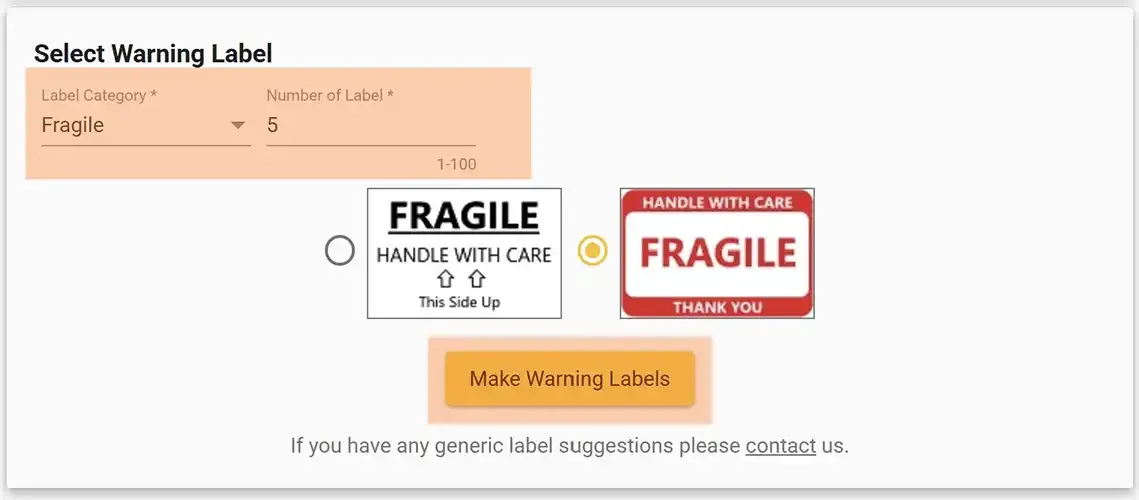
- 4
Your labels will be downloaded as a PDF file and opened in a new browser tab.