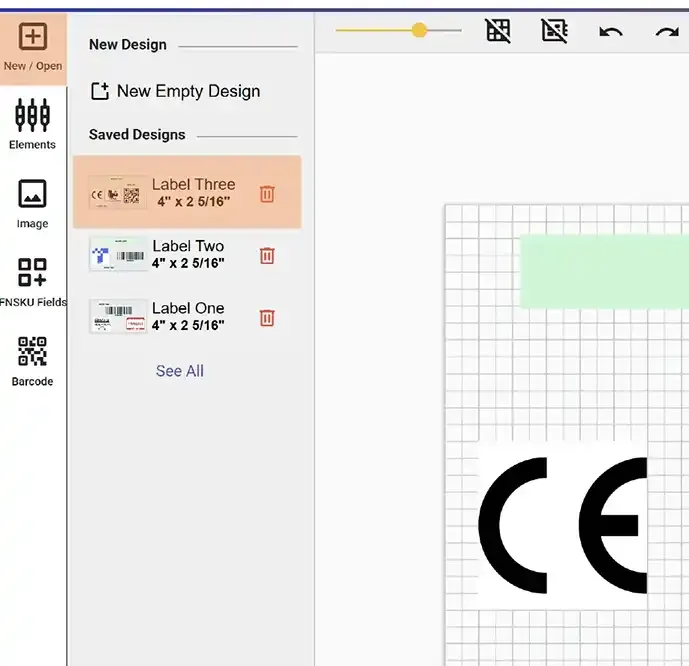
In both the Label Design screen (accessible from the Editor menu) and the New / Open screen (within the Label Editor), you can view all of your previously saved label designs.
To edit an existing design, simply click on it. This will open the design in the editor, allowing you to make changes as needed and re-save it.
To delete a design, click the small red trash bin icon next to the design name. This will permanently remove the selected design from your list.