There are two different ways to start creating a new label design.
The first method is to go to the leftmost menu and select Editor. Then, from the submenu that appears, choose Label Design. This will open a screen where you can see all your previously saved designs. To create a new one, simply click the + button.
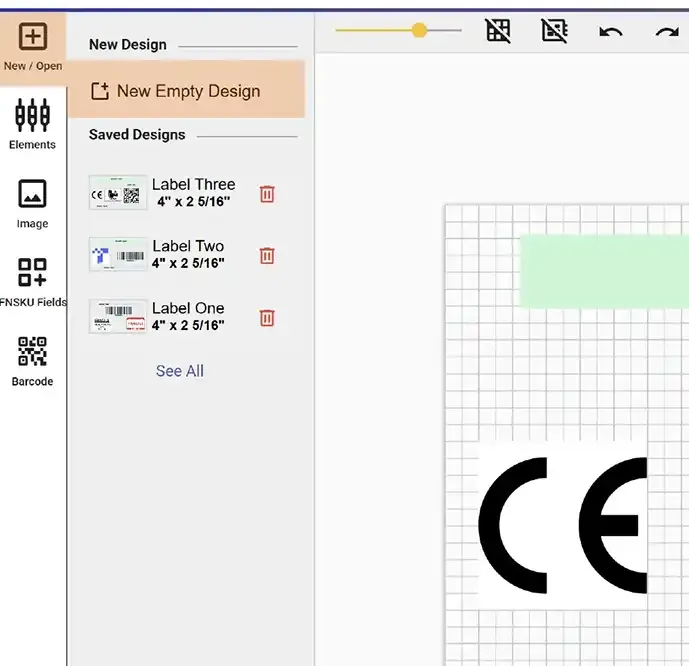
The second method is to access the Label Editor directly. From the leftmost menu, select New / Open. This will also show you your saved designs, but it also provides an option to start from scratch by clicking the New Empty Design button.

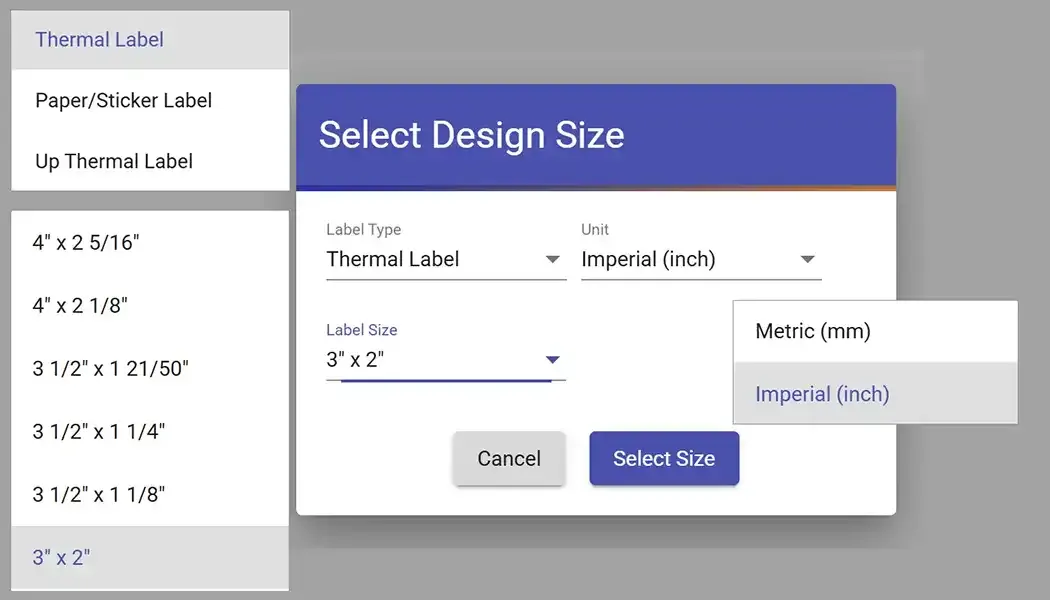
In the popup that appears, you will be guided through a few simple steps. First, choose the label type you want to work with. Next, select the measurement unit (such as millimeters or inches). Finally, define the dimensions of your new label design. Once all selections are made, your blank label design will be created and ready for editing.