Step by Step Guide
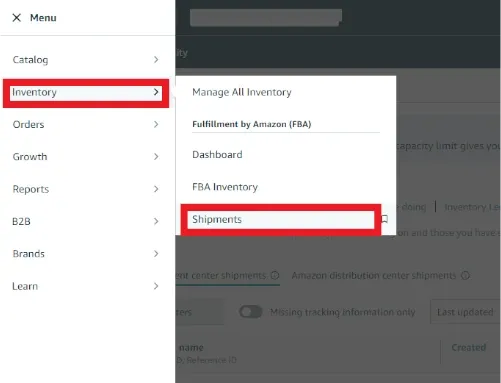
- 1In Amazon Seller Central, navigate to your FBA shipment and go to the box label download step. The Label Resizer extension will appear automatically on the page. Click the Packing Slip button in the extension panel.
- 2
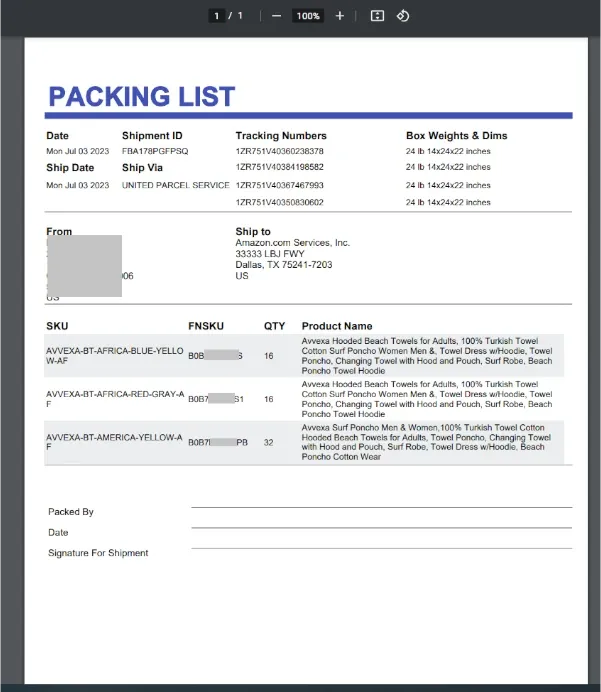
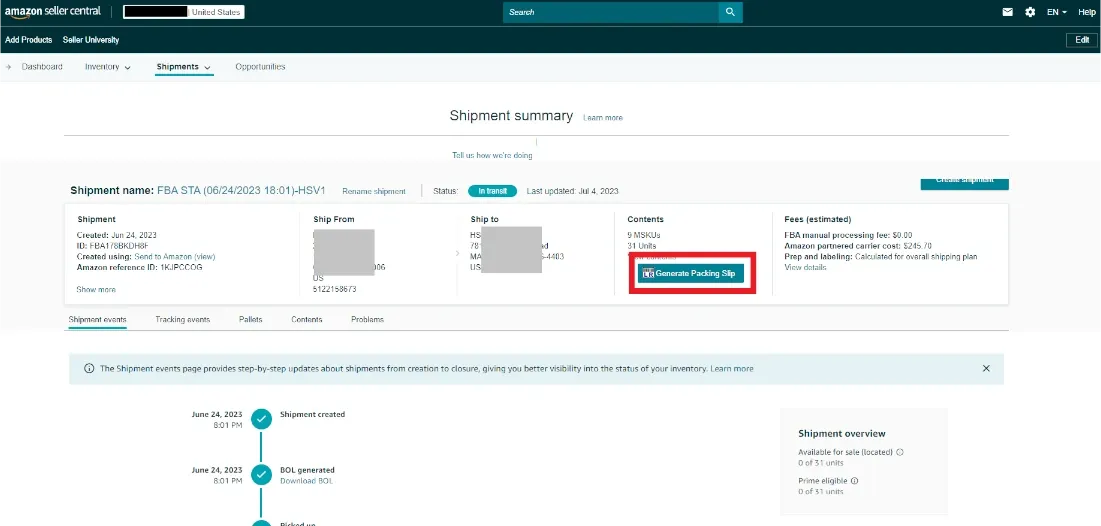
Label Resizer will generate the packing slip with all shipment and box content details automatically fetched from your Amazon shipment.
- 3
Your packing slip will be downloaded as a PDF file and opened in a new browser tab, ready to print.